
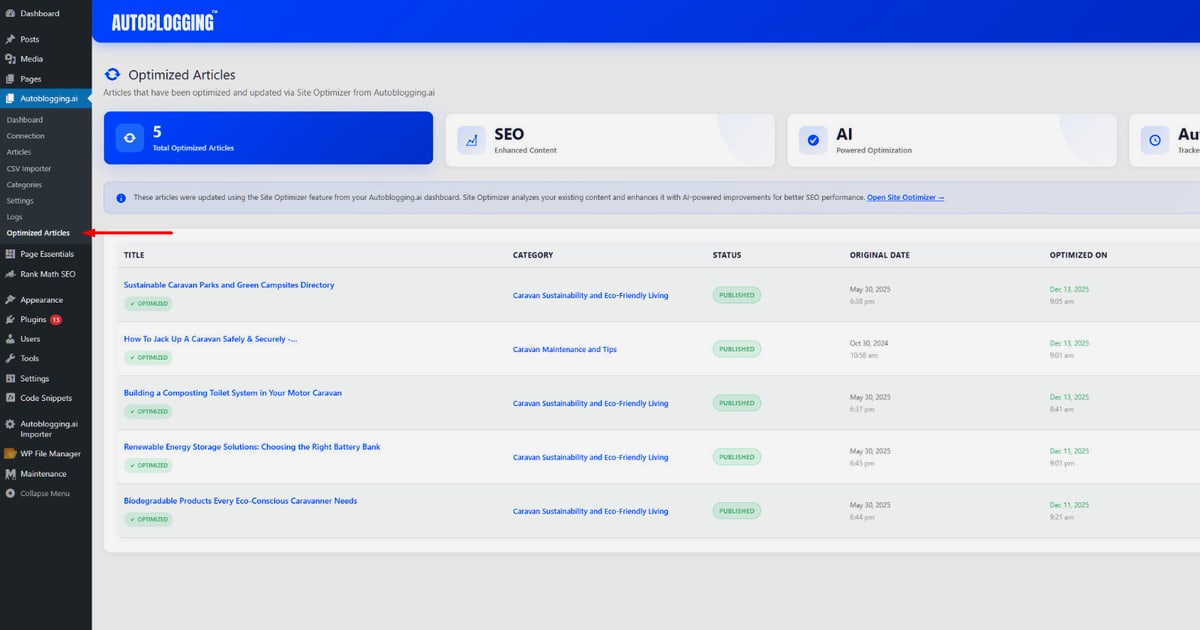
Autoblogging AI Login: Access Your Dashboard in Minutes
If you have just signed up for Autoblogging.ai or are returning to manage your AI-generated content, the login process is straightforward—but there are a few details that trip people up. This guide walks through the official login pages, what to do when your password does not work, how new subscribers should handle account setup, and what you can do once you are inside the dashboard.
Where to Log In to Autoblogging AI
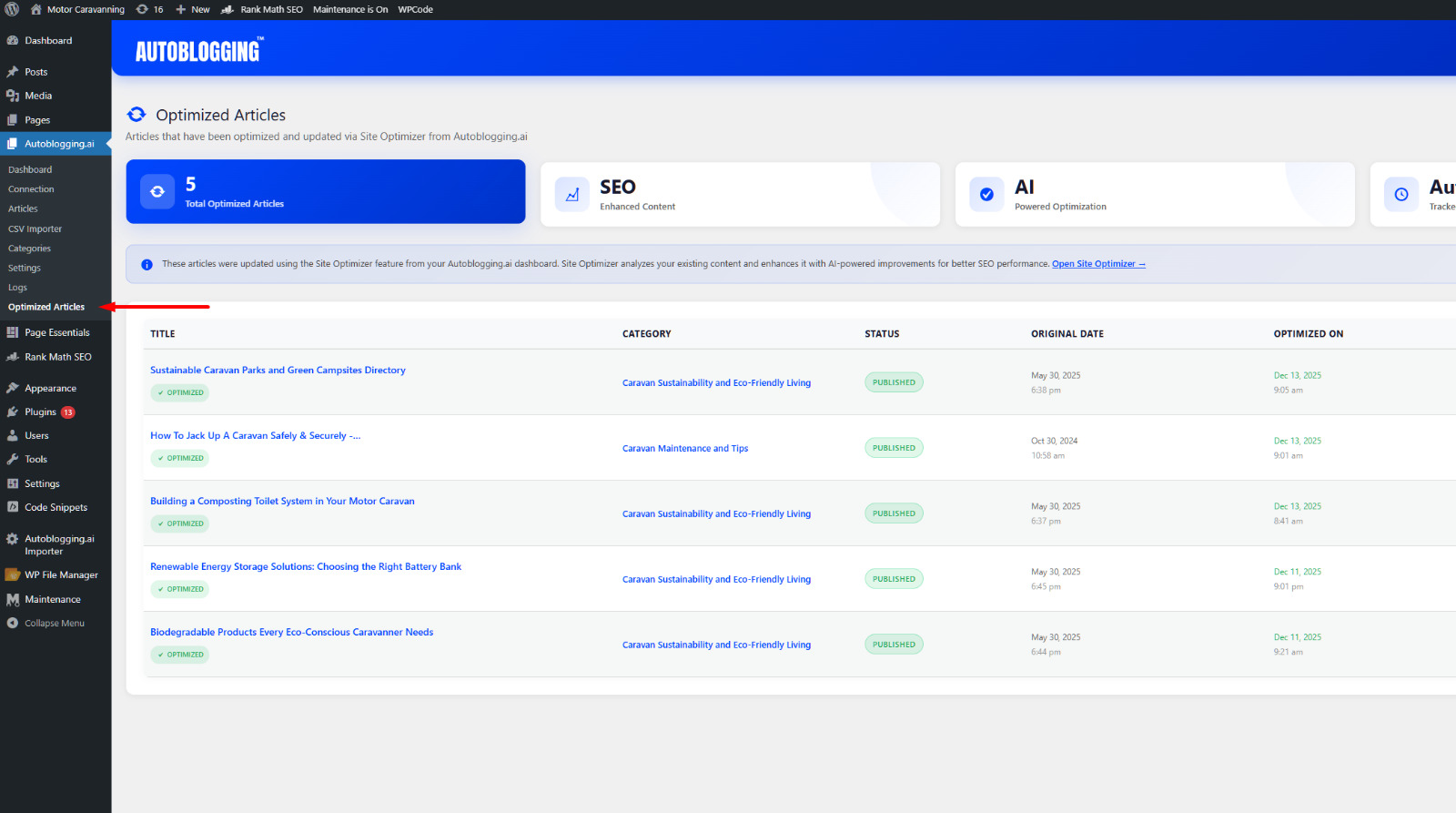
Autoblogging AI Login: Access Your Dashboard in Minutes - Where to Log In to Autoblogging AI.
Autoblogging.ai uses two separate web addresses for account access, and knowing which one to use saves time.
The Main Dashboard Login
The primary login page is located at dash.autoblogging.ai. This is where most subscribers enter their email and password to reach the content generation dashboard. The page includes fields for email and password, a sign-up link, and a forgot-password option.
The App Sign-In Page
There is also a secondary sign-in page at app.autoblogging.ai/signin.php. Some users report being redirected here depending on how they originally created their account or which plan they selected. If one page does not recognize your credentials, try the other before contacting support.
How to Reach the Login Page from the Homepage
From the main Autoblogging.ai website, click the Login button in the top navigation bar. This takes you directly to the dashboard login. The homepage also has a Try Now button for new users who want to start a free account.
Step-by-Step: Signing In to Autoblogging AI
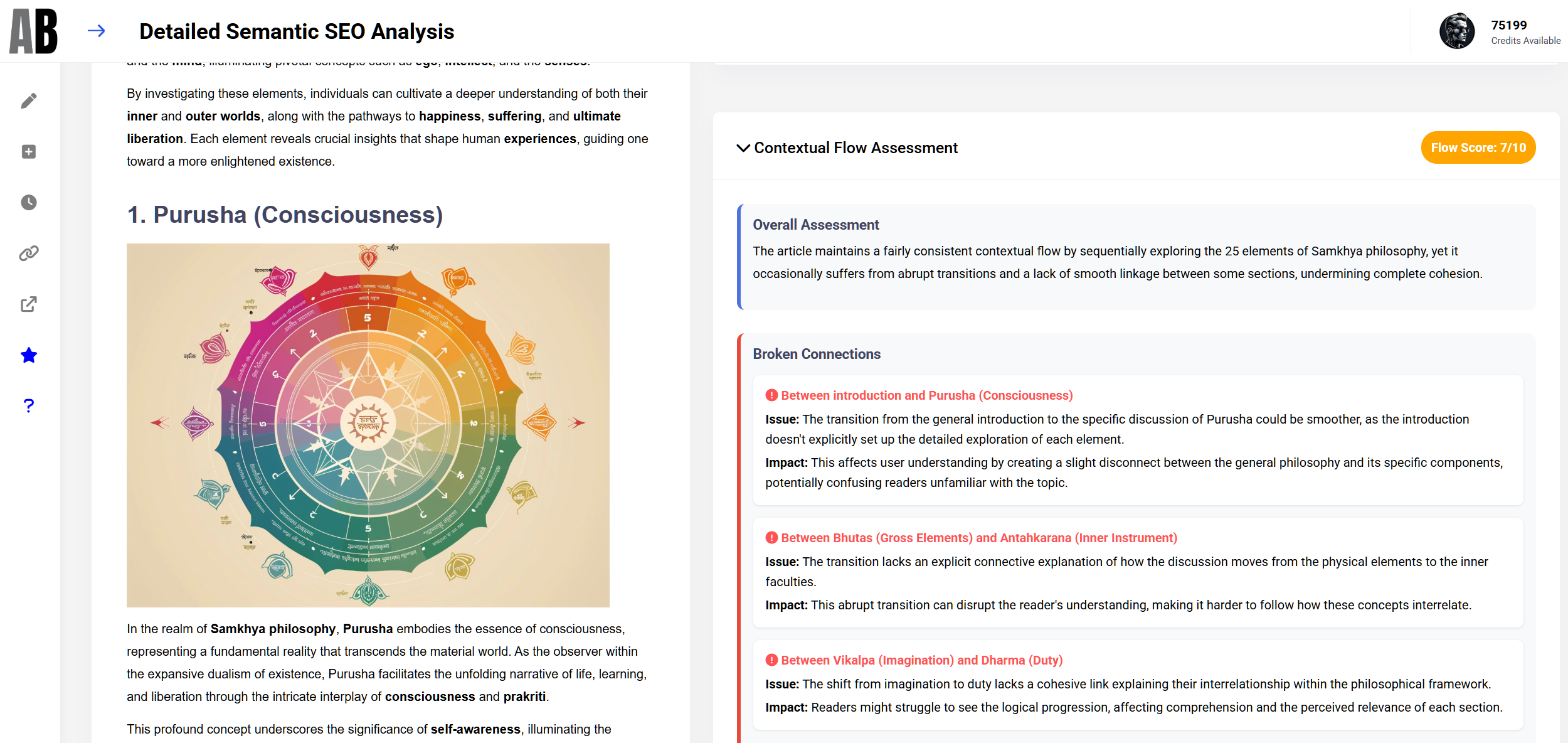
Autoblogging AI Login: Access Your Dashboard in Minutes - Step-by-Step: Signing In to Autoblogging AI.
Follow these steps to access your account:
- Open the login page. Go to
dash.autoblogging.aiin your browser. - Enter your email address. Use the same email you used when you subscribed.
- Enter your password. Passwords are case-sensitive.
- Click the sign-in button. You will be redirected to your dashboard.
- Bookmark the page. Save the dashboard URL so you can return quickly for future sessions.
Common Autoblogging AI Login Issues and Fixes
Login problems are usually easy to resolve. Here are the most frequent ones and how to handle them.
"Just Subscribed but Can't Log In"
Autoblogging.ai displays a specific note on the login page: "Just Subscribed? You'll need to sign up on this dashboard again." This means purchasing a plan does not automatically create your dashboard credentials. After subscribing, you must complete a separate sign-up on the dashboard itself using the same email address. This is the most common source of confusion for new users.
Forgot Password
If you cannot remember your password, click the Forgot Password link on the login page. Enter your email address, and the system will send a reset link. Check your spam or promotions folder if the email does not arrive within a few minutes.
Incorrect Email or Password
Double-check for typos, extra spaces, or an old email address. If you have multiple email accounts, make sure you are using the one tied to your subscription. Password managers can sometimes autofill outdated credentials—try typing manually if autofill fails.
Browser or Cache Problems
If the login page loads incorrectly or the sign-in button does nothing, clear your browser cache and cookies, then try again. Switching to a different browser or using an incognito window can also resolve session conflicts.
Account Not Recognized on One Page
Because Autoblogging.ai operates both dash.autoblogging.ai and app.autoblogging.ai, some users find their credentials work on one but not the other. Try both URLs before assuming your account is broken.
What You Can Do After Logging In
Autoblogging AI Login: Access Your Dashboard in Minutes - What You Can Do After Logging In.
Once inside the dashboard, you have access to the full Autoblogging.ai toolkit. Here is what you can expect.
Generate Articles in Multiple Modes
The dashboard gives you access to several generation modes, including Quick Mode for fast drafts, Godlike Mode for SERP-informed articles, Bulk Generation for up to 500 articles at once via CSV, and Amazon Reviews Mode for affiliate content. Each mode consumes credits differently, so check your plan's credit balance before generating.
Manage Billing and Plan Settings
From the dashboard, you can view your current plan, upgrade or downgrade, purchase additional credits, and manage payment methods. Unused credits roll over each month as long as your subscription remains active.
Connect WordPress and Other Platforms
Autoblogging.ai integrates with WordPress, Shopify, Wix, Webflow, Blogger, Ghost, and more. You can connect unlimited sites depending on your plan tier and publish articles with one click or schedule auto-posting.
Track AI Visibility
Newer dashboard features include AI Visibility Tracking, which shows where your content appears in Google's AI Overviews, along with competitor research and GEO optimization tools. These are useful if your goal is to get cited by AI answer engines.
Autoblogging AI Login vs. Other AI Content Platforms
If you are evaluating Autoblogging.ai alongside other tools, the login and dashboard experience is one factor to consider. Here is a quick comparison of what to expect.
| Platform | Login Approach | Dashboard Focus |
|---|---|---|
| Autoblogging.ai | Separate dashboard sign-up required after subscribing | Article generation, SEO optimization, publishing, AI visibility tracking |
| AgentBooks | Single account from sign-up; hosted content site included | Autonomous content planning, brand research, approval-first or autopilot publishing |
| Machined | Standard email/password login | AI content clusters, publishing tools, account settings |
Autoblogging.ai's two-step setup (subscribe, then sign up on the dashboard) is unusual and worth remembering. Platforms like AgentBooks streamline onboarding by creating your workspace and hosted content site as part of the initial sign-up, which can reduce friction if you want to start publishing immediately.
Tips for a Smooth Login Experience
- Use a password manager. Store your Autoblogging.ai credentials securely and avoid the reset loop.
- Keep your subscription email consistent. Switching emails mid-subscription can cause billing and access mismatches.
- Save both login URLs. Bookmark
dash.autoblogging.aiandapp.autoblogging.ai/signin.phpso you can switch quickly if needed. - Check the changelog. Autoblogging.ai ships new features weekly, and occasional dashboard updates can temporarily affect login behavior.
Related reading
- AgentBooks: What It Is, What It Does, and Who It's For - AgentBooks is a name shared by multiple platforms. Learn what each AgentBooks product does, how they differ, and which one matches your needs.
- Content Analytics: A Practical Guide for Marketing Teams - Learn what content analytics is, which metrics matter, how it differs from web analytics, and how to build a measurement workflow that proves content ROI.
- Contentpen Pricing: Plans, Costs, and Which Tier to Pick - A practical breakdown of Contentpen pricing, plan features, cost per article, pay-as-you-go credits, and how to choose the right tier for your workflow.
Sources and further reading
- Login | Dashboard - Autoblogging.ai - Welcome back. Automate your blogging process now! ... Note - Just Subscribed? You'll need to sign up on this dashboard again. Subscribe to a plan · ...
- app.autoblogging.ai - app.autoblogging.ai
- Autoblogging.ai: Generate Articles Optimized To Rank in One-Click ... - In the digital age, content creation has evolved with the advent of AI technologies. One significant breakthrough in this domain is autoblogging, a method of
Frequently Asked Questions
Do I need to sign up on the dashboard after subscribing?
Yes. Autoblogging.ai states on the login page that new subscribers must complete a separate sign-up on the dashboard even after purchasing a plan. Use the same email address you used at checkout.
Where is the Autoblogging AI login page?
The main login page is at dash.autoblogging.ai. An alternative sign-in page exists at app.autoblogging.ai/signin.php.
How do I reset my Autoblogging AI password?
Click the Forgot Password link on the login page, enter your registered email, and follow the instructions in the reset email. Check spam folders if it does not arrive.
Can I log in with Google or social accounts?
Autoblogging.ai's login page currently shows email and password fields only. There is no visible social login option on the dashboard.
What should I do if my credentials work on one page but not the other?
Try both dash.autoblogging.ai and app.autoblogging.ai/signin.php. If neither works, contact support through the website's contact page or the Facebook group linked on the sign-in page.
Is there a free tier I can access after logging in?
Yes. New accounts receive 10 free credits per month with no credit card required. This lets you test Quick Mode and other basic features before upgrading.
Conclusion
The Autoblogging AI login process is simple once you understand the two-page setup and the separate dashboard sign-up requirement for new subscribers. Bookmark the correct URL, keep your credentials organized, and use the forgot-password flow when needed. Once inside, the dashboard unlocks a full suite of AI content generation, SEO optimization, and publishing tools designed to scale your content operations. If you are still exploring alternatives, platforms like AgentBooks offer a different approach—autonomous content planning and publishing with less manual dashboard management—which may suit teams that prefer a hands-off workflow.