
Copymatic Review: An AI Copywriting Tool Tested on Real Briefs
Copymatic promises to turn a short brief into publishable copy in seconds. That claim is common in the AI writing market, so this review focuses on what the tool actually does well, where it falls short, and which teams get real value from it. We tested it against common content jobs: a long-form blog draft, a product page, ad variants, and a rewrite task.
What Copymatic Is and Who It Serves
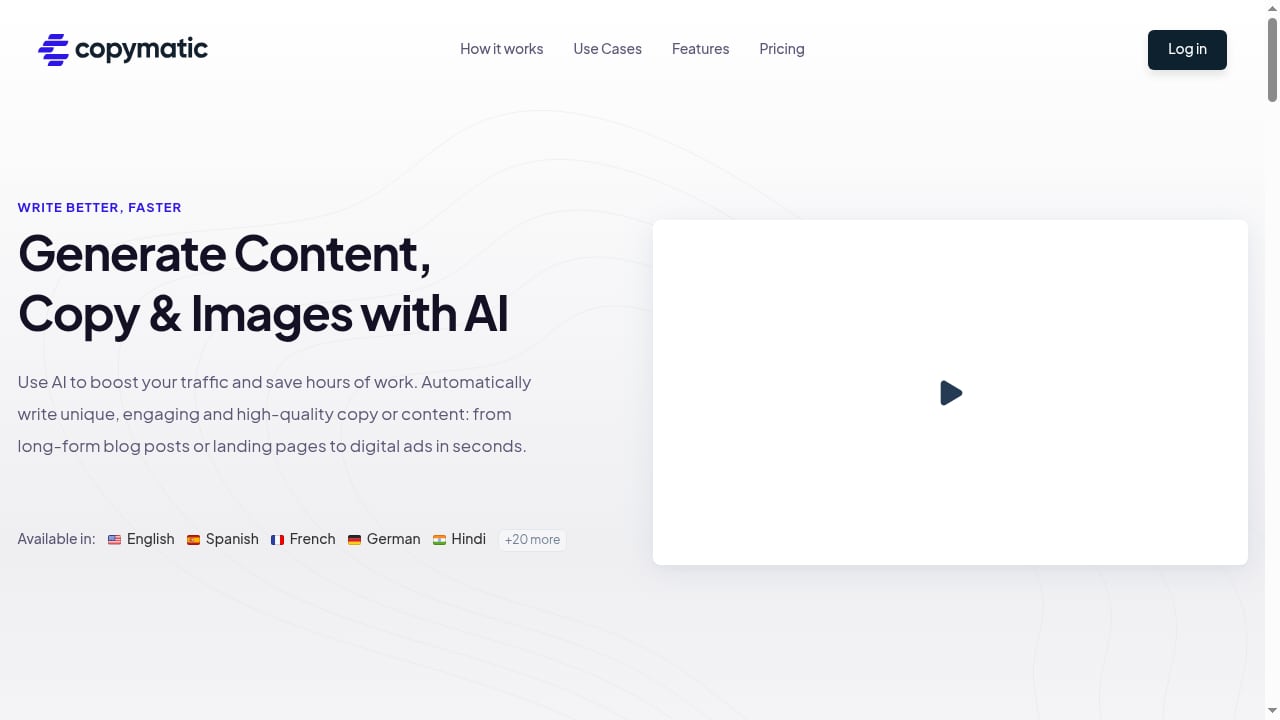
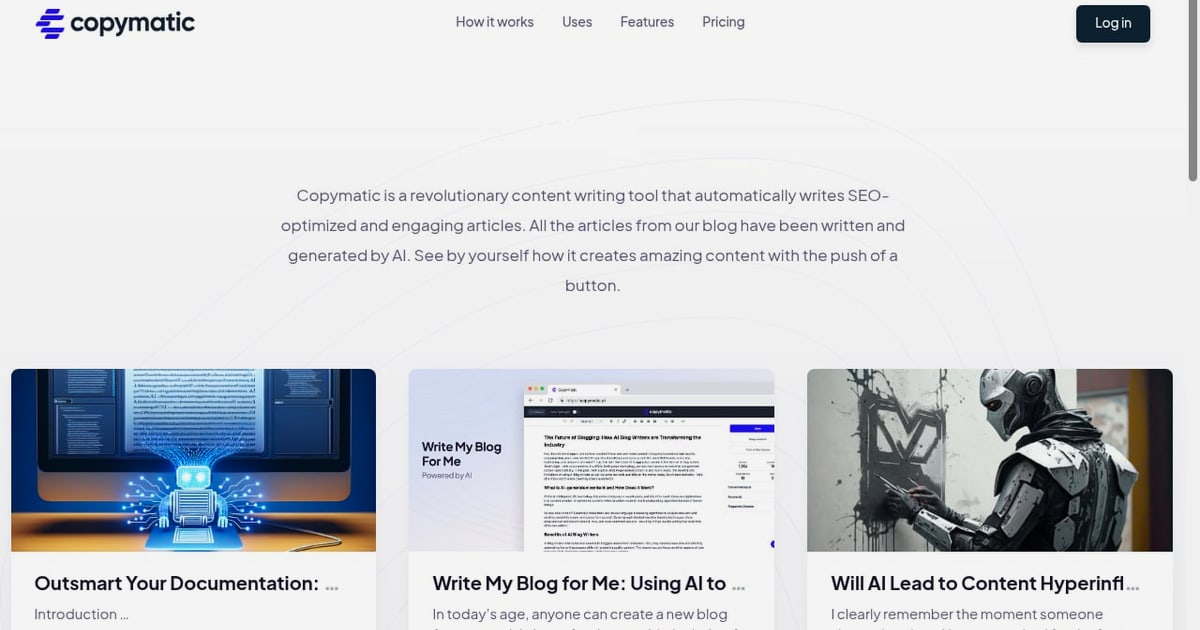
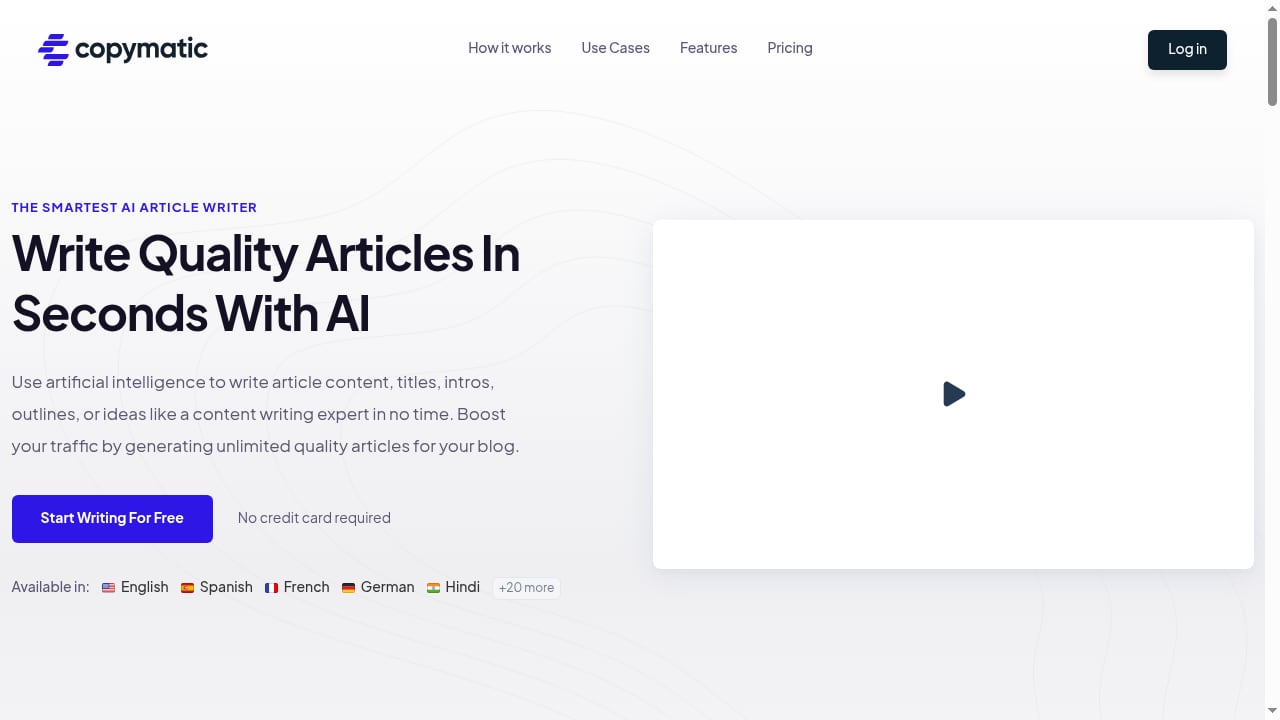
First viewport screenshot of copymatic.ai.
Copymatic is an AI content writing and copywriting platform. It bundles more than 50 task-specific tools behind one interface, including an AI Article Writer, a general content generator, a rewriter, an About Us page generator, and templates for social ads and hero sections. It supports over 20 languages and offers a Chrome extension so you can generate copy inside other web tools.
The product is aimed at content marketers, bloggers, digital marketing teams, and small business owners. The pitch is speed: long-form articles over 1,000 words, SEO-oriented blog posts, and plagiarism-avoiding rewrites without starting from a blank page.
How We Evaluated It
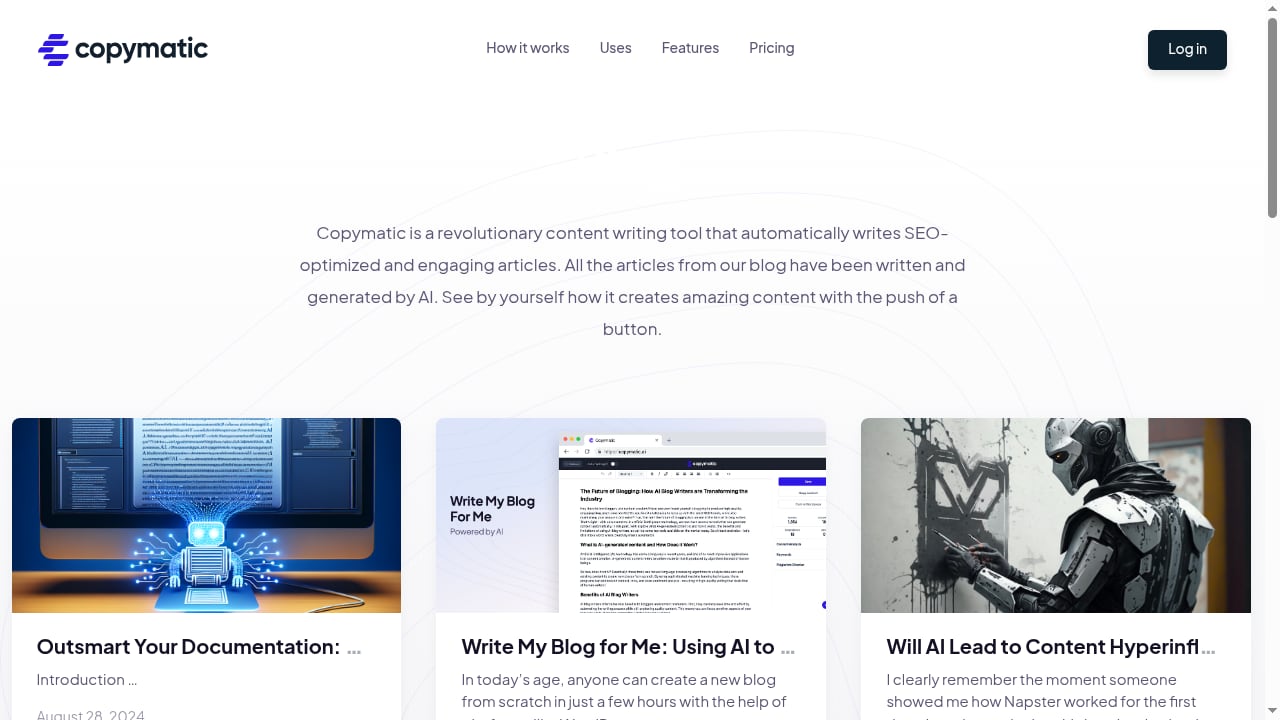
First viewport screenshot of copymatic.ai.
We judged Copymatic on five criteria that matter in day-to-day use:
- Output quality: how much editing a draft needs before publishing.
- Range: whether one subscription covers blogs, ads, landing pages, and rewrites.
- Control: how precisely you can steer tone, structure, and brand voice.
- Workflow fit: setup time, export options, and browser integration.
- Cost clarity: what the free tier covers and where paid limits appear.
Strengths: Where Copymatic Earns Its Place
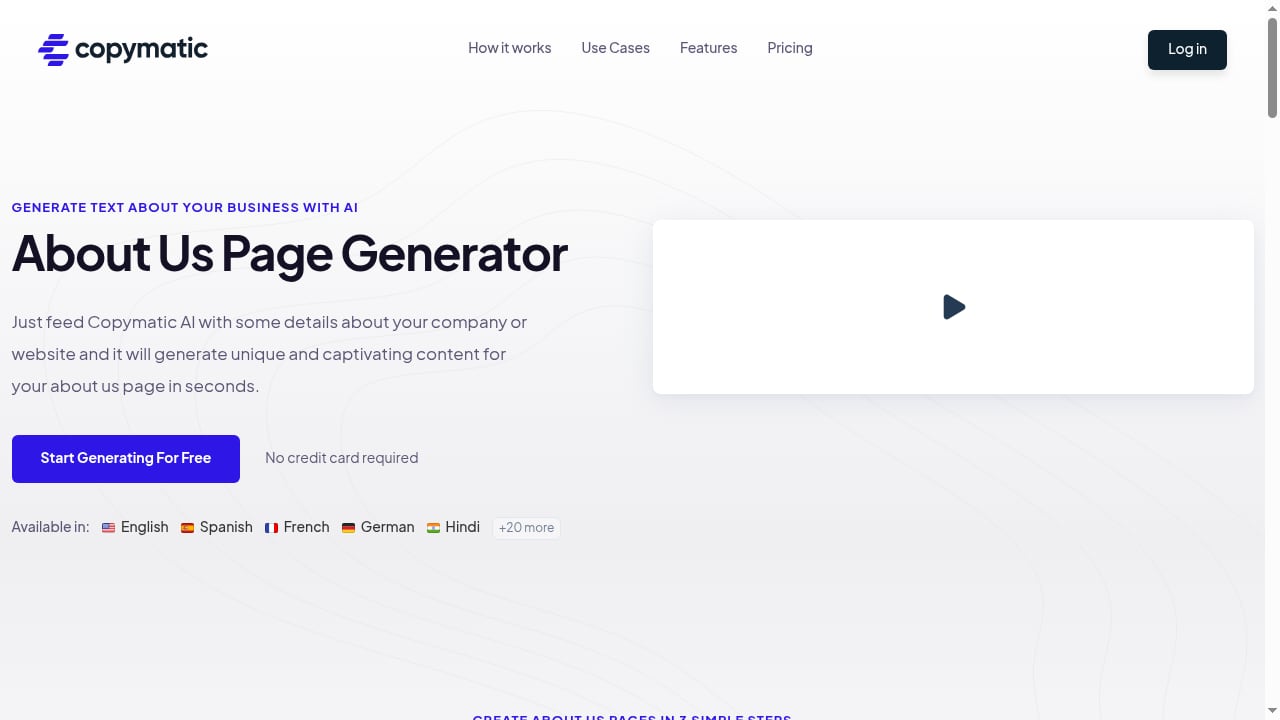
First viewport screenshot of copymatic.ai.
Fast first drafts for high-volume content
The Article Writer produced a structured draft with headings and a usable introduction from a two-sentence brief. It was not publish-ready, but it removed the blank-page problem. For teams publishing several posts a week, that time saving compounds.
A broad template library in one place
The template range is the strongest argument for the tool. Instead of stitching together separate apps for ad copy, meta descriptions, and page sections, you work from one dashboard. Reviewers consistently highlight this breadth and the beginner-friendly interface, including a 2025 video walkthrough that notes the clean layout and large template count.
Rewriting and multilingual output
The rewriter is useful for repurposing existing material into new angles, and the 20+ language support helps teams localize campaigns without a separate translation step. Output still needs native-speaker review for nuance.
Low-friction trial
The free trial offers 1,500 words with no credit card required. That is enough to test one long article or several short assets before committing.
Limitations: What to Watch Before You Buy
Brand voice needs manual tuning
Copymatic generates competent general-purpose copy, but it does not automatically absorb a distinctive brand voice. Expect to write detailed prompts and edit heavily if your content depends on a specific tone. A longer user review on Medium reaches a similar conclusion: strong for drafts and ideation, weaker on fine-grained customization.
Fact-checking is non-negotiable
Like most AI writers, Copymatic can produce confident but inaccurate statements, especially on technical or data-heavy topics. Treat every draft as a research starting point, not a source of truth.
Quality varies by template
Long-form output is more consistent than short, highly specific formats. Niche templates sometimes return generic copy that needs a full rewrite.
Reputation signals are mixed but useful
On Trustpilot, Copymatic holds a four-star rating across more than 1,100 reviews. That pattern suggests broad satisfaction alongside a meaningful minority reporting issues, which is typical for high-volume AI tools.
Pricing Signals and Plan Fit
The free trial is a genuine evaluation window, not a permanent free tier. Paid plans unlock higher word limits and additional features. Before subscribing, compare the per-word cost against your monthly publishing volume, and check whether unlimited-word claims carry fair-use limits. For a broader cost framework across AI content tools, see our analysis of tracked queries pricing.
Setup: What to Expect in the First Hour
First viewport screenshot of copymatic.ai.
- Create an account and claim the free trial words.
- Pick a template that matches your task, or start with the Article Writer for long-form work.
- Write a specific brief: audience, angle, target keyword, tone, and required sections.
- Generate and edit: fix facts, tighten structure, and add original insight.
- Install the Chrome extension if you want generation inside email, social, or CMS tools.
Setup is quick. The real investment is prompt discipline and an editing pass.
Copymatic vs. Other AI Content Tools
Copymatic sits in the budget-friendly, template-heavy segment. It competes with tools that emphasize SEO workflows or deeper automation. If your priority is an always-on publishing system rather than one-off drafts, compare approaches in our guide to building an AI content engine for websites. For a direct feature comparison, see AgentBooks vs Clearscope vs Article Forge.
Who Should Choose Copymatic
- Solo bloggers and small business owners who need affordable drafts and copy variants.
- Marketing generalists who want one dashboard for blogs, ads, and page copy.
- Teams producing multilingual content at moderate volume.
Who should look elsewhere: enterprises needing strict brand governance, teams requiring deep SEO integrations, or publishers who need fact-verified output with minimal human editing.
Related reading
- Top 10 GTM AI Platform Products 2026: Ranked Review - Ranked review of the top 10 GTM AI platform products in 2026. Transparent criteria, evidence, pricing, and fit guidance for B2B revenue teams.
- How to Use AgentBooks with Alli AI: A Practical Workflow - Combine AgentBooks content automation with Alli AI's AI-readable SEO layer: setup steps, workflow, examples, and decision guidance for 2026.
FAQ
Is Copymatic good for long-form articles?
Yes, for first drafts. It generates structured articles over 1,000 words, but they require fact-checking and editing before publishing.
Does Copymatic have a free trial?
Yes. The trial includes 1,500 words and does not require a credit card.
How many languages does Copymatic support?
More than 20 languages, according to the product.
Is Copymatic worth the money?
For high-volume, budget-conscious teams that will edit output, yes. For teams needing precise brand voice or verified facts, the editing burden may offset the savings.
Conclusion
Copymatic is a practical, affordable AI writing tool with a strong template library and a low-risk trial. It is best treated as a drafting accelerator, not an autonomous writer. Test it on your own briefs during the free trial, measure the editing time each draft requires, and compare that cost against your publishing volume before subscribing.