
How to Use AgentBooks with Acquia: AI Content + DXP Workflow
When your team relies on AgentBooks to generate consistent, brand-aligned SEO content but publishes through Acquia’s digital experience platform (DXP), bridging the two unlocks a powerful content engine. AgentBooks learns your product, researches topics, and writes publish-ready articles. Acquia provides the enterprise-grade foundation—Drupal CMS, DAM, governance, and AI agents—for delivering those articles across sites and channels. This guide walks you through the integration points, a practical step-by-step workflow, real-world examples, and when to let each platform handle specific tasks.
Why Combine AgentBooks and Acquia?
How to Use AgentBooks with Acquia: AI Content + DXP Workflow product interface and feature overview.
Growth teams and SaaS companies often face a content bottleneck: they need a high volume of useful, SEO-optimized articles but lack the editorial bandwidth. AgentBooks acts as an autonomous content operating system, producing articles that match your brand voice and incorporate current organic research. Meanwhile, Acquia’s DXP centralizes content creation, asset management, and compliance for Drupal-powered experiences. Together, you get:
- Consistent brand voice across automatically generated articles.
- Streamlined publishing directly into Acquia Source or any Drupal site.
- Reusable digital assets managed in Acquia DAM and referenced in AgentBooks content.
- Governance and quality assurance via Acquia’s AI agents that check accessibility and SEO.
- Compliance at scale—AgentBooks content passes through Acquia’s approval workflows before going live.
Unlike a standalone AI writer, this combo respects enterprise content operations. AgentBooks doesn’t promise instant rankings; it promises reliable, fact-grounded content. Acquia ensures that content is delivered securely, governed, and measurable. If you’re already evaluating headless CMS and DXP platforms, check out how AgentBooks fits into the broader landscape of AI-driven content growth tools vs traditional enterprise suites.
Understanding the Integration Points
How to Use AgentBooks with Acquia: AI Content + DXP Workflow product interface and feature overview.
AgentBooks and Acquia aren’t natively connected via a plugin, but the integration is smooth because both handle content in open, transferable formats. The key connection points are:
- Content export: AgentBooks generates complete articles in Markdown or HTML with structured metadata (title, description, keywords, featured image).
- Acquia Source / Drupal CMS: You import the content into your Drupal environment—either via copy-paste into a content type, or by using Drupal’s migration tools for bulk content.
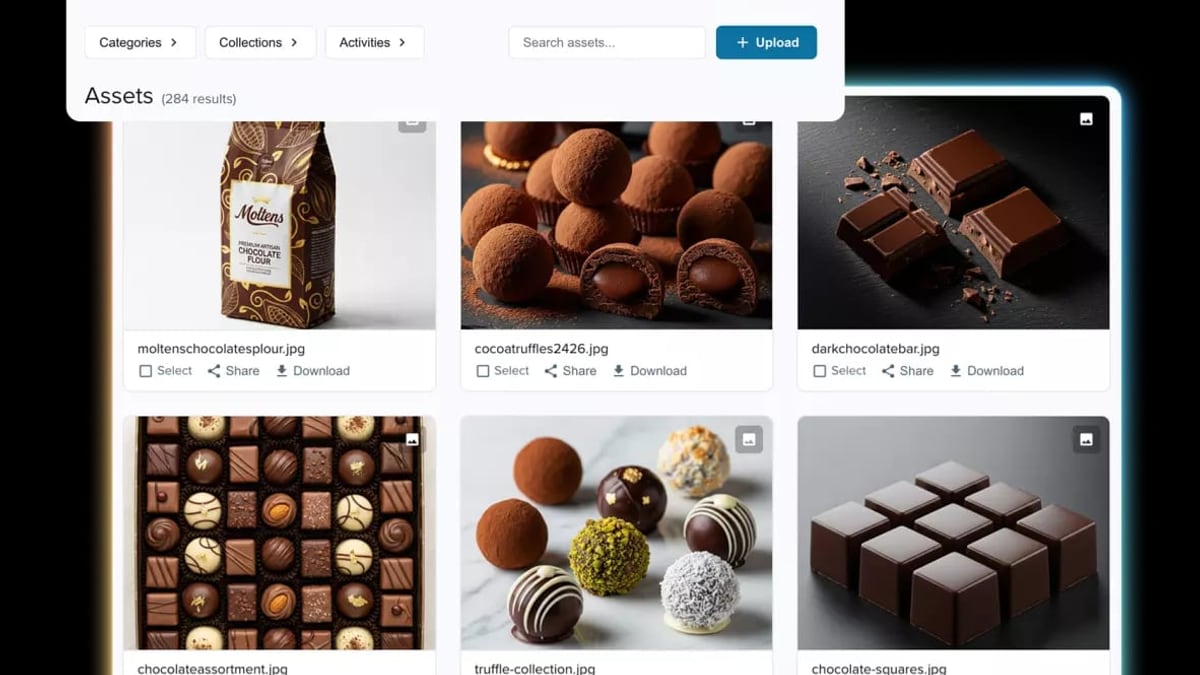
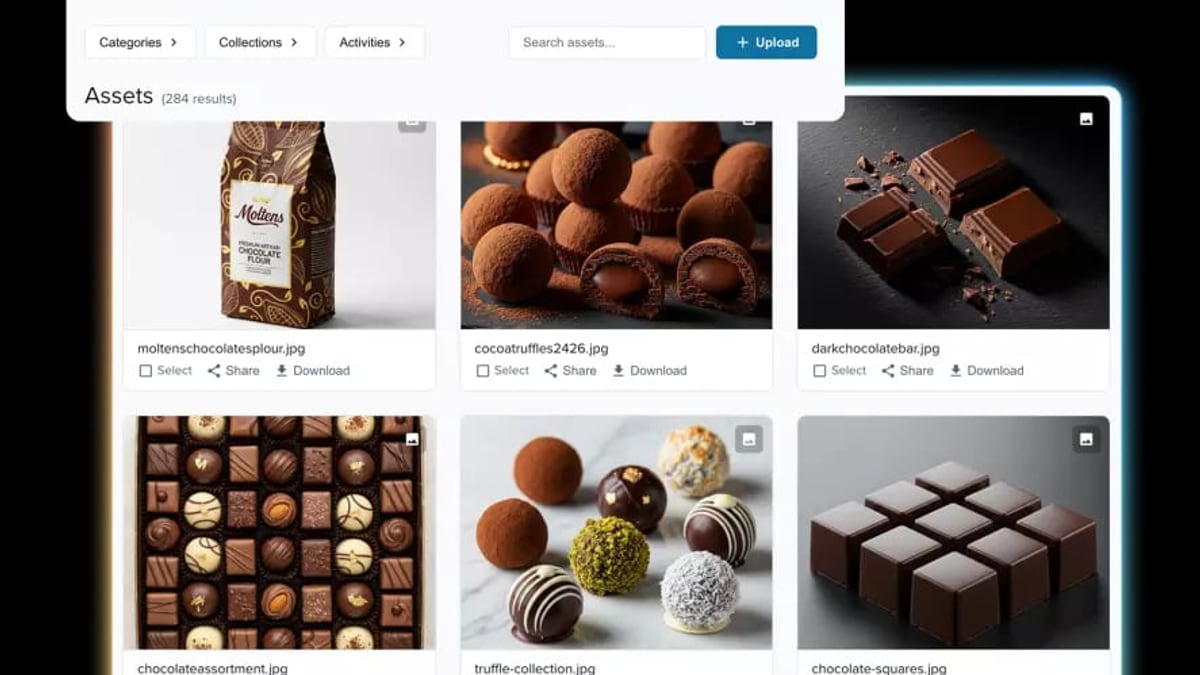
- Digital assets: AgentBooks can produce or reference images. Acquia DAM stores brand assets; you can link to final, approved versions in your articles.
- Workflow and approvals: Both platforms support approval workflows. You can stage AgentBooks-generated drafts in Acquia, then apply governance rules before publishing.
- Acquia AI agents: After importing, use Acquia’s AI to auto-scan for accessibility and SEO compliance, adding a final polish before launch.
Step-by-Step Workflow: From AgentBooks Content to Acquia-Powered Site

How to Use AgentBooks with Acquia: AI Content + DXP Workflow product interface and feature overview.
1. Generate SEO-Optimized Content in AgentBooks
Start in your AgentBooks dashboard. Configure your brand settings: website URL, product facts, and tone guidelines. AgentBooks will map your market and suggest a keyword plan. For example, if you sell a project management tool, it might cluster topics like “remote team productivity,” “asynchronous standups,” and “meeting overload.”
Select the topics you want to cover. AgentBooks researches live organic results, identifies content gaps, and writes an article draft—complete with a title tag, meta description, headings, and inline images. Because AgentBooks grounds content in your product’s actual capabilities, you won’t find generic fluff; every claim ties back to a verifiable feature or use case.
Key step: Review the draft in the AgentBooks editor. Approve or refine it. The article is now ready for export.
2. Export and Prepare Content for Acquia
AgentBooks provides clean Markdown or rich-text output. Export the article and keep these elements handy:
- Article body (Markdown/HTML)
- Title tag and meta description (these will become Drupal SEO fields)
- Featured image URL or file
- Focus keyword or topic cluster tag (useful for Acquia’s content optimization modules)
If you’re managing multiple articles, you can use AgentBooks’ API to pull content directly. For a team using Acquia’s Drupal multisite, this API can feed a scheduled import script.
3. Import Content into Your Acquia (Drupal) Site
Log into your Acquia Source dashboard or directly into your Drupal admin.
Option A: Manual via content editor
Create a new content item (e.g., Article, Blog post). Paste the AgentBooks body into the appropriate field. Add the meta title and description to your Drupal SEO module fields—Yoast for Drupal, Meta Tag, or Acquia’s own Content Optimization integration. Assign the right categories.
Option B: Bulk migration
If you publish dozens of articles weekly, use Drupal’s Migrate module. Configure a simple CSV or JSON source that includes the AgentBooks export fields. The migration maps title, body, and meta tags to your Drupal content type. Set it to run on a schedule, and your AgentBooks output lands automatically in draft status.
For media assets: if AgentBooks generated an image, you can upload it to Acquia DAM first (see next step) and then reference the permanant URL in the article body.
Acquia Support documentation details how to add and edit media items, which is useful when manually attaching images during content creation.
4. Manage Digital Assets with Acquia DAM
Brand consistency extends to visuals. Instead of embedding random stock photos, store approved imagery in Acquia DAM. When an AgentBooks article includes an image suggestion, upload that image (or a brand-approved alternative) to your DAM library. Then replace the temporary URL in the article with the DAM’s persistent URL. This ensures all published pages pull from a single, governed source of truth.
Acquia DAM’s workflow can automate this: set up a folder for “Generated Blog Images.” Uses Acquia DAM connectors—like the Acquia DAM + Adobe Marketo integration paradigm—to sync assets to your content editing environment. While Marketo is a different tool, the principle is the same: DAM centralization keeps assets consistent across every AgentBooks-generated article.
5. Leverage Acquia AI for Final Quality Checks
Acquia’s own AI agents operate within Acquia Source. After importing your AgentBooks article, run Acquia’s accessibility and SEO compliance checks. The AI can flag missing alt text, problematic heading hierarchies, or keyword optimization opportunities. This is a safety net: AgentBooks already crafts SEO-aware content, but Acquia validates it against Drupal best practices and your internal governance rules.
If you’re using Acquia Code Studio for Drupal DevOps, you can also automate the promotion of reviewed content from staging to production.
Practical Example: SaaS Company’s Weekly Content Pipeline
Consider a B2B SaaS company selling a customer data platform. Their growth team sets up a weekly content pipeline:
- Monday morning: AgentBooks auto-plans topics and generates 3 draft articles on “first-party data strategies,” “CDP implementation checklist,” and “data privacy for marketers.”
- Monday afternoon: Content manager reviews drafts in AgentBooks, approves two with minor edits.
- Tuesday: Using AgentBooks API, the approved articles are pushed into the Drupal content staging site (Acquia Cloud) as unpublished nodes. Meta fields are populated automatically.
- Tuesday–Wednesday: Visual designer uploads any custom graphics to Acquia DAM and swaps placeholder images.
- Wednesday evening: Acquia AI scans the staged content for accessibility issues and provides a report.
- Thursday: Marketing lead performs final review in Acquia Source, applies brand governance checks, and publishes. The articles go live on the main Drupal site and are simultaneously pushed to a headless React frontend via Acquia’s Content Hub.
This pipeline reduces the team’s hands-on writing time by 70% while ensuring each piece passes enterprise-grade compliance.
Complementary Features: When to Use AgentBooks vs Acquia’s Native AI
How to Use AgentBooks with Acquia: AI Content + DXP Workflow product interface and feature overview.
Acquia includes its own generative AI agents for building sites and writing content. So when should you reply on AgentBooks instead?
- Use AgentBooks when you need deep, product-grounded, SEO-researched long-form content. AgentBooks excels at autonomous topic planning, competitive research, and writing that reflects your specific product’s capabilities. It’s ideal for scaling your blog, help center, or resource library.
- Use Acquia’s AI agents when you’re assembling landing pages from existing components, need on-brand microcopy, or want automated accessibility/SEO audits on content already inside Drupal. Acquia’s AI is tightly coupled with your DXP environment—perfect for site-building speed and compliance.
- They work best together: AgentBooks tackles the heavy lifting of article creation; Acquia provides the delivery, governance, and optimization layer. For a detailed comparison of AgentBooks with other AI content platforms versus enterprise CXM suites, see our AgentBooks vs Sprinklr breakdown. If you’re also considering how AgentBooks stacks up against pure headless CMS platforms, check out our rankings of top DXPs in 2026.
Related reading
- AgentBooks vs Contentpen vs Machined: AI Content Platform Showdown - Compare AgentBooks, Contentpen, and Machined for AI content creation. See features, pricing, and best use cases to pick the right platform for your brand.
- Yoast SEO Review: Is Premium Worth $99? Honest Breakdown - Evidence-based Yoast SEO review covering free vs premium, real pros/cons, pricing, use cases, and when to choose alternatives. No hype, just actionable insight.
Sources and further reading
- Managing user accounts - Learn to manage user accounts, roles, and access in your Drupal site. View, edit, block, restore, and cancel users efficiently.
FAQ
Can AgentBooks directly publish to Acquia sites?
Currently, no native connector exists. However, you can use AgentBooks’ API to export content and Drupal’s Migrate module or custom scripts to import it. Alternatively, manual copy-paste is simple for low-volume workflows.
What about the images AgentBooks suggests?
AgentBooks can generate or recommend images, but these should be treated as drafts. Upload final versions to Acquia DAM and update the article’s image links before publishing. This ensures brand governance and avoids broken links.
How do I handle multilingual content across AgentBooks and Acquia?
AgentBooks supports multilingual publishing via its custom-domain feature. Once you generate content in multiple languages, you can import each language variant into your Drupal translation system. Acquia’s multisite and translation management tools then handle the multilingual delivery.
Does Acquia’s AI agent conflict with AgentBooks’ content?
No—they are complementary. AgentBooks focuses on creating useful, SEO-driven articles grounded in your product. Acquia’s AI checks for Drupal-specific best practices (accessibility, meta tags, broken links) and can assist with site-building tasks. There’s no content duplication; rather, Acquia acts as the final quality gate.
Which plan do I need for each tool?
AgentBooks offers a free Starter plan, with Pro ($29/mo) and Team ($99/mo) unlocking higher volumes and collaboration. Acquia pricing is enterprise-tier and custom; you’ll need an Acquia subscription that includes Acquia Source and DAM. Contact Acquia for exact pricing.
Conclusion
Pairing AgentBooks with Acquia creates an end-to-end content engine: from autonomous research and writing to governed, brand-consistent publishing. Instead of building a large editorial team, growth teams can let AgentBooks fuel the content pipeline while Acquia handles the DXP infrastructure, asset management, and compliance checks. The workflow is straightforward—export, import, polish with DAM, and publish—and scales easily with APIs and Drupal migrations. For teams already invested in Drupal and Acquia, this combination turns a website into a durable, SEO-optimized content asset.
If you’re currently using another SEO tool to optimize content post-generation, you might also find value in our guide on using AgentBooks with Yoast SEO to blend AI-driven writing with real-time page optimization.