
How to Use AgentBooks with Make: AI Content Automation
AgentBooks and Make solve two halves of the same problem: creating useful content and moving it where it needs to go. AgentBooks handles the thinking—learning your product, mapping topics, researching search results, and writing in your brand voice. Make handles the doing—connecting tools, triggering actions, and routing content across channels without manual copy-paste.
This guide explains how the two platforms fit together, walks through setup, and shows practical workflows you can build today.
What each tool does (and where they overlap)
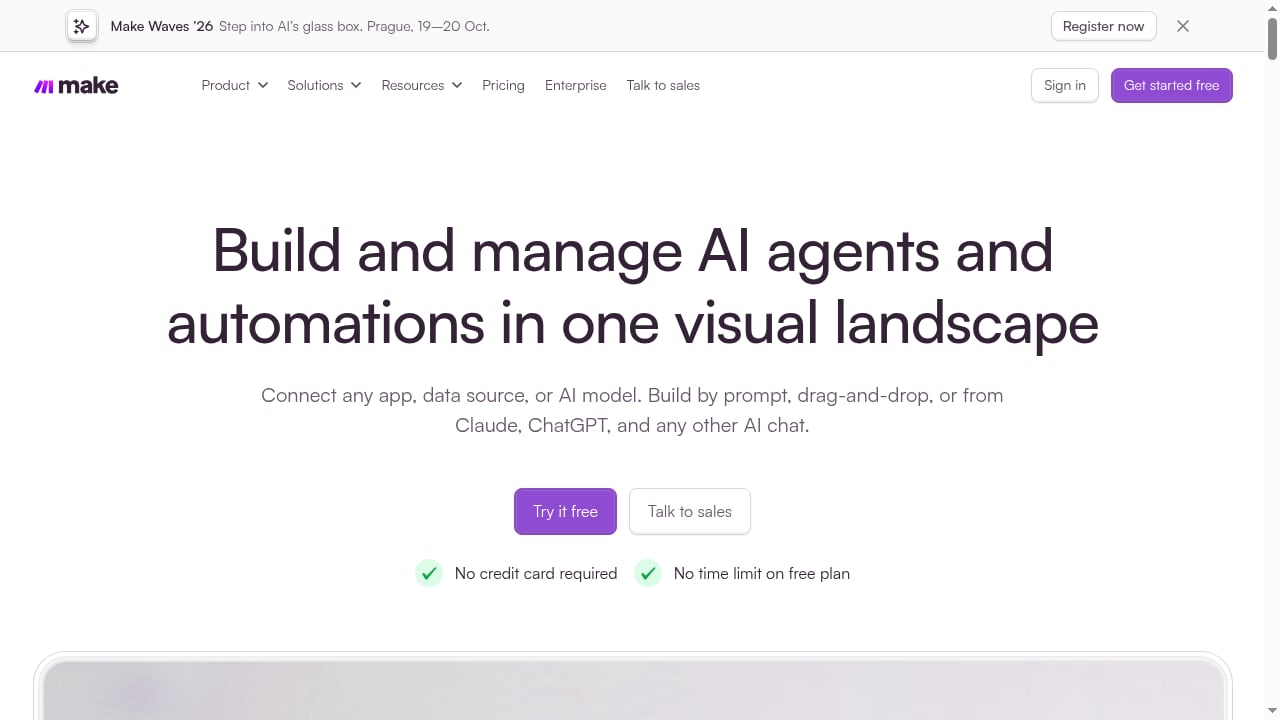
First viewport screenshot of AI Workflow Automation Software & Tools | Make.
AgentBooks is an AI content automation platform that turns a website into an always-on content engine. You share your site once, and it learns the product, plans topics, researches top organic results, and publishes articles in your brand voice. It covers the full pipeline: brand intelligence, keyword planning, article creation, SEO preparation (TDK, images, tags, links), and multilingual publishing.
Make is a no-code integration platform for building AI workflows and automations visually. It connects apps, data sources, and AI models, and includes Maia, a conversational co-worker that turns plain language into automations. Make offers ready-made workflows for common business scenarios like turning product updates into social posts or updating documents from chat.
The overlap is small. AgentBooks focuses on content strategy and creation. Make focuses on orchestration and delivery. Together, they cover the gap between "we have a draft" and "it's live everywhere it needs to be."
Why connect AgentBooks and Make
Make product interface.
Most content teams don't struggle with writing alone. They struggle with everything after writing: formatting for different channels, scheduling posts, notifying stakeholders, updating internal docs, and tracking what went live where.
Connecting AgentBooks to Make solves three specific problems:
- Manual distribution bottleneck. A finished article in AgentBooks can automatically trigger social posts, Slack notifications, or CMS updates through Make.
- Fragmented workflows. Instead of logging into five tools, one Make scenario can route content to all of them.
- No-code accessibility. You don't need engineers to build the bridge. Make's visual builder handles the logic.
Setting up the integration: step by step
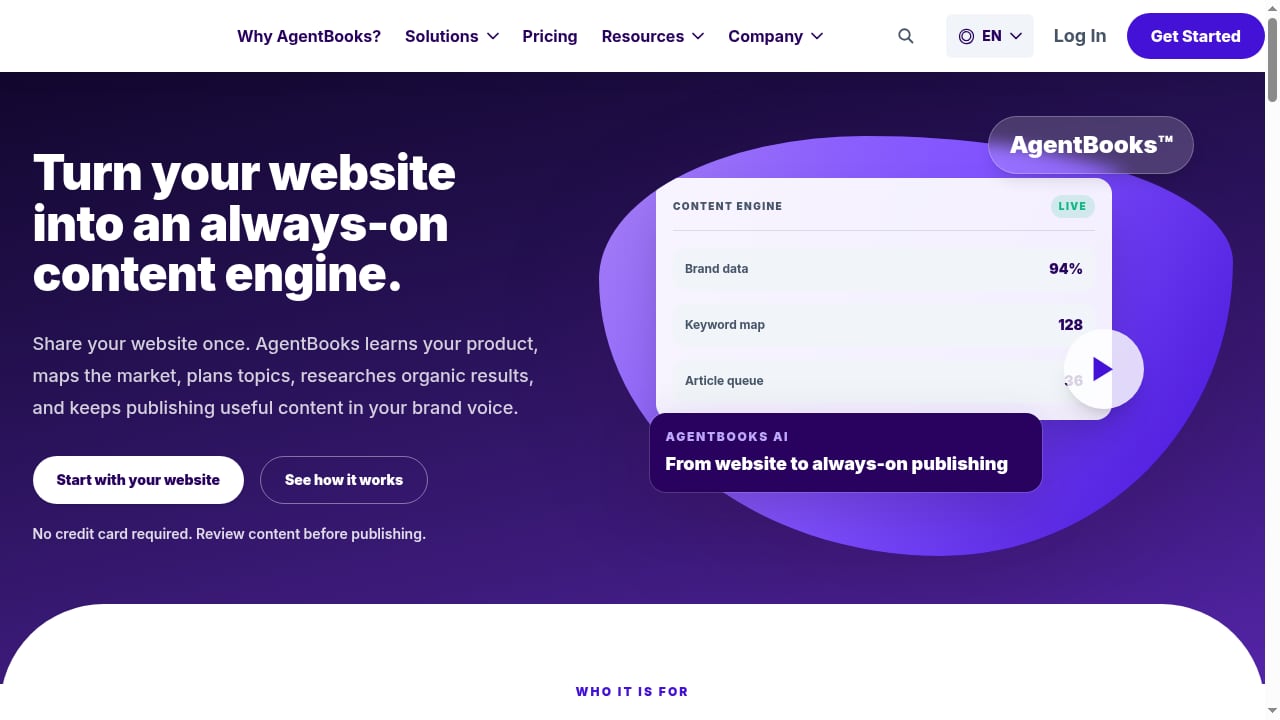
First viewport screenshot of AgentBooks — Autonomous Content Growth for Search and AI.
Step 1: Prepare your AgentBooks workspace
Before connecting anything, make sure AgentBooks is set up correctly. Add your website so the platform can build brand intelligence, review the categorized keyword plan, and confirm your approval workflow. Decide which content types you want to automate—new articles, updates, or both.
Step 2: Identify the trigger point in AgentBooks
AgentBooks publishes on a schedule and supports an approval-first workflow. The natural trigger for Make is a status change: when an article moves from "approved" to "published," or when a new draft is ready for review.
Check your AgentBooks workspace for webhook or API access options. If native webhooks aren't available, use a polling trigger in Make that checks for new published items on a schedule.
Step 3: Build the Make scenario
In Make, create a new scenario. Add a trigger module—either a webhook (if AgentBooks supports it) or a scheduled poll. Then add action modules for each destination:
- A social media module (LinkedIn, X, or others)
- A messaging module (Slack, email)
- A CMS or docs module (WordPress, Google Docs, Notion)
Map the fields from AgentBooks—title, URL, excerpt, tags—to the corresponding fields in each destination.
Step 4: Test with a real article
Run the scenario with a published AgentBooks article. Check that the title, link, and excerpt appear correctly in each destination. Fix field mappings if anything looks off.
Step 5: Turn it on and monitor
Activate the scenario. Make will run it automatically whenever the trigger fires. Check the scenario history periodically to catch errors early.
Practical workflow examples
Example 1: Publish to social channels automatically
When AgentBooks publishes a new article, Make posts a formatted summary to LinkedIn and X. The scenario pulls the title, meta description, and URL, then schedules posts at optimal times.
This is similar to Make's ready-made workflow for turning product updates into social media posts—just with AgentBooks as the content source instead of a product changelog.
Example 2: Notify your team in Slack
Every time a new article goes live, Make sends a Slack message to your content channel with the title, link, and target keyword. This keeps everyone informed without manual updates.
Example 3: Sync published content to a CMS or docs hub
If you maintain a content library in Notion or Google Sheets, Make can append each new AgentBooks article with its metadata. This creates a searchable archive without extra work.
Example 4: Repurpose articles into email newsletters
Make can take a published AgentBooks article and format it into a newsletter draft in your email tool. You review and send—no copy-pasting required.
When to use AgentBooks alone vs. with Make
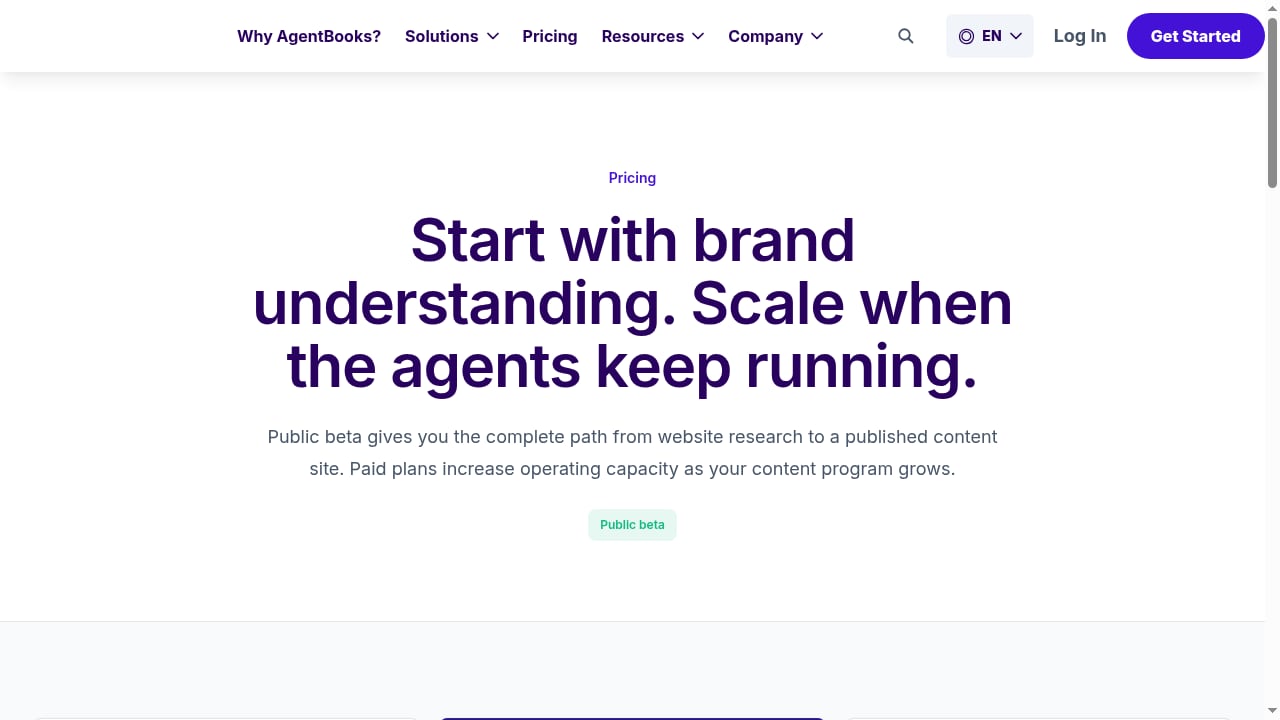
First viewport screenshot of Start with brand understanding. Scale when the agents keep running..
| Scenario | AgentBooks alone | AgentBooks + Make |
|---|---|---|
| Publishing to your own blog | ✅ Sufficient | Optional |
| Distributing to multiple social channels | ❌ Manual | ✅ Automated |
| Notifying internal teams | ❌ Manual | ✅ Automated |
| Syncing to a content library | ❌ Manual | ✅ Automated |
| Multi-brand workspaces | ✅ Built-in | ✅ Enhanced routing |
If your workflow ends at "publish to blog," AgentBooks handles it. If content needs to travel further, Make adds the orchestration layer.
Common pitfalls and how to avoid them
- Trigger mismatch. Make sure the AgentBooks event you're listening for actually fires when you expect. Test with a real article.
- Field mapping errors. Different tools expect different formats. Double-check that titles, URLs, and excerpts map correctly.
- Rate limits. If you publish frequently, space out Make operations to avoid hitting API limits.
- No error handling. Add a fallback path in Make so failed runs notify you instead of silently dropping content.
Related reading
- Contentpen SEO Features: A Practical Breakdown for 2025 - A practical look at Contentpen SEO features: keyword research, SERP analysis, CTR gap detection, content decay tracking, and how they fit a real workflow.
Sources and further reading
- Real Estate Bookkeeping FAQ | AgentBooks - AgentBooks FAQ: how real estate agent bookkeeping works, what's included, pricing, onboarding & how we hand off to your CPA at tax time.
- AgentsBooks — Run an AI-Native Agency or Service Firm - The operating system for AI-native agencies and service firms. Deploy autonomous agents that handle content, sales, support and client ops — fewer hires.
- Bookkeeping for Real Estate Agents, Done Monthly | AgentBooks - Monthly bookkeeping built for real estate agents, teams and investors. Commission tracking, CPA-ready books, flat pricing from $149/month.
FAQ
Do I need a paid Make plan to connect AgentBooks?
Make offers a free plan with no credit card required and no time limit. For higher operation volumes, paid plans are available. AgentBooks also offers a free plan, with Business at $30/month and Enterprise at $100/month.
Can I use Make to trigger AgentBooks content creation?
Make is primarily an orchestration tool. You can use it to send data to AgentBooks (like topic ideas from a form), but the core content creation happens inside AgentBooks based on its keyword plan and brand intelligence.
What if AgentBooks doesn't have a native Make integration?
Use Make's HTTP module or webhook support to connect via API. If AgentBooks exposes a REST API, Make can call it directly. Otherwise, use polling triggers.
How long does setup take?
Basic scenarios can be built in under an hour. More complex multi-channel workflows may take a few hours, depending on how many destinations you're connecting.
Is this suitable for agencies managing multiple clients?
Yes. AgentBooks supports multi-brand workspaces, and Make can route content from different brands to different channels using filters and routers.
Conclusion
AgentBooks and Make solve complementary problems. AgentBooks builds the content engine—learning your product, planning topics, and writing in your voice. Make moves that content where it needs to go, without manual steps.
If you're already using AgentBooks and find yourself copy-pasting articles into social tools or Slack, adding Make closes that gap. Start with one simple scenario—publish to one channel—and expand from there.
For teams comparing content platforms, see our AgentBooks vs AirOps vs Surfer SEO comparison and AgentBooks vs Averi breakdown. If you're scaling content production, our bulk content creation guide covers the workflow side.
To learn more about Make's automation capabilities, visit the official Make website. For details on AgentBooks features and pricing, see the AgentBooks site.