
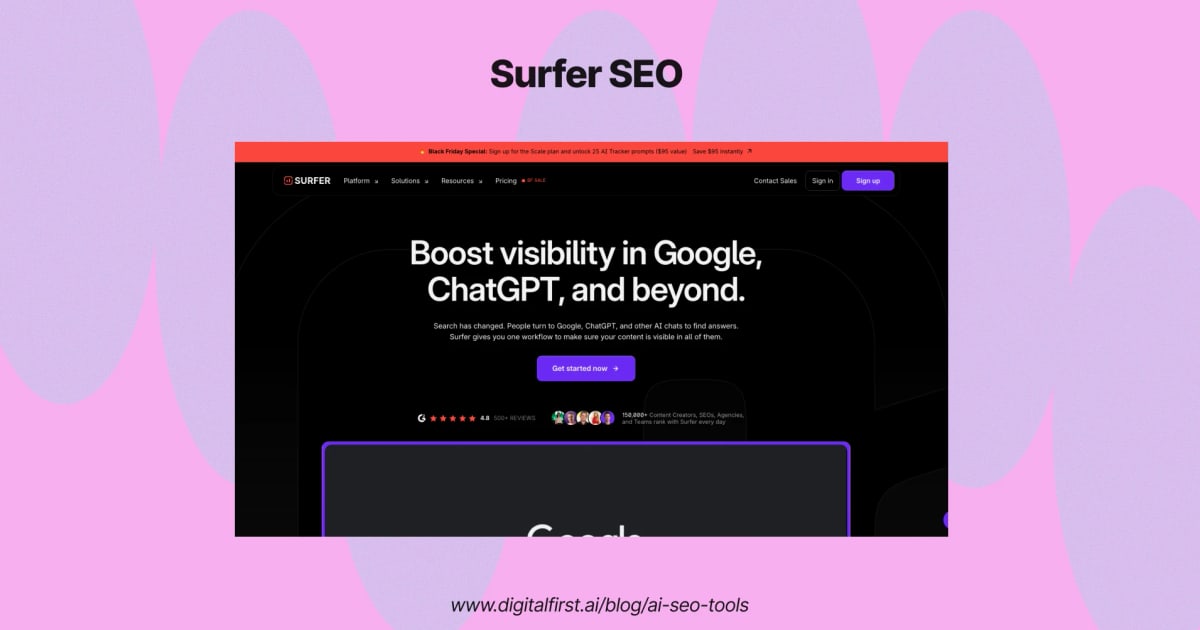
Surfer AI Tracker: How to Monitor and Grow Your Brand's AI Search Visibility
Search is no longer just a list of blue links. People now ask ChatGPT, Perplexity, Gemini, and Google's AI Overviews for product recommendations, comparisons, and buying advice. If your brand is missing from those answers, you are invisible to a fast-growing segment of buyers.
Surfer AI Tracker is designed to solve that problem. It monitors how often large language models mention your brand, which competitors they cite instead, and which sources they trust. This guide breaks down what the tool does, how it works, what it costs, and how to decide if it fits your workflow.
What Is Surfer AI Tracker?
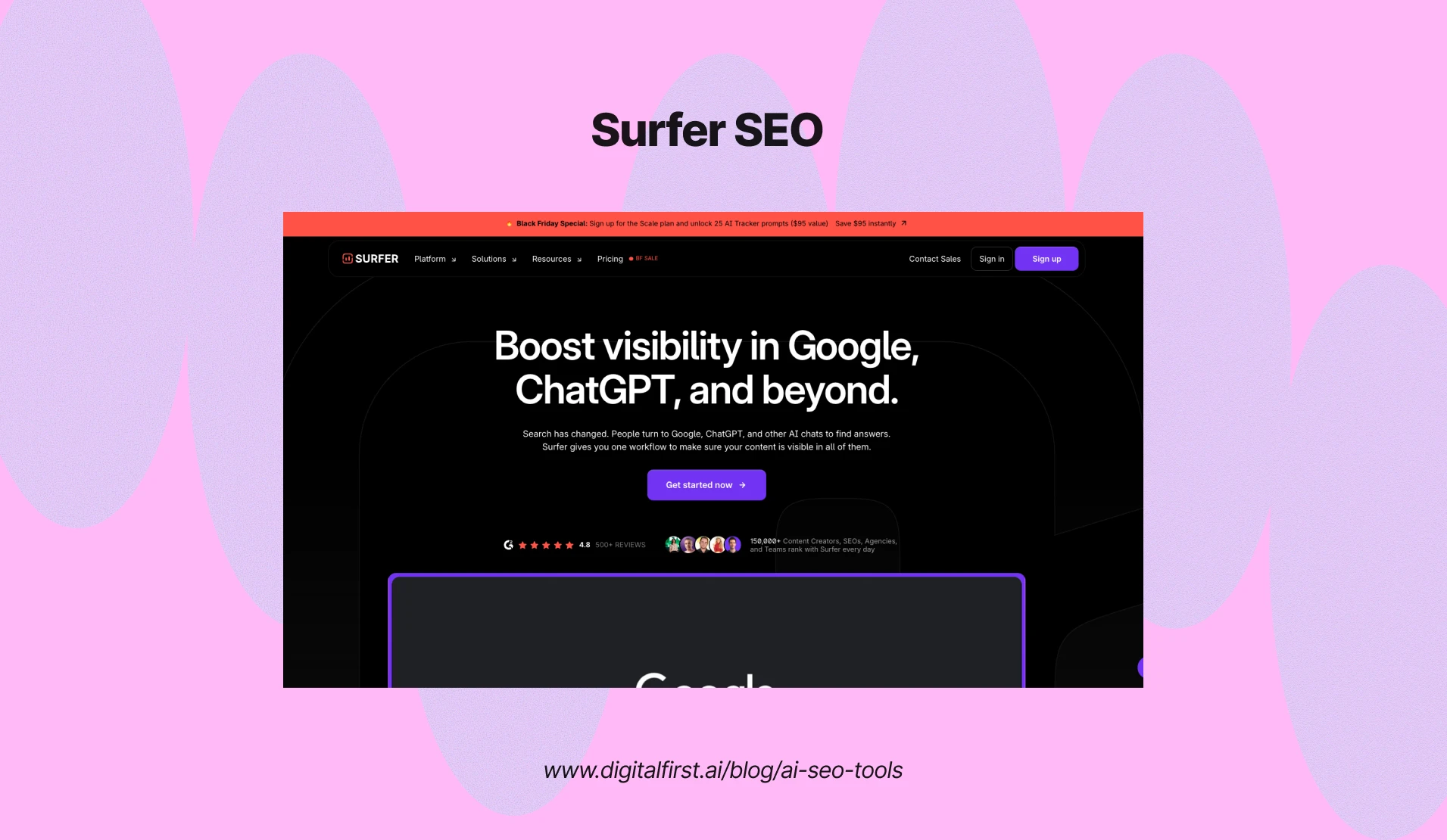
Surfer AI Tracker: How It Works, Pricing, and Setup - What Is Surfer AI Tracker?.
Surfer AI Tracker is an add-on within the Surfer SEO platform that tracks your brand's presence in AI-generated answers. Instead of manually typing prompts into ChatGPT and copying results into a spreadsheet, the tool automates the process across multiple models at once.
The tracker monitors the "Big 5" AI search surfaces: ChatGPT, Google AI Overviews, Google AI Mode, Gemini, and Perplexity. For each tracked prompt, it records whether your brand appears, how it is framed, and which sources the model pulled from.
Key metrics include:
- Visibility Score – a composite measure of how strongly your brand shows up across prompts and models
- Mention Rate – the percentage of tracked prompts where your domain is mentioned
- Average Position – where your brand appears within an AI answer
- Share of Voice – how often you are cited compared to competitors
- Sources – the underlying pages LLMs rely on, even when your brand is not visibly named
One important distinction: Surfer separates visible brand mentions from source usage. A model might use your page as a reference without naming your brand in the final answer. The tracker surfaces both signals so you can understand not just whether you are seen, but whether your content is influencing the answer at all.
How Surfer AI Tracker Works

Surfer AI Tracker: How It Works, Pricing, and Setup - How Surfer AI Tracker Works.
The setup process is deliberately simple. You add the AI Tracker to your Surfer plan, enter your brand name, focus topics, and target language, then review the suggested prompts. Surfer generates a set of buyer-intent questions relevant to your niche, and you can edit, add, or remove prompts before tracking begins.
Once active, the tool runs your prompts against multiple AI models on a recurring schedule. Because LLM responses vary from query to query, Surfer repeats each prompt several times and averages the results. This self-consistency approach filters out one-off hallucinations and gives you a more reliable picture of how AI actually talks about your brand.
Data refreshes daily on higher-tier plans and weekly on entry-level tiers. Each refresh updates your visibility charts, mention gaps, and source lists, so you can spot shifts before they become problems.
What You Can Do With the Data

Surfer AI Tracker: How It Works, Pricing, and Setup - What You Can Do With the Data.
AI visibility data is only useful if it leads to action. Surfer positions the tracker as a bridge between measurement and improvement, with four practical workflows.
1. Find Mention Gaps
A mention gap is a prompt where a competitor is cited but you are not. These gaps are the highest-value opportunities in AI search because they represent buyer-intent questions where you are currently invisible. The tracker shows exactly which prompts you are missing, which competitor won the mention, and which sources the model relied on.
2. Reverse-Engineer Cited Sources
When an LLM cites a source, it is telling you what it considers trustworthy. The tracker lists the domains and pages that models reference most often for your tracked prompts. If LinkedIn, Reddit, or niche publications dominate, that signals where you need to build presence. If specific competitor pages keep appearing, study their structure, depth, and framing to understand what makes them citable.
3. Fix Brand Misrepresentation
AI models sometimes describe brands inaccurately, attribute outdated information, or frame products in ways that hurt perception. The tracker captures the exact wording used in AI answers, so you can identify misquotes and off-brand framing. From there, you can publish corrective content, update key pages, or pursue citations on the sources the model trusts.
4. Tie AI Visibility to Business Metrics
For marketing leaders, the tracker provides a way to report AI presence alongside traditional SEO metrics. Visibility Score trends, Share of Voice against named competitors, and prompt-level changes give executives a concrete view of how AI discovery is evolving for the brand.
Surfer AI Tracker Pricing
Surfer AI Tracker: How It Works, Pricing, and Setup - Surfer AI Tracker Pricing.
Surfer's pricing structure has shifted over time. The current model bundles AI tracking into the main Surfer plans rather than selling it as a standalone add-on at the old $95–$495 per month rates.
As of the latest published pricing:
| Plan | Monthly Price (billed yearly) | AI Prompts Tracked |
|---|---|---|
| AI Search Analytics | $158 | 100 prompts, refreshed daily |
| Pro | $182 | 50 prompts, refreshed daily |
| Peace of Mind | $299 | 100 prompts, refreshed daily |
The entry-level AI Search Analytics plan is positioned as the starting point for brands that want visibility tracking without the full content optimization suite. The Pro and Peace of Mind tiers add Content Editor optimization, internal linking tools, plagiarism checks, and team collaboration features.
For most small teams, the $158 plan is the practical entry point. If you are already using Surfer for content creation, the Pro tier at $182 adds AI tracking while keeping your existing optimization workflow.
Surfer AI Tracker vs. Manual Tracking vs. AgentBooks
Before committing to any tool, it helps to understand the alternatives.
Manual tracking costs nothing but scales poorly. You can query ChatGPT and Perplexity yourself, but you will only capture a snapshot, not a trend. LLM answers vary between sessions, so a single check tells you little about your actual visibility. Manual tracking also cannot show competitor share of voice or source-level attribution at scale.
Surfer AI Tracker is the right choice if you need structured, recurring visibility data across multiple models and want to tie that data into an existing Surfer content workflow. It is a measurement and diagnosis tool first.
AgentBooks approaches AI visibility from the production side. Rather than tracking what models say today, AgentBooks is an autonomous content growth platform that continuously publishes brand-consistent, research-backed content designed to earn citations over time. It learns your product, maps your market, researches top-ranking pages, and publishes useful content in your brand voice on a custom domain. If your AI visibility problem is rooted in a thin content library or inconsistent publishing, a tool like AgentBooks can address the underlying cause while a tracker like Surfer measures the result.
The two tools are complementary. Track with Surfer to find gaps. Fill those gaps with a consistent content engine like AgentBooks. Then track again to measure the impact.
Setting Up Surfer AI Tracker: A Practical Walkthrough
Here is a step-by-step setup sequence based on Surfer's documentation and onboarding flow.
Step 1: Add the tracker to your plan. AI Tracker is included in Standard, Pro, and Peace of Mind plans at varying prompt limits. If you are on a lower tier, you may need to upgrade or add it separately.
Step 2: Enter your brand and focus topics. Be specific. "Project management software" is better than "software." The quality of your tracked prompts determines the quality of your insights.
Step 3: Review and edit suggested prompts. Surfer generates buyer-intent questions automatically, but you should refine them. Add prompts that reflect how your actual customers ask questions, including comparison queries ("X vs Y"), category questions ("best tool for..."), and brand-specific checks ("is [your brand] good for...").
Step 4: Add competitors. Share of Voice only works if you tell the tool who to compare against. Add two to five direct competitors.
Step 5: Let the tracker run. Data refreshes automatically on your plan's schedule. Check back after at least two refresh cycles before drawing conclusions.
Step 6: Act on the gaps. Export reports, identify the highest-value missing prompts, and build a content or outreach plan around them.
Common Questions About Surfer AI Tracker
Does Surfer AI Tracker work with all AI models?
It tracks the major consumer-facing AI search surfaces: ChatGPT, Google AI Overviews, Google AI Mode, Gemini, and Perplexity. Claude is not currently listed among the tracked models in Surfer's published materials.
How accurate is the tracking?
Surfer runs each prompt multiple times per model and averages the results to reduce variance. This self-consistency method produces more reliable data than a single manual query, but no AI visibility tool can guarantee 100% accuracy because LLM outputs are inherently probabilistic.
How many prompts can I track?
Prompt limits vary by plan. The AI Search Analytics plan includes 100 prompts, Pro includes 50, and Peace of Mind includes 100. Each AI Tracker query can hold up to 100 prompts at once.
What is the difference between Visibility Score and Sources?
Visibility Score measures whether your brand is visibly mentioned in the AI answer. Sources measure whether your domain was used as an underlying reference, even if the brand name did not appear in the final response. A high source count with a low visibility score means models trust your content but are not naming you.
Can I use Surfer AI Tracker without using Surfer's other tools?
Yes. The AI Search Analytics plan is specifically designed for visibility tracking without the full content optimization suite. However, Surfer's value proposition is strongest when tracking is combined with its Content Editor and Topical Map tools.
Is there a free version of Surfer AI Tracker?
No. AI tracking is a paid feature across all Surfer plans. The lowest-cost entry point is the AI Search Analytics plan at $158 per month billed yearly.
Is Surfer AI Tracker Worth It?
If your customers are asking AI tools for recommendations in your category, the answer is likely yes. The cost of not knowing whether ChatGPT or Perplexity mentions your brand is higher than the subscription fee for most B2B and e-commerce companies.
That said, tracking alone does not improve visibility. The tool's real value comes from the loop it creates: measure, identify gaps, publish better content, earn citations, and measure again. Teams that treat the tracker as a reporting dashboard will see limited returns. Teams that use it as a gap-finding engine will see compounding gains.
For content production at scale, pairing a tracker with an autonomous publishing platform like AgentBooks closes the loop. AgentBooks handles the continuous creation of citation-worthy content, while Surfer AI Tracker verifies whether that content is actually influencing AI answers. Together, they cover both sides of the AI visibility equation: production and measurement.
If you want to understand more about how AI answer engines select and cite sources, read our guide to AEO optimization. And if you are evaluating broader content operations, our breakdown of content analytics explains which metrics matter beyond rankings.
Related reading
- Autoblogging AI Review: Features, Pricing, and Honest Verdict - An honest Autoblogging AI review covering features, pricing, content quality, pros and cons, and better alternatives for sustainable organic growth.
- Machined Pens: The Complete Buyer's Guide for 2025 - Discover the best machined pens, from bolt action to fountain styles. Compare materials, refill compatibility, and top brands like Tactile Turn and Machine Era.
- AgentBooks Features: Which Platform Matches Your Needs? - Compare AgentBooks features across AI content marketing, real estate accounting, AI-native agency operations, and association management to pick the right platform.
Sources and further reading
- Best AI Visibility Tracking - Audit your AI visibility to find competitive gaps and growth opportunities. Track AI presence across leading AI models like ChatGPT, AI Overviews, or Perplexity.
- AI Tracker | Surfer - Track Your Visibility in LLMs (ChatGPT, Gemini, Perplexity, and others)!
- Introducing AI Tracker: Your Visibility in AI Search Starts Here - First look at the AI Tracker by Surfer—the only data-backed AI visibility tool that helps you monitor and control what AIs say about your brand.
Conclusion
Surfer AI Tracker answers a question that traditional SEO tools cannot: "What do AI models actually say about my brand?" It automates prompt tracking across ChatGPT, Gemini, Perplexity, and Google's AI surfaces, surfaces mention gaps and competitor share of voice, and connects those insights to a content action plan.
The tool is not a magic fix. It will not make AI models cite you overnight. But it gives you the visibility to see where you stand, the data to prioritize high-intent gaps, and the feedback loop to measure whether your content and PR efforts are moving the needle in the new AI search landscape.