
Webflow Integration: How to Connect Your Site to the Right Tools
Webflow is a powerful visual development platform, but no website operates in a vacuum. You still need analytics, email marketing, CRM data, content pipelines, and automation workflows to turn a beautiful site into a growth engine. That's where Webflow integrations come in.
The Webflow ecosystem now includes dozens of native apps, plus connectors like Zapier and Pipedream that link Webflow to thousands of external tools. The challenge isn't finding an integration—it's choosing the right ones without bloating your site or creating fragile workflows.
This guide breaks down how Webflow integrations actually work, which categories matter most for different site types, and how to build a connected stack that saves time instead of adding maintenance overhead.
How Webflow Integrations Work
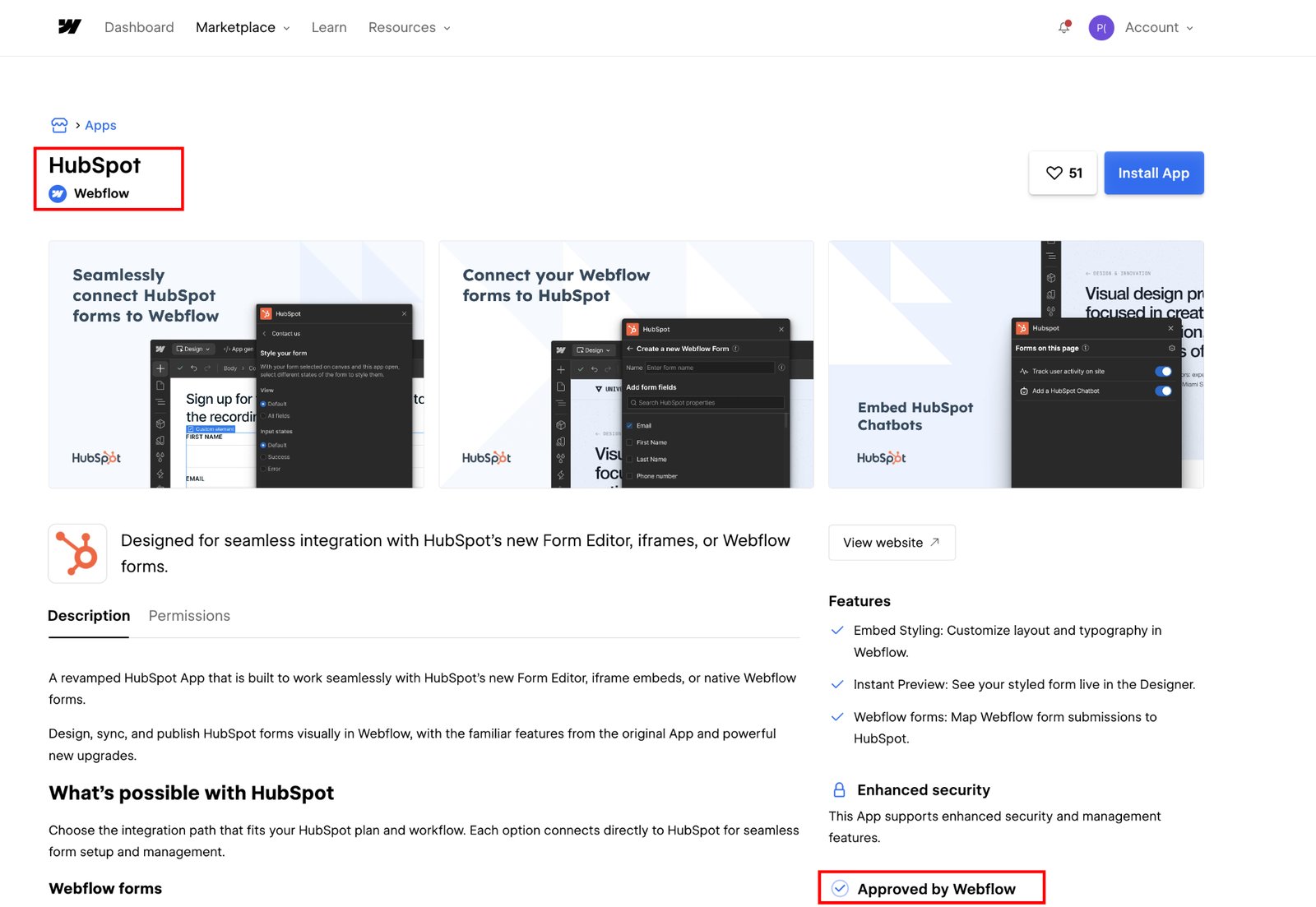
Webflow Integration: Connect Your Site to the Right Tools - How Webflow Integrations Work.
Webflow integrations fall into three broad technical categories, and understanding the difference will save you from choosing the wrong tool for the job.
Native Webflow Apps
Native apps are built specifically for Webflow and install directly from the Webflow Apps marketplace. They connect through Webflow's official APIs and often appear directly in the Designer or Editor interface, so you can manage them without leaving your project.
Examples include Google site tools for Webflow, which reads GA4 and Search Console data inside the Designer, and Finsweet Table of Contents, which generates anchor navigation from your page headings automatically.
Native apps typically offer the tightest experience because they're designed around Webflow's specific data model—CMS Collections, form submissions, and ecommerce orders.
Third-Party Automation Platforms
Automation platforms like Zapier, Pipedream, and Integrately act as bridges between Webflow and thousands of other apps. They watch for triggers in Webflow—a new form submission, a CMS item change, or an ecommerce order—and then perform actions in other tools, such as adding a subscriber in Mailchimp or creating a row in Google Sheets.
These platforms are ideal when you need flexibility across many tools but don't want to write custom code. The trade-off is that each "Zap" or workflow adds a small amount of latency and another point of potential failure.
Direct API and Custom Code
For teams with development resources, Webflow's REST API and webhooks allow fully custom integrations. You can build a publishing pipeline from Google Docs, sync relational data from a Postgres database through tools like Neon, or create a headless content workflow.
Custom integrations offer maximum control but require ongoing maintenance. Most teams should exhaust native apps and automation platforms before reaching for custom code.
Essential Webflow Integration Categories
Webflow Integration: Connect Your Site to the Right Tools - Essential Webflow Integration Categories.
Not every site needs every integration. The right stack depends on whether you're running a marketing site, a content-heavy publication, or an ecommerce store. Here are the categories that deliver the most value across common use cases.
CMS and Content Publishing
If your Webflow site relies on the CMS, integrations that streamline content creation and publishing are usually the highest-ROI additions.
Google Docs to Webflow workflows let writers draft in a familiar environment and sync finished pieces into CMS Collections. Tools like HyperSEO go further by generating SEO blog articles and publishing them directly as Collection items.
For teams that manage content at scale, an autonomous content platform can complement these integrations. AgentBooks, for example, researches organic search results, plans topics, and continuously publishes useful content in your brand voice. When paired with a Webflow CMS publishing workflow, it removes the manual draft bottleneck that stalls many content programs.
Forms and Lead Management
Webflow's native form handling is functional but limited. Integrations extend it significantly:
- Formly adds multistep flows, conditional logic, and progress indicators to native form blocks without custom JavaScript.
- Form Fields Pro introduces advanced input types like searchable selects, date pickers, and file uploaders.
- HIPAAtizer hosts forms on its own servers and renders them inside Webflow pages, keeping sensitive submissions out of Webflow's form store.
Once a form is submitted, automation platforms route the data to your CRM, email tool, or Slack channel. This is one of the most common Webflow integration patterns and one of the easiest to set up correctly.
Analytics and SEO
Webflow's built-in analytics are basic. For meaningful insight, connect external tools:
- Google site tools for Webflow brings GA4 and Search Console data into the Designer and lets you add Google Tag Manager without touching code.
- HyperSEO and similar apps focus on generating SEO-optimized content directly into your CMS.
- For monitoring how your brand appears in AI-generated answers, tools like the Surfer AI Tracker track mentions in ChatGPT, Gemini, Perplexity, and AI Overviews—a growing concern as search behavior shifts.
If you're evaluating SEO tooling more broadly, understanding Yoast SEO pricing can help you compare what a dedicated SEO plugin costs versus Webflow's native options and third-party apps.
Ecommerce Operations
Webflow Ecommerce stores benefit from integrations that automate order processing and customer communication. Zapier and Pipedream can trigger workflows when orders are placed, updating inventory systems, sending transactional emails, or notifying fulfillment teams.
Tools like Quizell Product Quiz embed recommendation quizzes that guide visitors to the right products, capturing leads and increasing average order value in the process.
Customer Engagement
Live chat and support integrations reduce response time and capture leads that might otherwise bounce:
- Social Intents connects live chat to Microsoft Teams or Slack, so your team answers from tools they already use.
- Chaty adds a floating widget that routes visitors to WhatsApp, Messenger, phone, and 20+ other channels.
- Orimon deploys an AI chatbot trained on your published site to answer questions and capture leads automatically.
How to Choose the Right Webflow Integrations
Webflow Integration: Connect Your Site to the Right Tools - How to Choose the Right Webflow Integrations.
With hundreds of options, decision paralysis is real. Here's a practical framework for building your stack without over-engineering it.
Start With Your Bottleneck
Identify the single most time-consuming manual task in your current workflow. Is it moving form submissions into your CRM? Updating CMS content? Tracking analytics? Choose one integration that eliminates that bottleneck first, then expand from there.
Prefer Native Apps When Available
Native Webflow apps are usually more reliable and easier to maintain than multi-step automation workflows. Check the Webflow Apps marketplace before reaching for Zapier. If a native app solves the problem, use it.
Limit Automation Platform Complexity
Every Zap or Pipedream workflow is a potential failure point. Keep workflows simple, document them, and review them quarterly. If a workflow has more than five steps, consider whether a native integration or custom API solution would be more stable.
Consider Content Operations Holistically
Many teams treat content publishing and site integration as separate problems. They're not. If your content pipeline requires manual copying from Google Docs, manual SEO research, and manual CMS entry, no single integration will fix the underlying bottleneck.
Platforms like AgentBooks address this by handling topic planning, organic research, and continuous publishing as an integrated system. When combined with a Webflow CMS sync, the result is a content operation that runs with minimal manual intervention. For a deeper look at how AI content platforms compare, see this Autoblogging AI review or explore AgentBooks features to understand what an autonomous content engine actually does.
Common Webflow Integration Mistakes
Even experienced teams make predictable errors when connecting tools to Webflow. Here are the most frequent ones and how to avoid them.
Overloading the Site With Widgets
Every chat widget, popup, and tracking script adds page weight and can hurt Core Web Vitals. Audit your integrations quarterly and remove anything that isn't actively contributing to conversions or insights.
Ignoring Form Data Ownership
Webflow stores form submissions in its own database, but some integrations route data elsewhere. Know where your leads actually live. If a form connects to HIPAAtizer or another external host, Webflow's form store won't have the data—which matters for compliance and reporting.
Building Fragile Multi-Step Automations
A Zap with seven steps that breaks silently is worse than no automation at all. Set up error notifications, test workflows after any Webflow or third-party update, and prefer native apps for mission-critical processes.
Neglecting AI Search Visibility
Traditional SEO integrations focus on Google rankings, but AI-generated answers are becoming a significant traffic source. If your content isn't appearing in ChatGPT, Gemini, or AI Overviews, you're missing a growing channel. Tools like the Surfer AI Tracker help you monitor that visibility, while platforms like AgentBooks build AI-search awareness into the content creation process itself.
Webflow Integration FAQ
What is the easiest way to connect Webflow to other apps?
Start with native Webflow apps from the Apps marketplace. They install directly into your project and usually require no code. For tools without native apps, Zapier or Integrately offer no-code automation across thousands of platforms.
Can I connect Google Sheets or Airtable to Webflow CMS?
Yes. Airtable has a native integration that publishes base records as CMS items and routes form submissions back into Airtable. For Google Sheets, you can use Zapier or a tool like CMS Bridge to sync records with control over content states and publishing.
Does Webflow integrate with ecommerce platforms?
Webflow Ecommerce has native functionality, and integrations extend it through Zapier, Pipedream, and specialized apps. You can automate order processing, inventory updates, and customer communication by connecting Webflow's ecommerce triggers to external tools.
How do I integrate a chatbot with Webflow?
Several native apps add chat functionality. Social Intents connects live chat to Teams or Slack, Chaty routes visitors to messaging platforms, and Orimon deploys an AI chatbot trained on your published site content.
Can I automate content publishing to Webflow?
Yes. Tools like HyperSEO generate SEO articles and publish them directly as CMS Collection items. For a more comprehensive approach, autonomous content platforms like AgentBooks handle topic research, planning, and continuous publishing, which can then sync to Webflow through CMS integrations or automation workflows.
What's the difference between native apps and Zapier integrations?
Native apps are built specifically for Webflow and often appear inside the Designer or Editor. Zapier integrations are external workflows that connect Webflow to thousands of other apps through triggers and actions. Native apps are usually more reliable; Zapier offers broader reach.
Build a Connected Webflow Stack That Scales
Webflow integration isn't about installing every available app. It's about identifying your operational bottlenecks and connecting tools that remove them without adding complexity.
Start with one high-impact integration—whether that's routing form submissions to your CRM, syncing content from your writing environment, or bringing analytics into the Designer. Test it thoroughly, document the workflow, and expand only when the next integration solves a real problem.
For content-heavy sites, the biggest opportunity is often automating the entire content pipeline rather than patching individual steps. Whether you use native publishing tools, automation platforms, or an autonomous content engine like AgentBooks, the goal is the same: a Webflow site that grows itself while your team focuses on strategy instead of manual busywork.
Related reading
- Machined Pens: The Complete Buyer's Guide for 2025 - Discover the best machined pens, from bolt action to fountain styles. Compare materials, refill compatibility, and top brands like Tactile Turn and Machine Era.
Sources and further reading
- Webflow Integration resources | Webflow - Find the resources and support documentation you need to connect your tools to your Webflow site.
- App integration and task automation integrations | Webflow - Share form data, CMS items, and products between Webflow and third-party apps.
- Integrations – Webflow Help Center - Integrations · Install and use the Adobe Marketo Engage App · Google Ads App for Webflow · Connect your site to ActiveCampaign · Connect Webflow to third-party apps ...