
Yoast SEO WordPress Plugin: Features, Pricing, and Where It Fits
If you run a WordPress site, you have probably been told to "just install Yoast." The Yoast SEO WordPress plugin is the default recommendation for a reason: it handles a large share of on-page and technical SEO automatically, and it gives writers feedback while they type instead of after they publish. But "install Yoast" is not a strategy. This guide breaks down what the plugin actually does, where the free version stops and Premium begins, what the AI features are worth, and how Yoast fits when your content operation grows past what a single editor plugin can manage.
What the Yoast SEO WordPress plugin actually does
Yoast SEO WordPress Plugin: Features, Pricing & Fit - What the Yoast SEO WordPress plugin actually does.
Yoast SEO is a WordPress plugin that manages on-site SEO for your site. It has two jobs:
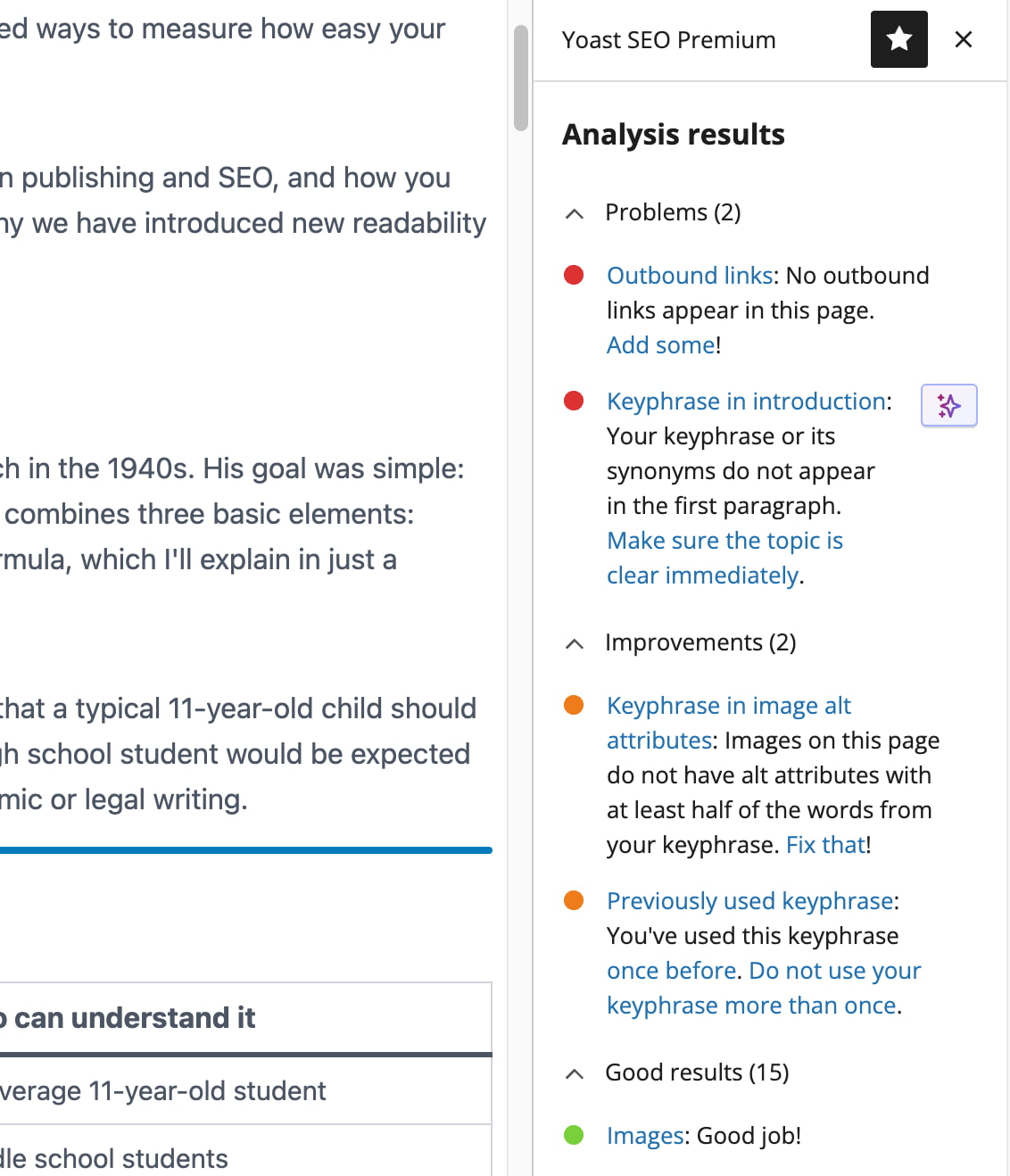
- Editor guidance. As you write, it scores your content against a focus keyphrase, checks readability, and flags missing or weak elements before you hit publish.
- Technical plumbing. It generates XML sitemaps, outputs structured data (schema), sets canonical URLs, controls index/noindex settings, and manages meta tags — mostly without configuration.
That combination is why it has been installed on millions of WordPress sites since 2008. The plugin's own WordPress.org listing describes its mission as making SEO accessible without a specialist or technical background, and the feature set largely delivers on that for single-site owners.
The traffic-light system, explained honestly
The red/orange/green indicators are the most visible part of the plugin, and also the most misunderstood. A green light means your content meets a checklist of best practices — keyphrase in the title, keyphrase in the introduction, reasonable paragraph length, enough internal and external links. It is a hygiene check, not a ranking guarantee. Treat green as "nothing obvious is broken," then use judgment about whether the page actually answers the query.
Technical SEO you get without thinking about it
Even if you never open the Yoast settings, the plugin handles:
- XML sitemaps that update automatically as you publish
- Canonical URLs to reduce duplicate-content problems
- Base schema graph (Website, WebPage, Article) on every page
- Meta robots controls for individual posts and pages
- Breadcrumb markup when you use the breadcrumbs block
For a small site, this is genuinely most of what technical SEO requires.
Free vs Premium: what changes
Yoast SEO WordPress Plugin: Features, Pricing & Fit - Free vs Premium: what changes.
The free plugin is not a trial. Yoast has committed to keeping core features free, and the free version includes the SEO and readability analysis, sitemaps, schema basics, FAQ and HowTo blocks, and the bulk editor for reviewing titles and meta descriptions across your site.
Premium, currently listed at $118.80 per year (excluding VAT) on Yoast's product page, adds the parts that become painful at scale:
| Capability | Free | Premium |
|---|---|---|
| Focus keyphrases per page | 1 | Up to 5 |
| Redirect manager | No | Yes, with bulk CSV import/export |
| Internal linking suggestions | No | Yes |
| Orphaned content detection | No | Yes (SEO workouts) |
| AI title/meta description drafting | No | Yes, single and bulk |
| AI Content Planner | No | Yes |
| Social previews (Facebook, X) | Limited | Full |
| Schema types | Base graph | Extended, including E-E-A-T signals |
| Support | Community | 24/7 |
| Bundled plugins | — | Local SEO, Video SEO, News SEO |
Who should stay on free
If you publish a handful of posts a month, have no redirect backlog, and one keyphrase per page is enough, the free plugin covers you. Upgrading mainly buys time savings, not capabilities you cannot replicate manually.
Who gets real value from Premium
The math changes when you have hundreds of pages. Bulk-editing metadata, finding orphaned posts, and catching broken redirects after a site restructure are tasks that are tedious by hand and quick with the Premium toolset. If you manage client sites or a large content archive, the redirect manager and orphaned content workouts alone often justify the cost.
The AI features: useful, but narrow
Yoast SEO WordPress Plugin: Features, Pricing & Fit - The AI features: useful, but narrow.
Yoast's AI tools are deliberately scoped. They generate titles and meta descriptions, suggest keyphrase placement improvements, summarize posts, and — with the Content Planner — propose five post ideas drawn from your own site and build a starter draft.
Two things are worth noting:
- Everything requires approval. Suggestions never save automatically. That is the right default for metadata that affects how your site appears in search.
- The AI does not write your articles. It fills in the parts writers dislike — metadata, summaries, starting points — rather than producing full content. If you want an engine that plans topics, researches the SERP, and publishes full articles, that is a different category of tool.
AI search readiness beyond Google
A newer part of Yoast's pitch is preparing content for AI assistants, not just search engines. Premium outputs more schema types, can aggregate your structured data into a single deduplicated graph for AI agents, manages an llms.txt file, and includes a bot blocker so you can decide which AI crawlers may use your content for training. Whether you need all of this today is debatable, but the direction is sensible: structured data that machines can parse cleanly benefits both traditional search and AI retrieval.
Keyphrase analysis in practice
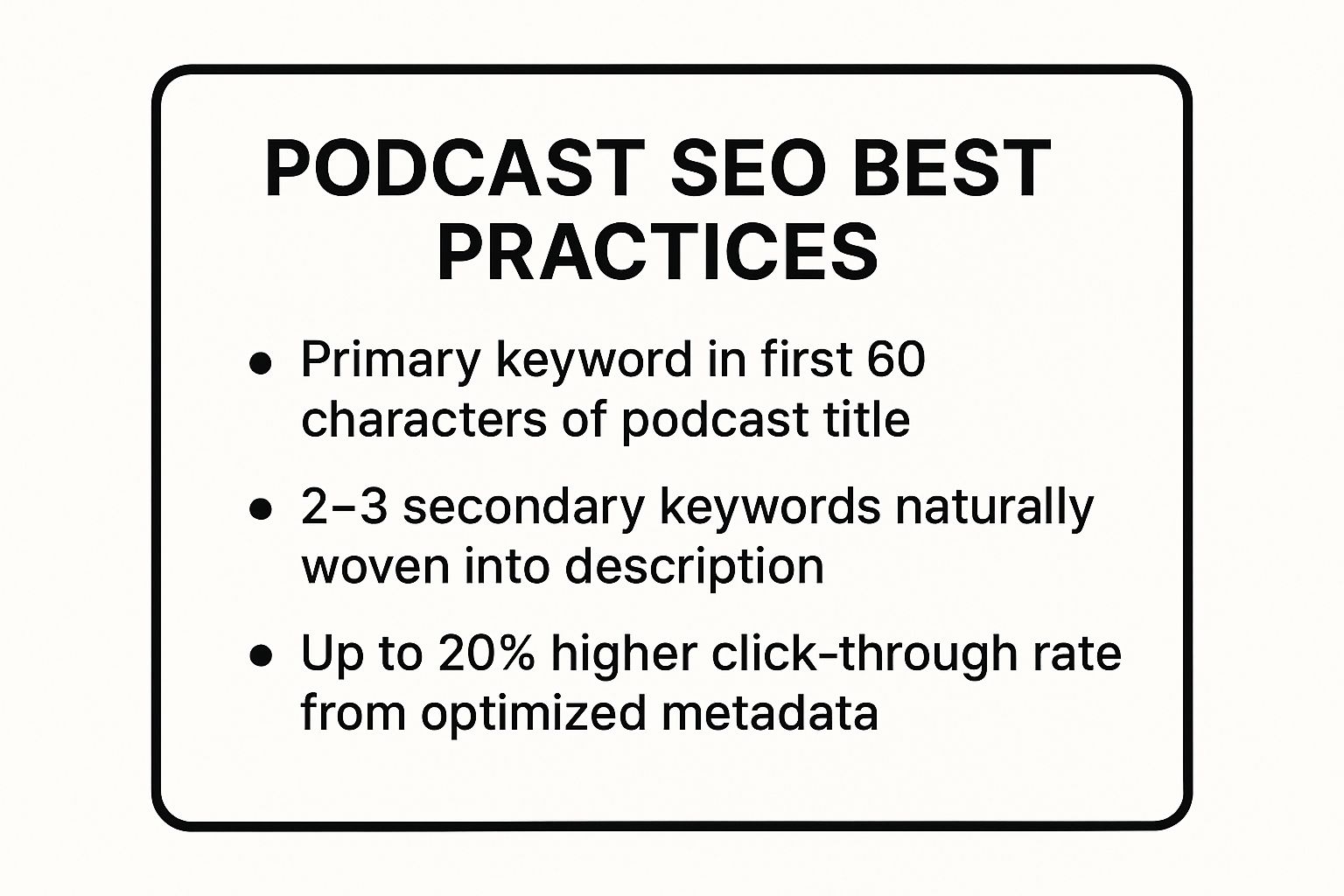
Yoast SEO WordPress Plugin: Features, Pricing & Fit - Keyphrase analysis in practice.
Yoast's analysis works best when you feed it a clear focus keyphrase and write naturally. A few practical habits:
- Put the keyphrase in the SEO title, the H1, and the first paragraph — those are the checks that matter most.
- Use Premium's five-keyphrase slot for pages targeting a term, a synonym, and a question variant, rather than stuffing one phrase everywhere.
- Ignore the density warning if the writing reads well. Keyword density is a weak signal; awkward repetition is a real problem.
- Run readability checks separately from SEO checks. They measure different things, and fixing one can hurt the other if you chase both scores blindly.
If you are still deciding what to target in the first place, a structured process helps more than any plugin setting. Our keyword research guide walks through finding seeds, judging intent, and mapping terms to pages before you open the editor.
Where Yoast stops — and what to do next
Yoast optimizes pages you have already decided to write. It does not decide what to write, research the competitive landscape, or publish on a schedule. Those gaps become visible when you try to scale:
- Topic planning still happens in a spreadsheet or someone's head.
- Drafting is manual, even with the Content Planner's starter drafts.
- Publishing cadence depends on human availability.
- Keeping older content updated is a recurring chore with no built-in workflow.
This is where content automation platforms enter the picture. AgentBooks, for example, approaches the problem from the opposite end: it crawls your site to build a reusable source of truth about your product, builds a categorized keyword plan, generates articles with approval workflows, and publishes to a hosted content site with custom domain support. Yoast and AgentBooks are not competitors — one optimizes pages inside WordPress, the other plans and produces the pages. Teams that publish at volume often run both: AgentBooks for planning and drafting, Yoast for the final on-page pass.
For organizations coordinating multiple sites and contributors, the workflow questions matter more than any single plugin. Our breakdown of enterprise SEO workflows covers templated fixes, cross-team handoffs, and how to prioritize when the backlog outgrows manual triage.
Setup and migration tips
- Run the configuration wizard. It sets your site type, social profiles, and schema defaults correctly, which prevents most schema errors later.
- Migrating from another plugin? Yoast includes import tools for Rank Math, All in One SEO, and SEOPress. Import before you deactivate the old plugin, and spot-check a few titles and descriptions afterward.
- Connect Google Search Console. The Site Kit integration surfaces queries and indexing data inside WordPress, which turns the plugin from a checklist into a feedback loop.
- Set SEO roles for teams. Delegating access without handing over full admin rights avoids accidental site-wide changes.
Related reading
- How to Use Surfer: A Beginner's Guide to Mapping Data - Learn how to use Surfer by Golden Software: import data, create contour maps, customize layers, and export results. A practical tutorial for beginners.
Sources and further reading
- Yoast SEO - Yoast SEO helps you improve your site’s content and structure with built-in tools for keywords, schema and readability, no expertise required.
FAQ
Is the Yoast SEO WordPress plugin free?
Yes. The core plugin is free and Yoast states it will remain free, with analysis, sitemaps, schema, and the bulk editor included. Premium adds redirects, internal linking suggestions, AI tools, extended schema, and 24/7 support at $118.80 per year (excluding VAT).
Does Yoast work with page builders like Elementor?
Yes. Yoast integrates with Gutenberg, the Classic Editor, and Elementor, so the analysis panel appears inside the builder you already use.
Will a green score get my page to rank?
No. The traffic-light score checks on-page best practices. Ranking also depends on search intent match, content quality, competition, site authority, and technical health. Use the score to catch omissions, not as a ranking predictor.
Can Yoast write full articles for me?
Not really. Its AI tools generate titles, meta descriptions, summaries, keyphrase suggestions, and starter drafts. Full article planning, research, and production require a dedicated content platform or a human writer.
Should I use Yoast with an AI content tool?
They solve different problems, so pairing them is common. An AI content platform handles topic planning, drafting, and publishing; Yoast handles the final on-page optimization and technical SEO inside WordPress.
What happens to my SEO data if I switch plugins?
Yoast provides import and export tools so you can migrate settings and metadata safely. Export from your current plugin, import into Yoast, verify a sample of pages, then deactivate the old one.
Conclusion
The Yoast SEO WordPress plugin earns its reputation by doing two things well: giving writers clear, immediate feedback, and handling technical SEO that most site owners would otherwise get wrong. For a single site with a modest publishing schedule, the free version is enough. For larger archives and teams, Premium's redirect management, orphaned content detection, and bulk AI metadata drafting save real hours.
What Yoast will not do is decide what your site should publish next, or produce that content at scale. If your bottleneck has shifted from "is this page optimized?" to "how do we publish consistently without a full-time writer?" — that is a different tool for a different job, and often a complement rather than a replacement.