ContentBot AI Review: Features, Pricing, and Real Limits
ContentBot AI sits in a crowded category: AI writing tools that promise to turn a topic into publishable copy. This review looks at what it actually does well, where it struggles, and how it fits into a broader content operation. If you are evaluating it as a standalone writer or as part of a larger automation stack, the decision usually comes down to workflow depth versus output control.
What ContentBot AI Is Best For
ContentBot AI Review: Features, Pricing, and Real Limits - What ContentBot AI Is Best For.
ContentBot AI is primarily a marketing content generator. It handles blog drafts, landing page copy, ad variations, email sequences, and social posts. The tool is built around templates and a drag-and-drop workflow builder called AI Flow, which lets you chain prompts and actions into repeatable content journeys.
It fits marketers, freelancers, and small teams that need to produce copy quickly without building a custom pipeline. It is less suited to teams that need deep product understanding, structured SEO planning, or publishing governance.
Key Features and How They Work
ContentBot AI Review: Features, Pricing, and Real Limits - Key Features and How They Work.
AI Writer and Long-Form Editor
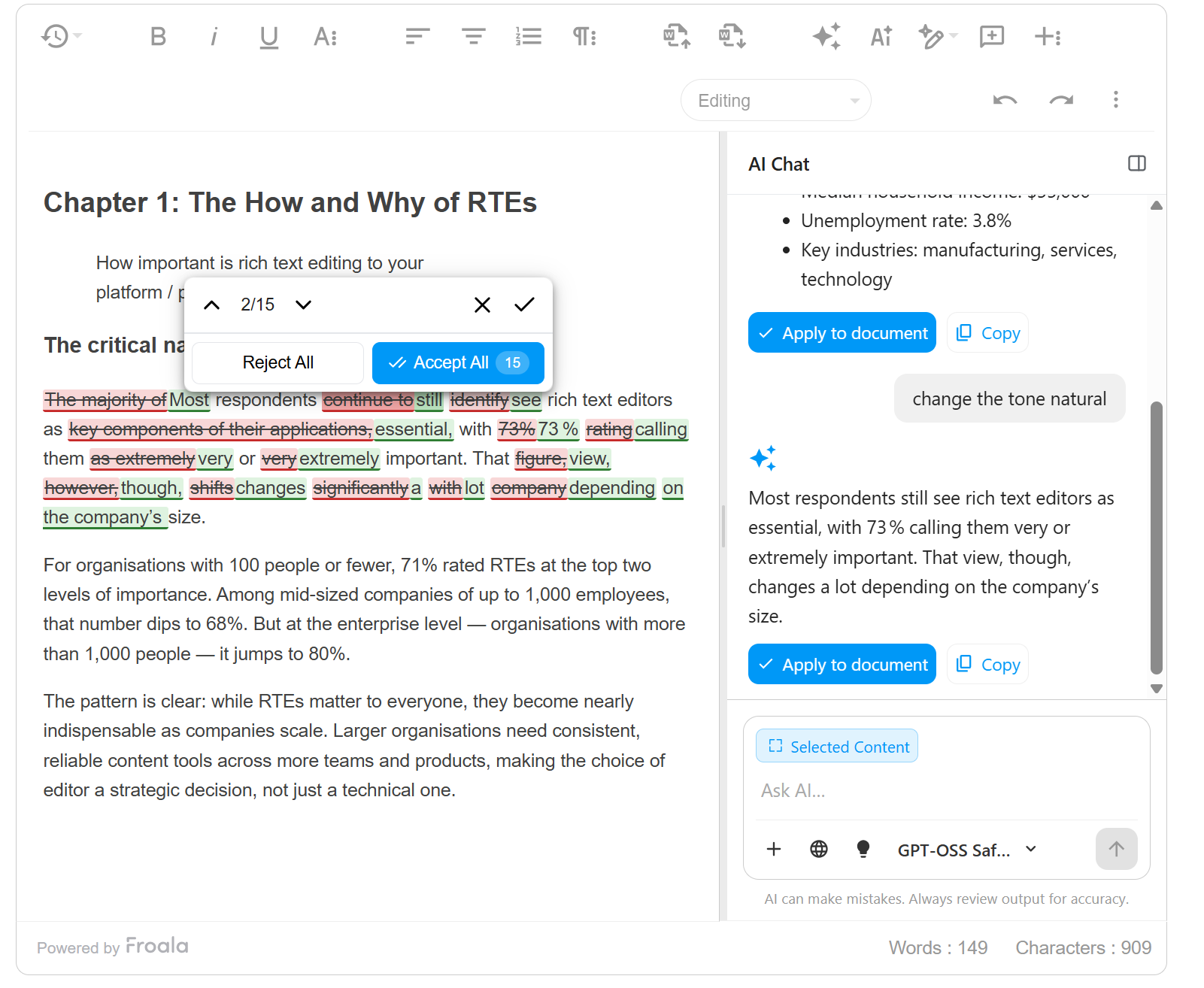
The AI Writer takes a topic, optional intro, and keywords, then generates sections you can edit inline. The editor shows readability, word count, and a uniqueness score. You can add more content mid-draft, which helps when a section feels thin.
Blog Post Generator
You define a topic and subheadings, set word targets per section, and generate multiple variations. The output is a first draft, not a finished article. Fact-checking, tone alignment, and brand voice edits are still on you.
AI Flow Workflow Builder
AI Flow is the standout feature. You drag triggers and actions into a sequence, connect data sources like a CMS or CRM, and let the system generate content on a schedule or event. It is not plug-and-play: you still review outputs, but it saves time on repetitive production.
WordPress Plugin and Integrations
A WordPress plugin lets you publish directly from ContentBot. There are also integrations for common marketing tools. This reduces copy-paste friction but does not replace a full publishing workflow with approvals and versioning.
SEO Mode and Plagiarism Checker
SEO Mode suggests keywords and structure. The plagiarism checker flags duplicate text. Both are useful guardrails, but neither replaces a keyword plan tied to search intent or a technical SEO review.
Pricing: What You Actually Pay
ContentBot AI Review: Features, Pricing, and Real Limits - Pricing: What You Actually Pay.
ContentBot AI uses a credit and word-based pricing model. The main tiers are:
- Prepaid: $1 per 1,000 words, pay-as-you-go.
- Starter: $19/month for 50,000 words.
- Premium: $59/month for 150,000 words, 3 AI workflows, and imports up to 50 rows.
- Premium+: $99/month for 400,000 words, unlimited workflows, imports up to 500 rows, and two human-enhanced blog posts.
There is no free trial, but there is a 7-day money-back guarantee. The pay-as-you-go option looks cheap until you compare word volume: 19,000 words at prepaid rates costs about the same as a Starter plan with 50,000 words. For ongoing use, a subscription is usually the better value.
Output Quality: What to Expect
ContentBot AI Review: Features, Pricing, and Real Limits - Output Quality: What to Expect.
ContentBot AI produces usable first drafts. The writing is coherent and follows the structure you give it. It handles straightforward marketing copy well: product descriptions, email variations, and social captions.
Longer articles need more work. The tool can lose nuance, repeat points, or miss the specific angle that makes a piece rank. It also struggles with product-specific accuracy unless you feed it detailed context. Expect to edit for tone, add examples, and verify claims.
AI detection is another consideration. Reviews have found that ContentBot output can be flagged by detectors. That does not automatically make it bad, but it means you should not rely on raw output for sensitive or high-stakes content.
ContentBot AI vs. Full Content Engines
ContentBot AI is a writing tool with workflow features. A full content engine like AgentBooks starts earlier: it crawls your website to build a reusable source of truth, maps your market, plans topics, researches organic results, and then generates and publishes articles in your brand voice. The difference is scope.
| Capability | ContentBot AI | AgentBooks |
|---|---|---|
| Primary focus | AI writing and workflows | End-to-end content marketing automation |
| Product understanding | Manual input | Website crawl builds a source of truth |
| Keyword planning | SEO Mode suggestions | Categorized keyword plan from market research |
| Publishing | WordPress plugin | Hosted content site with custom domain |
| Approval workflow | Manual review | Built-in approval workflows |
| Multilingual | Limited | Supported |
| Pricing | $19–$99/month | Free Starter beta, Pro $29/month, Team $99/month |
If you need a fast writing assistant and already have a content strategy, ContentBot AI can work. If you need a system that connects product understanding, planning, creation, and publishing, a platform like AgentBooks covers more ground. For a deeper walkthrough of ContentBot's setup, see this ContentBot.ai tutorial.
Where ContentBot AI Fits in a Scaling Workflow
ContentBot AI is strongest as a drafting layer. Use it for:
- Social captions and ad variations.
- Email sequences and outreach templates.
- First drafts of blog posts that you will heavily edit.
- Repurposing existing content into new formats.
It is weaker as a strategy layer. It does not build a keyword plan from search data, does not maintain a product knowledge base, and does not manage publishing across multiple sites. For teams scaling content, those gaps matter. A practical approach is to pair a writing tool with a system that handles planning and publishing, or to move to a platform that does both. If you are comparing options, this guide to bulk article creation covers how different workflows handle quality at scale.
Pros and Cons
Pros:
- Affordable entry pricing and pay-as-you-go option.
- AI Flow enables custom automation without code.
- WordPress plugin simplifies publishing.
- Handles multiple content types: blogs, ads, emails, landing pages.
Cons:
- No free trial.
- Output needs significant editing for long-form accuracy.
- SEO features are basic compared to dedicated platforms.
- Limited product-context awareness without manual input.
Related reading
- Machined Features: Types, Symbols & DFM Rules - Learn the common machined features found on engineering drawings, how they are symbolized, and the DFM rules that keep complex parts manufacturable.
- GEO Optimization: How to Get Cited by AI Search Engines - GEO optimization explained: how generative engines pick sources, what to fix on your site, and how to measure AI citations without abandoning SEO.
Sources and further reading
- ContentBot AI Review - AI Content Automation At Its Best - Unlock the power of AI content automation with ContentBot AI. Tailored for marketers, it offers a range of features and WordPress integration. Learn more in this comprehensive review.
- Contentbot AI Review 2026 - DO NOT Sign Up Before Watching This - Get Access to a discount deal for Contentbot AI here ⤵️https://bit.ly/3tcS99BContentbot is powered by cutting-edge AI models, with its star player being GPT-...
- ContentBot AI Review: Features, Pricing, Pros & Cons - ContentBot AI review: Explore how this tool performs, its features, pros and cons, and whether it’s worth using for content creation.
FAQ
Is ContentBot AI worth it?
It depends on your needs. If you want a low-cost AI writer with workflow automation, it is worth testing. If you need strategic planning, product understanding, and publishing governance, a broader platform is likely a better fit.
Does ContentBot AI have a free trial?
No. There is a 7-day money-back guarantee, but no free tier. The prepaid plan is the closest thing to a trial, though it is less cost-effective than a subscription for regular use.
Can ContentBot AI write SEO-optimized articles?
It can generate keyword-rich drafts and suggest structure, but it does not build a keyword plan from search intent or competitor analysis. You will need to provide that strategy yourself or use a platform that does it for you.
How does ContentBot AI compare to ChatGPT?
ContentBot AI adds templates, workflow automation, a WordPress plugin, and a plagiarism checker. ChatGPT is more flexible but lacks those built-in content operations features.
Is ContentBot AI content detectable?
Reviews have found that ContentBot output can be flagged by AI detectors. Treat it as a drafting tool and edit thoroughly before publishing.
Conclusion
ContentBot AI is a capable marketing writing tool with a genuinely useful workflow builder. It is affordable, fast, and flexible for short-form and first-draft content. It is not a full content engine: it lacks deep product understanding, strategic keyword planning, and publishing governance. If your bottleneck is drafting, it can help. If your bottleneck is running a scalable, evidence-based content operation, you will need more than a writer. For teams that want the full pipeline, AgentBooks connects product understanding, planning, generation, and publishing in one workspace, with a free Starter plan during public beta.