
How to Use AgentBooks with Bynder for Automated Brand Content
Content teams face two persistent bottlenecks: producing enough high-quality articles to satisfy organic growth targets, and ensuring every piece of content stays visually on-brand. AgentBooks—an autonomous content growth platform—solves the first by turning your website into an always-on content engine. Bynder—the most intuitive enterprise DAM platform—solves the second by serving as a centralized system of record for all your brand assets. When you connect them, you get a content factory where AI-generated blog posts, landing pages, and product stories automatically pull approved images, videos, and brand elements from your DAM, drastically reducing manual effort while keeping everything compliant.
This guide walks through the complete workflow, setup steps, practical use cases, and the real operational problems this combination eliminates.
Why Combine AgentBooks and Bynder?
How to Use AgentBooks with Bynder for Automated Brand Content product interface and feature overview.
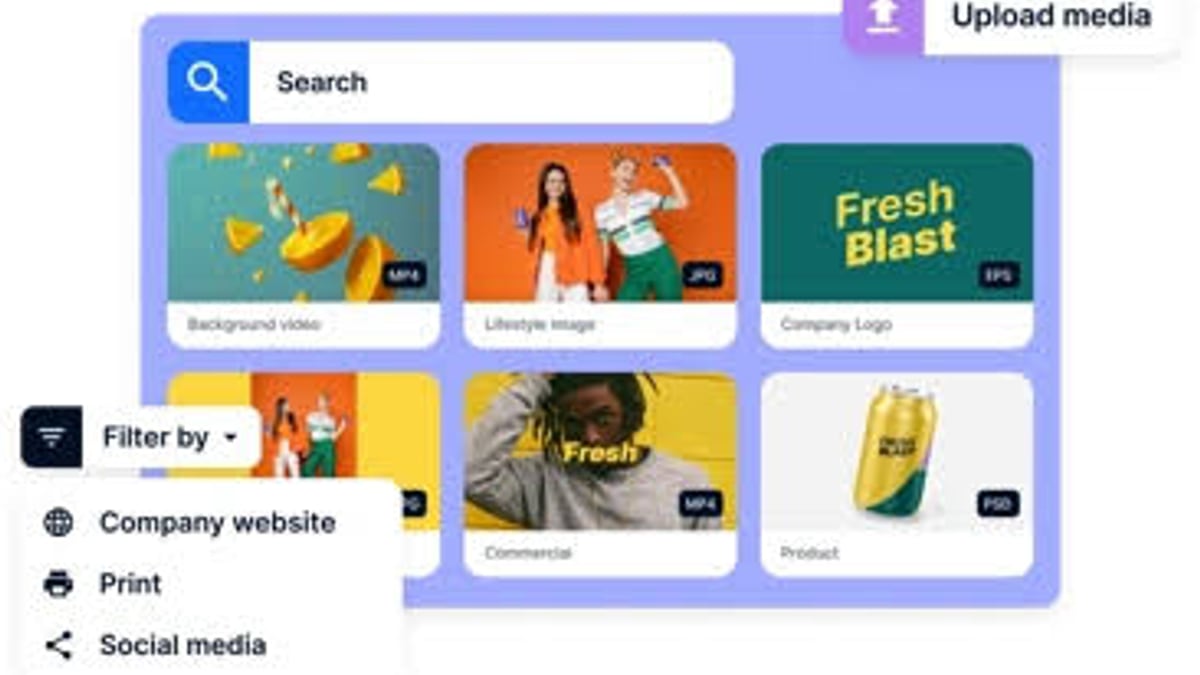
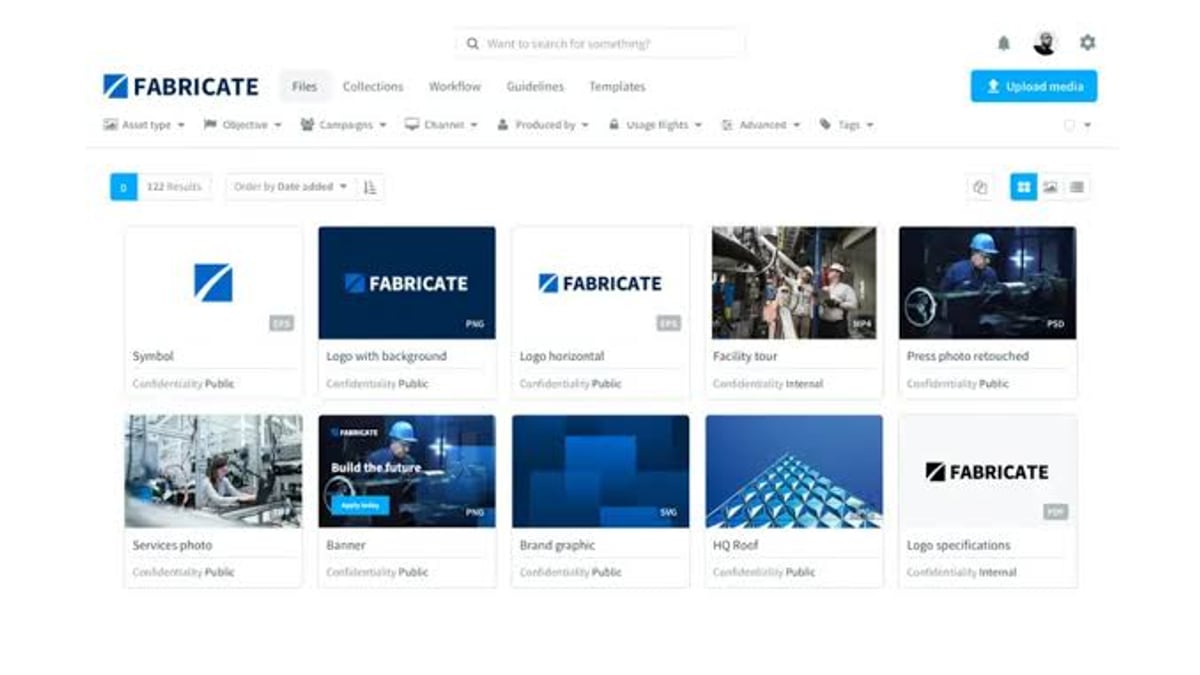
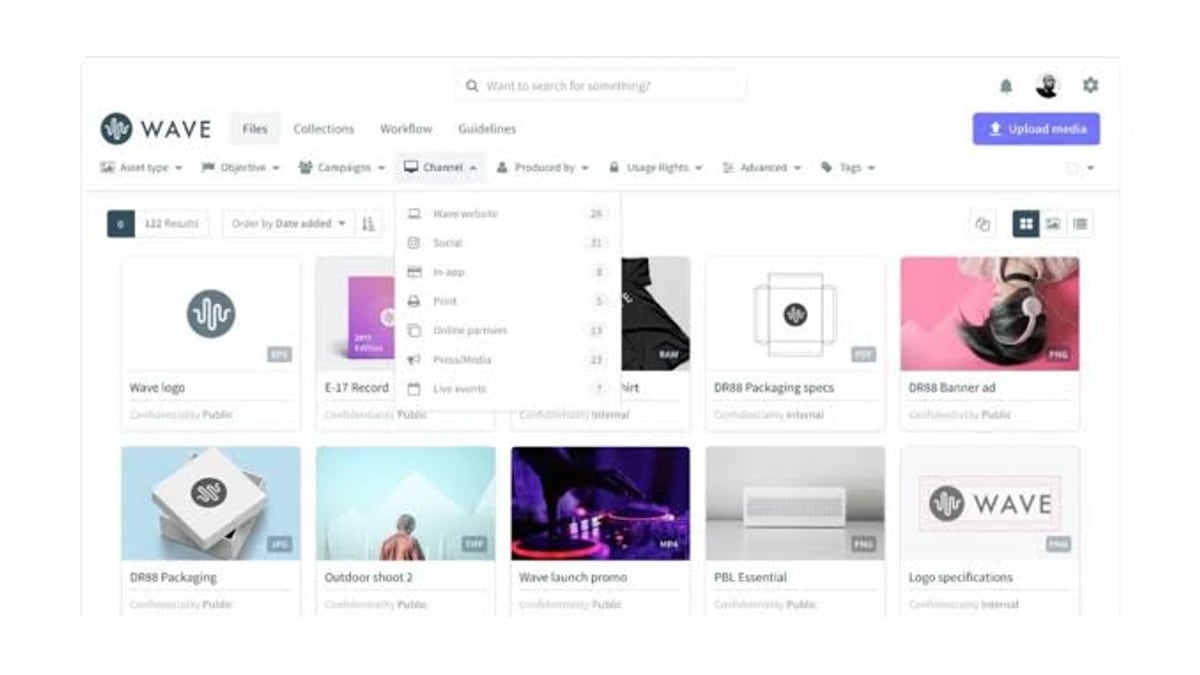
AgentBooks learns your product’s brand, maps your market, plans keyword-driven topics, and generates complete articles—complete with title, description, keywords, and even image placeholders. But those placeholders need actual assets. Without a DAM, a writer must manually search for images, risk using outdated files, and then go through a separate approval cycle. Bynder stores every approved photo, illustration, product render, and guideline in one place, powered by AI-driven search and configurable metadata.
Together, they form a closed loop:
- AgentBooks plans, researches, and writes SEO-optimized content in your brand voice.
- Bynder supplies the right visual assets, automatically transformed for each channel.
- Your team approves final drafts and publishes to custom domains in multiple languages—without ever leaving a coordinated workflow.
This is especially valuable for growth teams, SaaS companies, e-commerce stores, and digital product creators running lean marketing operations but still needing to publish consistently.
How AgentBooks and Bynder Work Together
How to Use AgentBooks with Bynder for Automated Brand Content - supporting product research image 2.
The integration is built around API orchestration and a shared taxonomy. Here’s the high-level flow:
- AgentBooks plans topics based on your product and market research. For each article, it identifies the primary keyword, target audience, and suggested content structure.
- AgentBooks generates a draft with placeholders for hero image, inline graphics, and social cards.
- A middleware or direct API call fetches assets from Bynder—matching the article’s topic, product SKU, or campaign tag to Bynder’s metadata.
- Bynder transforms assets in real time (Dynamic Asset Transformation) to the right dimensions and formats before insertion.
- The combined draft—article plus embedded asset references—routes to an approval workflow. Stakeholders see both the written piece and the final visuals together.
- Once approved, AgentBooks publishes the article to your domain, with multilingual variants if needed, while Bynder serves the optimized assets through its CDN.
This pipeline ensures that every published piece uses the latest brand-approved assets, never an outdated logo or a misaligned hero image.
Setup Steps for Integrating AgentBooks with Bynder
How to Use AgentBooks with Bynder for Automated Brand Content - supporting product research image 3.
Because AgentBooks offers a REST API and Bynder provides a comprehensive developer portal, you can build a custom integration. For teams without coding resources, an automation layer like Zapier or Make can bridge both platforms using webhooks.
Step 1: Prepare Your Bynder Asset Taxonomy
Start by aligning your DAM structure with the way AgentBooks plans content. In Bynder, use configurable metadata properties such as:
- Campaign name – maps to content campaigns you define in AgentBooks.
- Product line or SKU – links directly to product-related articles.
- Topic cluster – aligns with your SEO pillar pages and subtopics.
- Usage rights and regions – ensures compliance for multilingual publishing.
Good taxonomy makes automation possible. For example, tag product images with the product’s official name and SKU. AgentBooks can then pull the exact hero shot for a product review, keeping everything discoverable. As noted in a Bynder enterprise DAM features overview, a flexible taxonomy drives cross-team consistency and scalable reuse.
Step 2: Connect AgentBooks to Bynder via API
Both platforms provide APIs. The typical pattern:
- Use AgentBooks’ article-creation webhook to notify your middleware when a new draft is ready.
- The middleware extracts the topic, keywords, or SKU from the draft metadata.
- Call Bynder’s asset search API with those parameters. Bynder’s Natural Language Search and Similarity Search help retrieve the most relevant assets even without knowing the exact filename.
- Retrieve the asset’s dynamic URL (which Bynder can auto-resize and reformat via Dynamic Asset Transformation parameters).
- Inject the final
<img>tags into the AgentBooks draft before sending it for approval.
A simplified example using Node.js:
// Listen to AgentBooks webhook
app.post('/agentbooks-draft', async (req, res) => {
  const { topic, productSku } = req.body;
  // Search Bynder for matching assets
  const assets = await bynder.getAssets({
    keyword: topic,
    metaProperty: `product_sku:${productSku}`
  });
  // Select the hero image and generate a dynamic URL with specific width
  const heroUrl = `${assets[0].url}?width=1200&format=webp`;
  // patch the AgentBooks draft via its API
  await agentbooks.updateArticle(req.body.articleId, {
    image: heroUrl
  });
});
Step 3: Configure AgentBooks Brand Voice with Bynder Assets
While AgentBooks captures your brand’s tone and factual positioning from your website, you also want it to understand your visual brand rules. Provide AgentBooks with a brand guideline document or a reference article that uses correct Bynder asset styling. This helps the AI generate image alt-text and captions that match the tone of your brand, not just generic descriptions. For example, instead of “man using laptop,” it will write “Our sales dashboard in action—built for speed and clarity.”
Step 4: Automate Content Production with Asset Fetching
Now let the pipeline run. A typical weekly cadence:
- AgentBooks generates five blog posts, each assigned to a product or category.
- The integration automatically pulls the latest version of each featured image from Bynder’s portal.
- Your team reviews the batch in AgentBooks’ approval-first workflow. Because the images are already embedded, you see the final layout.
If you’re using Bynder’s AI Agents, you can even automate asset governance at this stage. A Bynder agent can flag any image that doesn’t meet your latest brand rules before it’s ever placed into a draft—ensuring 100% visual compliance before the content writer sees anything.
Step 5: Review and Publish with On-Brand Visuals
When the content marketing manager logs into AgentBooks, they see a finished article complete with meta title, description, viable keywords, and correctly licensed brand visuals. One click approves the piece, and AgentBooks publishes it to your custom domain (or a staging environment first). For global teams, the same authenticated workflow extends to multilingual versions; Bynder serves the correct locale-specific assets by detecting language and region parameters.
Practical Use Cases
How to Use AgentBooks with Bynder for Automated Brand Content - supporting product research image 4.
E-Commerce Product Stories
An online furniture retailer uses AgentBooks to write buyer’s guides for every sofa collection. Each guide automatically pulls 360° product views and lifestyle images from Bynder’s product galleries. When a new spring collection launches, the product SKU is tagged in Bynder, and AgentBooks generates the first draft within hours—with all visuals already approved.
SaaS Content Library
A B2B SaaS company maintains a resource center of 200+ articles. AgentBooks refreshes underperforming pieces by rewriting sections with up-to-date keyword targets. Bynder supplies refreshed screenshots, diagrams, and video thumbnails that CMS can embed instantly. The team never starts from scratch—content and assets evolve together.
Multi‑Brand Enterprise Campaigns
A global brand house runs separate websites for each sub‑brand. AgentBooks handles topic planning and content generation in eight languages. Bynder’s taxonomy separates assets by brand, region, and market, while its Content Experiences for Omnichannel delivers optimized assets to each site. The result: consistent, localized content at scale, with no asset mix‑ups.
Problems the Integration Solves
Duplicated and outdated assets – Because every article fetches from the single source of truth in Bynder, there are no local file copies. When a logo changes, the new version propagates everywhere immediately.
Brand inconsistency – AgentBooks writes in a uniform voice; Bynder ensures all visual elements align to the same guidelines. Approvers never have to double-check image licensing or color palettes.
Slow content velocity – Without automation, sourcing a hero image for a blog post can take 30 minutes. Multiply that by 20 articles a month, and you’ve lost 10 hours. The integration eliminates that manual step entirely.
Cross-team friction – Designers upload assets to Bynder, content teams write in AgentBooks. No Slack messages asking “Where’s the updated screenshot?” Everything is programmatically linked.
For a broader look at how AI content engines fit into modern martech stacks, see our guide on how to use AgentBooks with Contentful and our comparison of the top 10 digital asset management platforms 2026.
Related reading
- AgentBooks vs Machined vs GravityWrite: Which Tool Fits? - Compare AgentBooks, Machined, and GravityWrite on autonomous content, SEO workflows, and creative versatility. See which AI platform fits your team.
- AgentBooks vs contentmarketing.ai: Which Platform is More Autonomous? - Compare AgentBooks vs contentmarketing.ai in 2026. See which AI content platform offers true autonomy, brand voice consistency, and agentic publishing vs agency-led tools.
- Contentstack Review 2026: The Agentic Experience Platform for Enterprise - In-depth Contentstack review covering the new Agentic Experience Platform, headless CMS features, pricing, API challenges, and comparisons to Contentful. Learn if it fits your enterprise.
Sources and further reading
- Best digital asset management tools 2026 - Compare the 5 best enterprise digital asset management tools, their strengths and weaknesses, and get tips to find the best fit for your business in 2026.
- Actual Bynder Pricing 2026 | See How We Help You Pay Less - Are you getting a good price on Bynder? See pricing, competitors, and what you should really be spending. Based on actual contract data.
FAQ
Does AgentBooks have a native integration with Bynder?
At the time of writing, AgentBooks does not ship with a one‑click Bynder connector. However, its public API and webhook capabilities make it easy to build a custom integration or use automation platforms like Zapier to bridge the two.
What if I use Bynder’s AI Agents for content transformation?
You can combine the platforms’ AI strengths. For instance, a Bynder AI Agent can automatically resize and localize images for a specific market, while AgentBooks generates the corresponding translated text. The two outputs merge before publishing.
How does this impact my current content approval workflow?
AgentBooks already includes an approval-first workflow where drafts must be reviewed before publishing. The integration adds visual assets to that same review step, so nothing changes for the approver—they see a complete, production-ready article.
Can I use AgentBooks with a different DAM if I don’t have Bynder?
Yes. The same API-driven pattern works with any DAM that offers a search and dynamic delivery API. AgentBooks is built to be composable; you grant it access to your asset source of truth, whether Bynder, Contentful, or another platform.
What is the cost impact?
AgentBooks offers a free Starter plan for small teams and Pro ($29/mo) and Team ($99/mo) plans for growing content operations. Bynder pricing varies by organization size and feature set—SpendHound data indicates typical SMB costs around $29,749/year and enterprise contracts upward of $131,277/year. The automation reduces manual labor, often paying for itself quickly in larger teams.
Conclusion
AgentBooks and Bynder each solve a critical half of the modern content puzzle: autonomous, brand-aligned writing and centralized, governance‑ready asset management. Connecting them transforms your content supply chain into a streamlined machine where every article arrives with the correct visuals, every asset stays on‑brand, and your team gets hours back each week. Start by structuring your Bynder taxonomy for content‑driven asset retrieval, then wire up the API calls to let AgentBooks pull the right images automatically. The result is a publishing operation that scales without growing headcount—or design debt.