
How to Use AgentBooks with Claude: Workflow & Setup
AgentBooks automates the content engine — crawling your site, planning keywords, and publishing articles on a schedule. Claude brings a reasoning layer for research synthesis, brief refinement, and editorial review. Used together, they let a small team run a high-volume content operation without losing voice or accuracy.
This guide explains how the two tools complement each other, walks through setup, and shows practical workflows you can copy.
Why combine AgentBooks and Claude?
First viewport screenshot of claude.com.
AgentBooks handles the repetitive, structured parts of content production: brand intelligence, keyword planning, article generation, TDK optimization, and publishing. Claude excels at open-ended reasoning: analyzing search results, comparing angles, stress-testing claims, and rewriting for clarity.
| Task | AgentBooks | Claude |
|---|---|---|
| Website crawl & brand dataset | ✅ Built-in | — |
| Keyword categorization & topic plans | ✅ Built-in | Can suggest refinements |
| Article drafting at scale | ✅ Scheduled generation | Can draft or rewrite sections |
| Organic SERP research | ✅ Top 3 organic results | Can synthesize findings |
| Fact-checking & claim review | Approval workflow | ✅ Strong reasoning |
| TDK optimization | ✅ Built-in | Can propose variants |
| Publishing & scheduling | ✅ Hosted sites, custom domains | — |
The combination solves a common problem: automated content tools produce volume, but quality control and strategic thinking still need a human-in-the-loop or a capable assistant. Claude fills that gap without replacing AgentBooks' automation.
What you need before you start
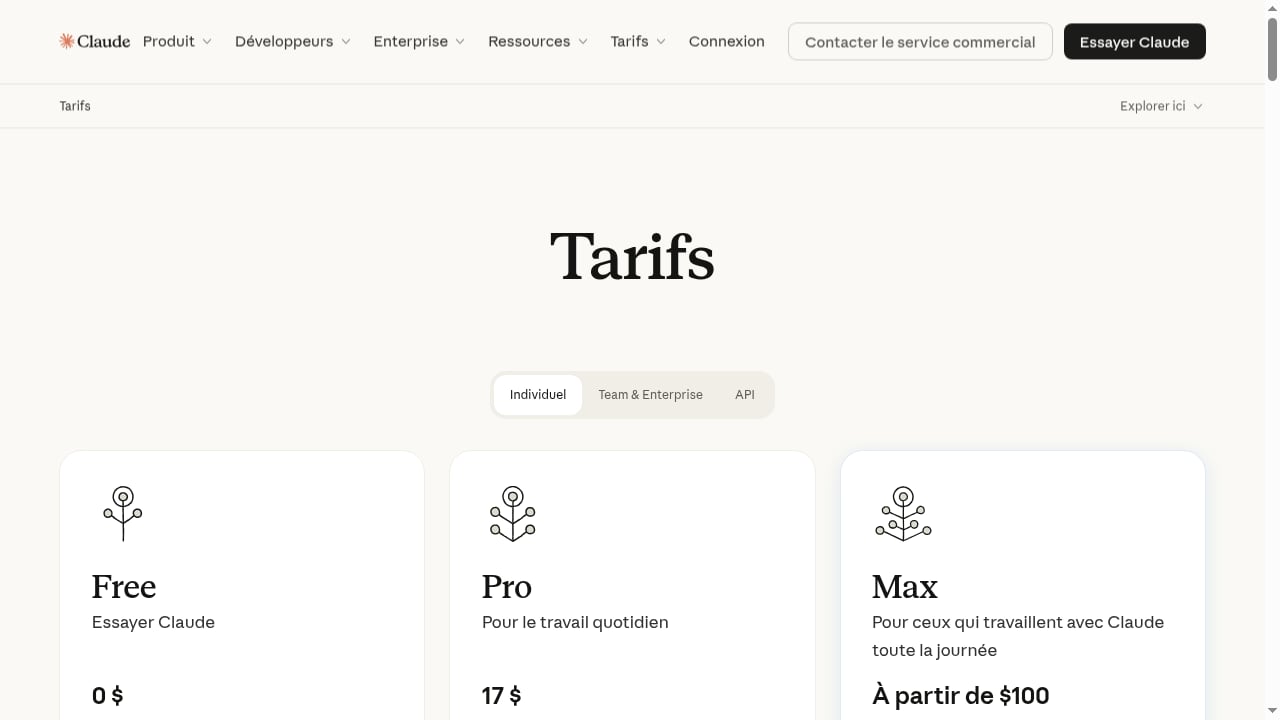
First viewport screenshot of claude.com.
- An AgentBooks account (the free public beta covers one brand; the Business plan at $30/month adds scheduled operations; Enterprise at $100/month supports multiple brand workspaces).
- A Claude account. The Free tier works for light review; Pro at $17/month (annual) or $20 monthly is better for daily editorial work; Max from $100/month suits heavy usage.
- Access to your website and a clear idea of your target audience.
- Optional: a shared document or project space for storing briefs and review notes.
Step 1: Set up AgentBooks with your website
- Submit your website once. AgentBooks crawls it to build a reusable brand dataset — product details, tone, terminology, and positioning.
- Review the brand profile. Check that the crawled data reflects how you actually describe your product. Correct anything that feels off before generating content.
- Configure site identity. Set your custom domain, site name, and language preferences if you publish multilingually.
- Generate a keyword plan. AgentBooks maps the market and produces categorized keyword plans. Review the categories and prune topics that don't fit your strategy.
At this stage, you have a structured content plan grounded in your actual site.
Step 2: Use Claude to sharpen the plan
First viewport screenshot of claude.com.
Before AgentBooks starts generating articles, use Claude to pressure-test the plan.
Example prompt:
Here is a list of planned article topics for [your product]. For each, identify the likely search intent (informational, commercial, transactional) and flag any topics that overlap or cannibalize each other. Suggest three additional subtopics that would strengthen the cluster.
Paste the keyword plan into Claude. Ask it to:
- Group topics by funnel stage.
- Identify gaps where competitors likely rank.
- Propose internal linking opportunities between planned articles.
This step takes minutes and prevents wasted generation cycles.
Step 3: Let AgentBooks draft, then route through Claude for review
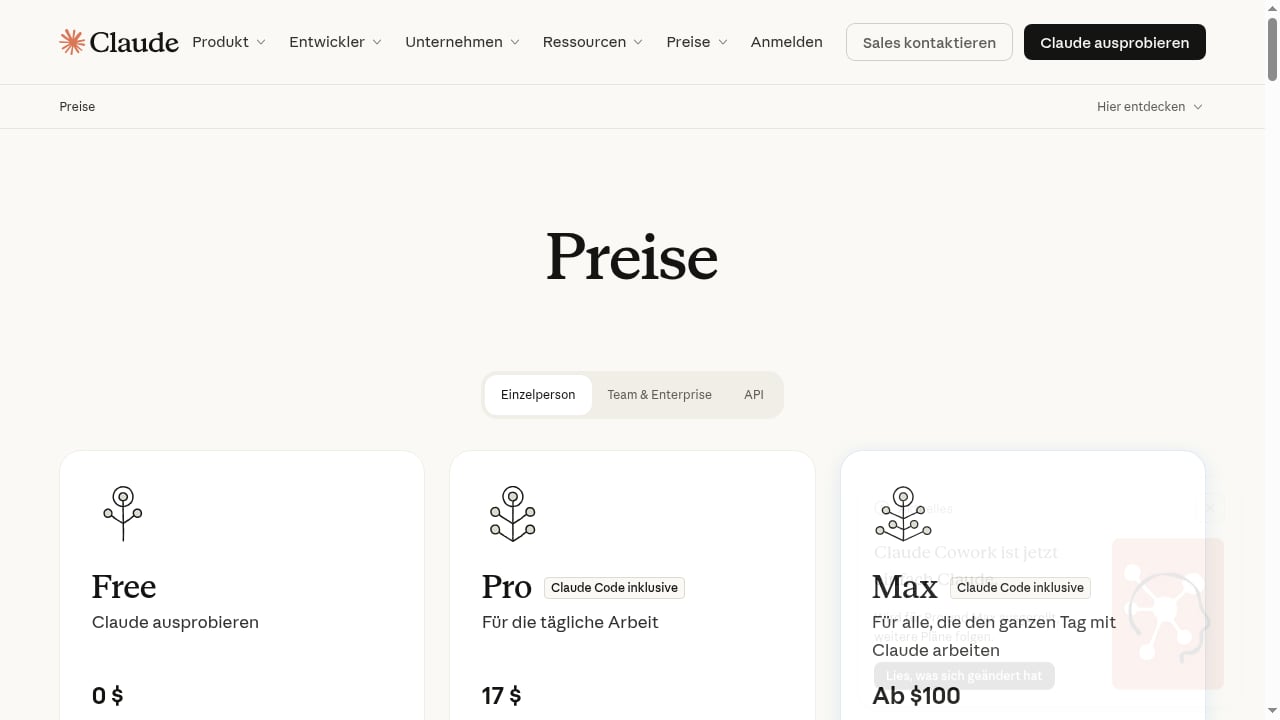
First viewport screenshot of claude.com.
AgentBooks generates articles using its brand dataset and top organic-result research (it excludes ads and uses the top three organic results). The approval-first workflow means nothing publishes without sign-off.
Use Claude as your editorial reviewer:
- Export or copy the draft from AgentBooks.
- Ask Claude to check claims. Prompt: "Review this draft for unsupported claims, vague statistics, and statements that need a source. List each issue with the sentence and a suggested fix."
- Ask Claude to compare against search intent. Prompt: "Summarize what a reader searching [keyword] likely wants. Does this draft answer that within the first 200 words? What's missing?"
- Request targeted rewrites. Instead of asking Claude to rewrite the whole article, ask it to tighten specific sections: "Rewrite the introduction to lead with the problem the reader has, not the product."
Claude's tendency to push back when evidence doesn't support a claim is useful here — it catches overstatements before they go live.
Step 4: Optimize TDK and internal links
AgentBooks includes TDK (title, description, keywords) optimization and link management. Use Claude to generate variants, then pick the best:
Here is an article draft and its current title and meta description. Propose five alternative titles under 60 characters and three meta descriptions under 155 characters. Each should reflect the search intent and avoid clickbait.
For internal links, ask Claude to suggest anchor text and placement based on your existing site structure. If you're comparing tools, resources like the AgentBooks vs Writesonic vs Averi comparison can serve as reference points for related articles.
Step 5: Approve, schedule, and publish
Once the draft passes review:
- Apply Claude's suggested edits in AgentBooks.
- Confirm images, links, and TDK are correct.
- Approve the article.
- Schedule publication. AgentBooks can publish to its hosted content sites or your custom domain.
For teams running multiple brands, the Enterprise plan's separate workspaces keep content streams isolated.
Practical workflow examples
Example 1: Turning a keyword plan into a content cluster
A SaaS team has 40 planned topics. They paste the list into Claude and ask for clustering by intent and suggested internal links. Claude returns five clusters with a hub-and-spoke structure. The team updates AgentBooks' plan accordingly, then schedules generation cluster by cluster.
Example 2: Fact-checking a comparison article
AgentBooks drafts a comparison article citing competitor pricing. Claude reviews and flags two claims that lack dates or sources. The editor verifies and updates them before approval. This prevents outdated pricing from going live.
Example 3: Adapting tone for a new audience
A DTC brand wants to target a new segment. Claude analyzes the existing brand dataset and suggests tone adjustments. The team updates AgentBooks' brand profile, and subsequent articles reflect the change.
When to use Claude vs. when to rely on AgentBooks
- Use AgentBooks for: crawling, keyword planning, scheduled drafting, TDK optimization, publishing, and multilingual output.
- Use Claude for: strategic review, claim verification, tone analysis, rewrite suggestions, and brainstorming angles.
- Use both for: the approval workflow — AgentBooks generates, Claude reviews, a human approves.
If you're evaluating other automation tools, the AgentBooks vs GTM AI comparison and the SEO Writing AI review provide context on how different platforms handle similar workflows.
Related reading
- Top 10 AI Marketing Content Creation & Audience Testing Platforms 2026 - Discover the top 10 AI marketing content creation and audience testing platforms for 2026. Compare features, pricing, and best-fit use cases.
Sources and further reading
- Build a Voice Agent That Books Appointments in Under 1 Hour Using Claude Code and ElevenLabs - No API docs required. Claude Code reads the ElevenLabs docs, configures the agent, adds Cal.com booking tools, and embeds the widget for you.
- Build a data analyst agent with Claude Managed Agents | Claude Cookbook - Build an analyst that turns a CSV into a narrative HTML report with interactive charts, using a sandboxed environment and file mounting.
- How to Build a Voice Agent That Books Appointments via Cal.com - Connect an ElevenLabs voice agent to Cal.com using Claude Code to automatically check availability and book discovery calls from your website.
FAQ
Can Claude access AgentBooks directly?
There is no native integration described in the product context. The workflow relies on exporting or copying drafts between tools. Claude's Projects feature can store recurring prompts and brand guidelines for consistent review.
Do I need a paid Claude plan?
The Free tier works for occasional review. For daily editorial work across multiple articles, Pro ($17/month annual or $20 monthly) offers more usage. Max plans suit teams generating and reviewing at high volume.
Will this workflow guarantee rankings?
No. AgentBooks does not guarantee rankings or traffic, and Claude's review improves quality but doesn't control search algorithms. The combination improves consistency and reduces errors.
Can I use Claude to write articles instead of AgentBooks?
Yes, but you lose AgentBooks' automation: scheduled generation, brand dataset reuse, keyword planning, and publishing. Claude is better as a review and strategy layer on top of an automated engine.
How does AgentBooks handle multilingual content with Claude?
AgentBooks supports multilingual publishing. Claude can review translations for tone and accuracy, but final approval should involve a native speaker for critical markets.
Conclusion
AgentBooks and Claude solve different parts of the content problem. AgentBooks provides the engine — crawl, plan, draft, optimize, publish. Claude provides the editorial brain — review, verify, refine. Together, they let a small team produce consistent, accurate content at scale without multiplying headcount.
Start with the free beta, run a few articles through the Claude review loop, and measure what changes. The workflow is simple enough to test this week.