
How to Use AgentBooks with Screaming Frog: SEO Workflow
AgentBooks is an AI content automation platform that turns a website into an always-on content engine. Screaming Frog is a widely used SEO crawling tool that surfaces technical and on-page issues across a site. Used together, they close a common gap: AgentBooks handles planning, writing, and publishing at scale, while Screaming Frog keeps the site technically healthy and ensures that content is discoverable, indexable, and internally linked.
This guide explains how the two tools complement each other, walks through a practical setup, and shows real examples of problems the combination solves.
Why pair AgentBooks with Screaming Frog?
First viewport screenshot of Screaming Frog | SEO, Search Engine Marketing Agency.
Most content teams run into one of two failure modes:
- Publishing without technical oversight. Articles go live but are orphaned, blocked by robots.txt, slowed by redirect chains, or missing canonical tags.
- Auditing without a content engine. Crawls surface issues, but there is no repeatable system to produce the content needed to fix them.
AgentBooks and Screaming Frog address different halves of the same problem. AgentBooks builds a categorized keyword plan, researches top organic results, drafts articles in your brand voice, and publishes on a schedule. Screaming Frog verifies that the published content is crawlable, indexable, and linked in a way that search engines can follow.
Together, they create a feedback loop: AgentBooks produces content, Screaming Frog validates it, and the findings feed back into the next content cycle.
What each tool does

Screaming Frog Badge.
AgentBooks: the content engine
AgentBooks starts with your website. By sharing a URL once, it learns your product, maps your market, plans topics, researches organic search results, and continuously publishes useful content. Core capabilities include:
- Brand intelligence built from crawling your site
- A categorized keyword plan
- An approval-first article workflow
- Scheduled content generation
- Research into top organic results
- SEO preparation: title, description, keywords, images, tags, and links
- Custom domain and site identity
- Multilingual publishing
- Multi-brand workspaces
AgentBooks is available in a public beta with a free plan, a Business plan at $30/month, and an Enterprise plan at $100/month. It does not guarantee rankings or traffic; it optimizes content processes and measurable inputs.
Screaming Frog: the crawl and audit layer
Screaming Frog crawls a website and reports on technical and on-page elements: status codes, redirects, canonical tags, meta robots directives, title tags, meta descriptions, heading structure, internal links, and more. It is typically used for technical SEO audits, on-page optimization, and link analysis.
For teams using AgentBooks, Screaming Frog acts as the quality gate. It answers questions like: Are the new articles indexable? Do they have unique titles and descriptions? Are they linked from relevant pages? Are there redirect chains or broken links introduced during publishing?
Setup: connecting the workflow
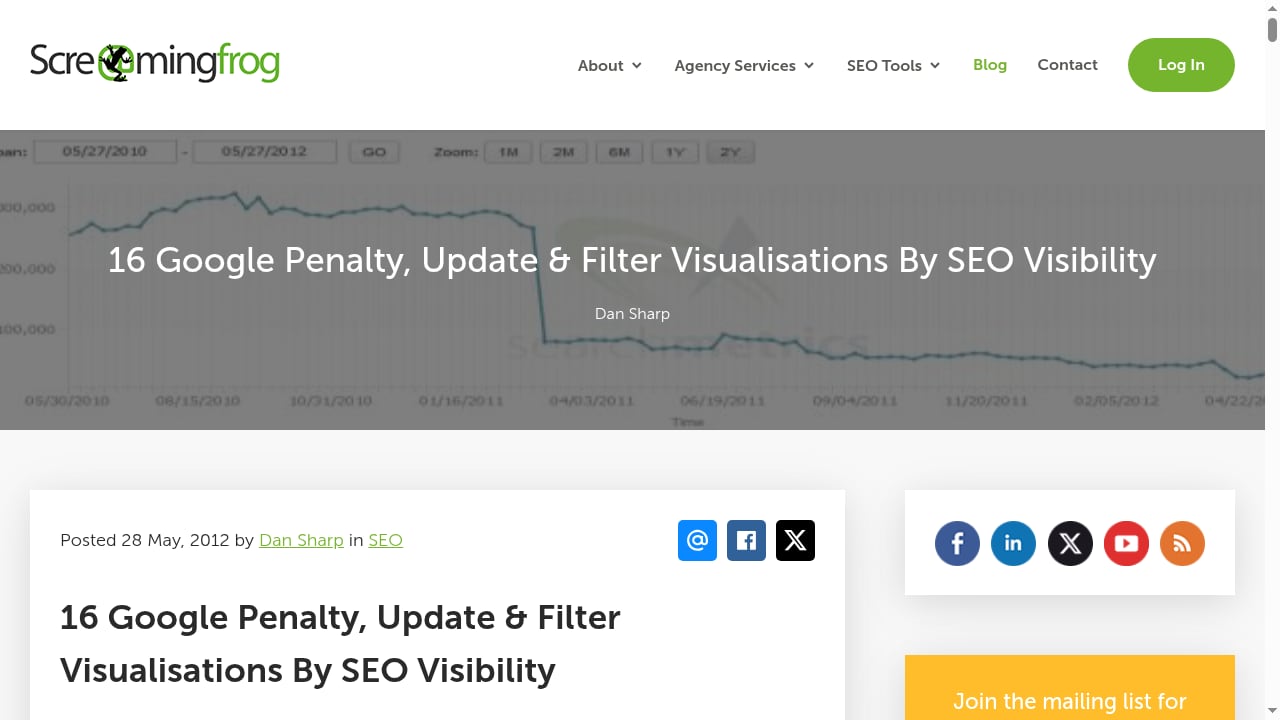
First viewport screenshot of 16 Google Penalty, Update & Filter Visualisations By SEO Visibility - Screaming Frog.
You do not need a native integration between AgentBooks and Screaming Frog. The workflow is file- and URL-based, which keeps setup simple.
Step 1: Configure AgentBooks
- Add your website to AgentBooks so it can learn your product and brand voice.
- Review the generated keyword plan and remove or reorder topics that do not fit your strategy.
- Set your publishing schedule and connect your custom domain or site identity.
- Approve the first batch of articles so you can inspect quality before scaling.
Step 2: Configure Screaming Frog
- Download and install Screaming Frog (the free version crawls up to 500 URLs; the paid version removes that limit).
- Enter your domain and run a crawl.
- In the configuration, enable checks for canonical tags, meta robots, and internal links.
- Export the crawl data to CSV or connect it to your reporting stack.
Step 3: Define the handoff
Decide which URLs AgentBooks will publish and which Screaming Frog will monitor. A simple approach:
- AgentBooks publishes to a defined content path (for example,
/blog/or/resources/). - Screaming Frog crawls that path weekly and flags issues.
- Issues are triaged into two buckets: technical fixes (redirects, canonicals, status codes) and content fixes (titles, descriptions, internal links).
Step 4: Schedule the loop
A practical cadence:
- Weekly: Run a Screaming Frog crawl on the content path. Export the issues report.
- Weekly: In AgentBooks, review the next batch of articles and adjust the keyword plan if the crawl reveals gaps.
- Monthly: Compare Screaming Frog findings against AgentBooks output. Update internal linking rules and topic priorities.
Practical examples
Example 1: Fixing orphaned articles
AgentBooks publishes a new article on a long-tail topic. Screaming Frog flags it as an orphan page: no internal links point to it. You add a link from a related hub page in AgentBooks' internal linking settings, then re-crawl to confirm the link is detected.
Example 2: Catching duplicate titles
AgentBooks generates titles for a batch of articles. Screaming Frog reports duplicate title tags across three URLs. You revise the titles in AgentBooks, republish, and re-crawl. This prevents keyword cannibalization before it affects rankings.
Example 3: Finding redirect chains
A publishing update changes a URL slug. Screaming Frog detects a redirect chain (A → B → C). You fix the redirect to point directly to the final URL and update the internal link in AgentBooks so future articles use the correct path.
Example 4: Validating meta descriptions
Screaming Frog flags missing or overly long meta descriptions on new articles. You adjust the description templates in AgentBooks and re-run the crawl to confirm the fix.
Problems this combination solves
- Content without technical validation. AgentBooks scales output; Screaming Frog ensures that output is crawlable and indexable.
- Audits without action. Screaming Frog surfaces issues; AgentBooks provides the content and linking changes to resolve them.
- Keyword cannibalization. Screaming Frog's duplicate title and content checks help you spot overlapping topics that AgentBooks' keyword plan may have generated.
- Internal link gaps. Screaming Frog's link reports show which pages need more internal links; AgentBooks can generate and place those links.
- Slow feedback loops. Instead of waiting for search console data, you get crawl-level validation within days of publishing.
When to use each tool alone
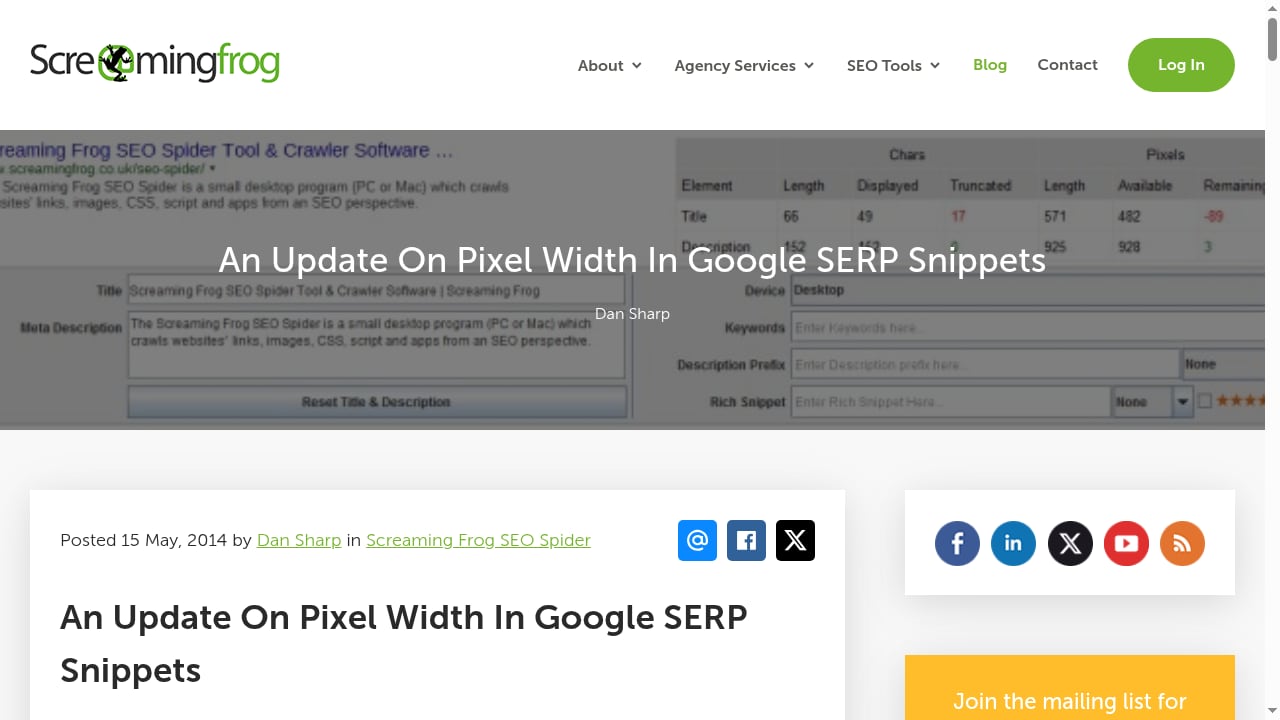
First viewport screenshot of An Update On Pixel Width In Google SERP Snippets - Screaming Frog.
- AgentBooks alone: If your site is small, technically simple, and you mainly need consistent publishing, AgentBooks may be sufficient. You can still run occasional manual checks.
- Screaming Frog alone: If you already have a content team and only need technical auditing, Screaming Frog covers that need. It does not plan or write content.
- Both together: If you publish frequently, manage multiple brands, or run an agency workflow, the combination reduces the risk of scaling content on a fragile site.
For a broader comparison of AI content tools, see AgentBooks vs Clearscope vs GravityWrite: 2026 Comparison. If you are evaluating marketing software more generally, Marketing Manager Software: What to Evaluate in 2026 covers evaluation criteria.
Related reading
- Clearscope Review 2026: AI Search Visibility, Pricing & Fit - Evidence-based Clearscope review: AI visibility tracking, content optimization, pricing signals, setup effort, limits, and who should choose or skip it.
Sources and further reading
- [Instantly.ai just dropped two features that actually change how outbound works.
And a bonus third one that people have been asking for forever.
Feature 1: Reply Agent now books meetings for… | Hans Dekker | 238 comments](https://www.linkedin.com/posts/itshansdekker_instantlyai-just-dropped-two-features-that-activity-7394399119177392128-ozFX) - Instantly.ai just dropped two features that actually change how outbound works.
And a bonus third one that people have been asking for forever.
Feature 1: Reply Agent now books meetings for you
Reply Agent was already handling conversations automatically. Now it detects when someone's ready to meet.
Lead says "sure, Thursday at 3 works" → Reply Agent books it in your calendar. No more jumping between tools. No more manually scheduling every call.
It just happens.
Feature 2: Sub-sequences based on behavior
This one seems simple but it's huge.
Before → lead clicks a link or shows interest → you had to manually move them or use external tools
Now → you set rules and they automatically go into different sequences
Examples:
Lead clicks link → goes into nurture sequence Lead replies with keyword "tool" → gets lead magnet automatically
Lead completes campaign without reply → tries different angle
You're basically building "if this, then that" logic right inside your campaigns.
Bonus Feature 3: Dark mode
Big fan. That's all.
Here's what this means:
You can launch campaigns → set up sub-sequences based on behavior → Reply Agent handles conversations + books meetings → you just watch meetings come in.
The limit here is really just your own creativity with how you set this up. | 238 comments on LinkedIn
- Home - ScaleAndGrow - Get More Calls, Quotes & Customers Upgrade your website & Google Business Profile to get found by customers already looking to buy. Get My Free Consultation Harrison Street Verified Client "The team at Scale & Grow have played a pivotal role in transforming our online marketing. Since working Jordan, Brian and the team we have developed […]
- Dan Taylor - AI in marketing, globally · Partner, SALT.agency - Customers now decide in ChatGPT, Gemini, and Google’s AI surfaces before they ever reach… · Experience: 10 Spurs · Education: Leeds Trinity University · Location: Baildon · 500+ connections on LinkedIn. View Dan Taylor’s profile on LinkedIn, a professional community of 1 billion members.
FAQ
Do AgentBooks and Screaming Frog have a native integration?
No. The workflow is based on URLs, CSV exports, and scheduled crawls. This keeps setup lightweight and avoids vendor lock-in.
Can I use the free version of Screaming Frog with AgentBooks?
Yes. The free version crawls up to 500 URLs, which is enough for many small and mid-sized content paths. Larger sites will need the paid version.
Does AgentBooks guarantee that Screaming Frog will report no issues?
No. AgentBooks optimizes content inputs such as titles, descriptions, and internal links, but technical issues can still arise from site configuration, server settings, or third-party plugins. Screaming Frog is the verification step.
How often should I run Screaming Frog crawls?
Weekly for active content paths, and after any major publishing batch or site change. Monthly full-site crawls are also useful for catching issues outside the content path.
Can I use AgentBooks for multiple brands and still use Screaming Frog?
Yes. AgentBooks supports multi-brand workspaces. You can run separate Screaming Frog crawls per domain and keep the findings organized by brand.
What if Screaming Frog finds an issue AgentBooks cannot fix?
Technical issues like server errors, robots.txt blocks, or canonical conflicts usually require developer or CMS-level changes. Screaming Frog identifies them; your team resolves them outside AgentBooks.
Conclusion
AgentBooks and Screaming Frog solve different parts of the same SEO problem. AgentBooks builds and runs a content engine from your website data, while Screaming Frog verifies that the resulting pages are technically sound and properly linked. The setup is straightforward: configure AgentBooks, run scheduled Screaming Frog crawls, and feed the findings back into your content plan.
If you want to see how AgentBooks fits your workflow, start with the free plan and run a crawl alongside your first batch of articles. For a deeper look at how AgentBooks compares to other tools, see AgentBooks vs SEO WRITING: AI SEO Article Tools Compared.