

How to Use AgentBooks with Zapier: Automate AI Workflows, Agents, and Apps
AgentBooks turns your website into a self-running content engine: it learns your brand, plans topics, and drafts articles for approval. Zapier connects that engine to the rest of your stack—9,000+ apps—so approvals, publishing, and distribution happen without manual copy-paste. This guide shows you how to wire the two together, with practical workflows and setup steps.
Why connect AgentBooks and Zapier?
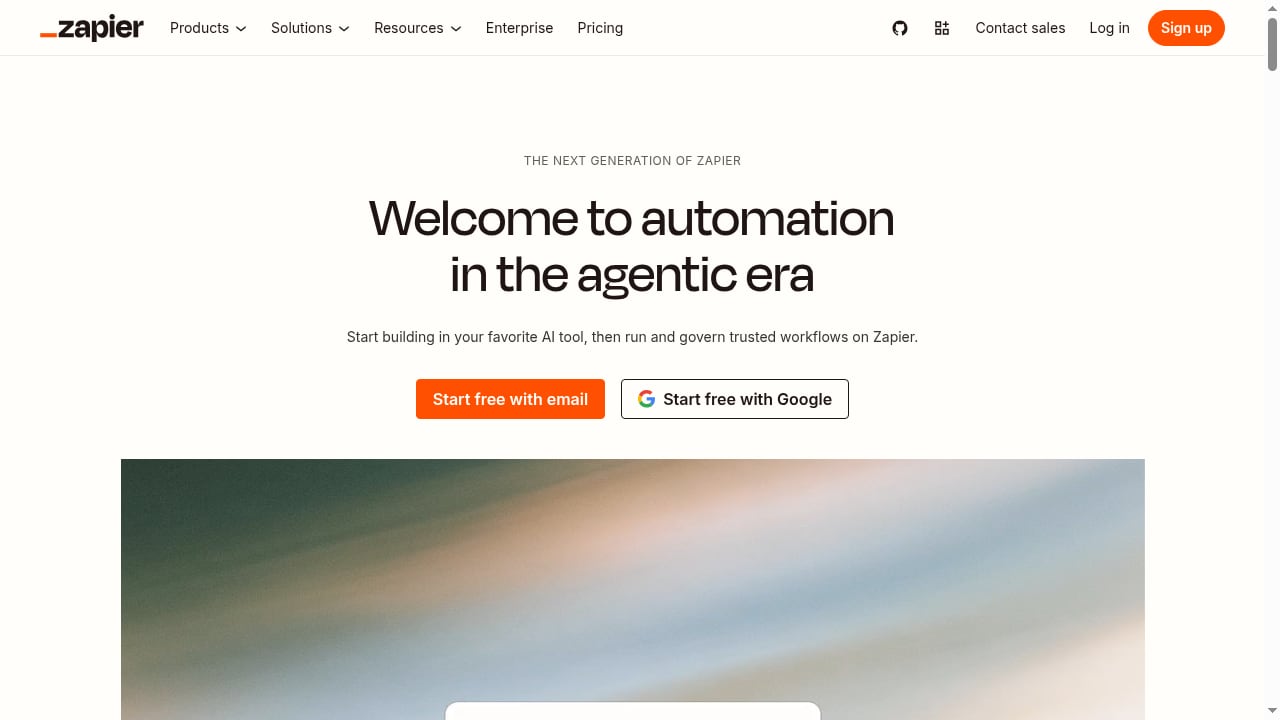
First viewport screenshot of zapier.com.
AgentBooks handles the heavy lifting of content creation: crawling your site, building a brand dataset, researching top organic results, and generating articles with TDK optimization. But content doesn't stop at generation. You still need to route drafts for review, publish to your CMS, share to social, notify your team, and log performance.
Zapier is the orchestration layer that connects AgentBooks to your existing tools. Instead of checking the AgentBooks dashboard for new drafts, you can trigger a Slack message when an article is ready. Instead of manually posting to LinkedIn, a Zap can do it automatically once content goes live.
The combination solves a common bottleneck: AI content tools generate at scale, but human workflows (approvals, publishing, distribution) remain manual. Zapier closes that gap.
Key distinction: AgentBooks is a generative AI system—it creates content. Zapier is an agentic automation platform—it acts on triggers and moves data between apps. Together, they cover both creation and execution.
How AgentBooks and Zapier work together

Zapier: Automate AI Workflows, Agents, and Apps product interface.
AgentBooks doesn't have a native Zapier integration yet, but you can connect them using webhooks and Zapier's Webhooks by Zapier app. The workflow generally looks like this:
- AgentBooks generates content based on your keyword plan and schedule.
- A webhook fires from AgentBooks (or a scheduled Zap polls the AgentBooks API) when an article is ready for review or published.
- Zapier catches the event and runs actions: send a Slack notification, create a task in Asana, add a row to Google Sheets, or publish to your CMS.
- Approvals happen in your tool of choice (e.g., Slack or email), and Zapier can trigger the next step—like publishing or scheduling social posts.
This setup keeps AgentBooks as the content brain and Zapier as the connective tissue.
Step-by-step setup
Prerequisites
- An AgentBooks account (Business plan or higher for scheduled operations and API access).
- A Zapier account (free tier works for testing; paid plans for multi-step Zaps).
- Access to the apps you want to connect (Slack, Google Sheets, your CMS, etc.).
Step 1: Get your AgentBooks API key or webhook URL
Log in to AgentBooks and navigate to Settings → Integrations (or API). Generate an API key if you plan to poll for content, or copy the webhook URL if AgentBooks supports outbound webhooks for content events.
Note: AgentBooks' webhook capabilities may vary by plan. If outbound webhooks aren't available, use Zapier's Schedule trigger to poll the AgentBooks API at regular intervals (e.g., every hour) for new articles.
Step 2: Create a Zap in Zapier
In Zapier, click Create Zap. Choose your trigger:
- Option A (webhook): Select Webhooks by Zapier → Catch Hook. Copy the webhook URL Zapier provides and paste it into AgentBooks' webhook settings.
- Option B (polling): Select Schedule by Zapier → Every Hour (or your preferred interval). Then add an action: Webhooks by Zapier → GET to call the AgentBooks API endpoint for new articles.
Step 3: Test the trigger
Generate a test article in AgentBooks or wait for the next scheduled run. In Zapier, click Test trigger to confirm data is flowing. You should see fields like article title, status, URL, and content body.
Step 4: Add actions
Now define what happens when a new article is detected. Common actions:
- Slack: Send a message to your #content channel with the article title and a link to review.
- Google Sheets: Add a row with the article title, status, and publish date.
- Notion: Create a new page in your content database.
- Your CMS (WordPress, Webflow, etc.): Create a draft post with the article content.
Step 5: Add filters and paths (optional)
Use Zapier's Filter to only trigger on articles with status "approved" or "ready for review." Use Paths to route different content types to different destinations (e.g., blog posts to WordPress, social snippets to Buffer).
Step 6: Turn on your Zap
Once tested, toggle your Zap on. It will now run automatically whenever the trigger fires.
Practical examples
Example 1: Approval-first workflow with Slack
Goal: Notify your editor when a new AgentBooks article is ready for review, and only publish after approval.
Setup:
- Trigger: AgentBooks webhook (or scheduled poll) for new article.
- Action 1: Slack — send message to #content-review with article title, summary, and a link to the AgentBooks draft.
- Action 2: Filter — continue only if the Slack reaction ✅ is added (using Zapier's Slack trigger for reactions).
- Action 3: WordPress — create a post with status "publish."
This keeps humans in the loop while automating the handoff.
Example 2: Auto-publish and distribute to social
Goal: When AgentBooks publishes an article on its hosted site, automatically share it to LinkedIn and X.
Setup:
- Trigger: AgentBooks webhook for "article published."
- Action 1: LinkedIn — create a share with the article URL and a snippet.
- Action 2: X (Twitter) — post a tweet with the title and link.
- Action 3: Google Sheets — log the publish date and URL for tracking.
Example 3: Content calendar sync
Goal: Keep your editorial calendar in sync with AgentBooks' scheduled content.
Setup:
- Trigger: Schedule by Zapier — every day at 8 AM.
- Action 1: Webhooks by Zapier — GET AgentBooks API for upcoming scheduled articles.
- Action 2: Google Calendar — create events for each scheduled article.
- Action 3: Slack — send a daily digest to the content team.
Common problems and how the combination solves them
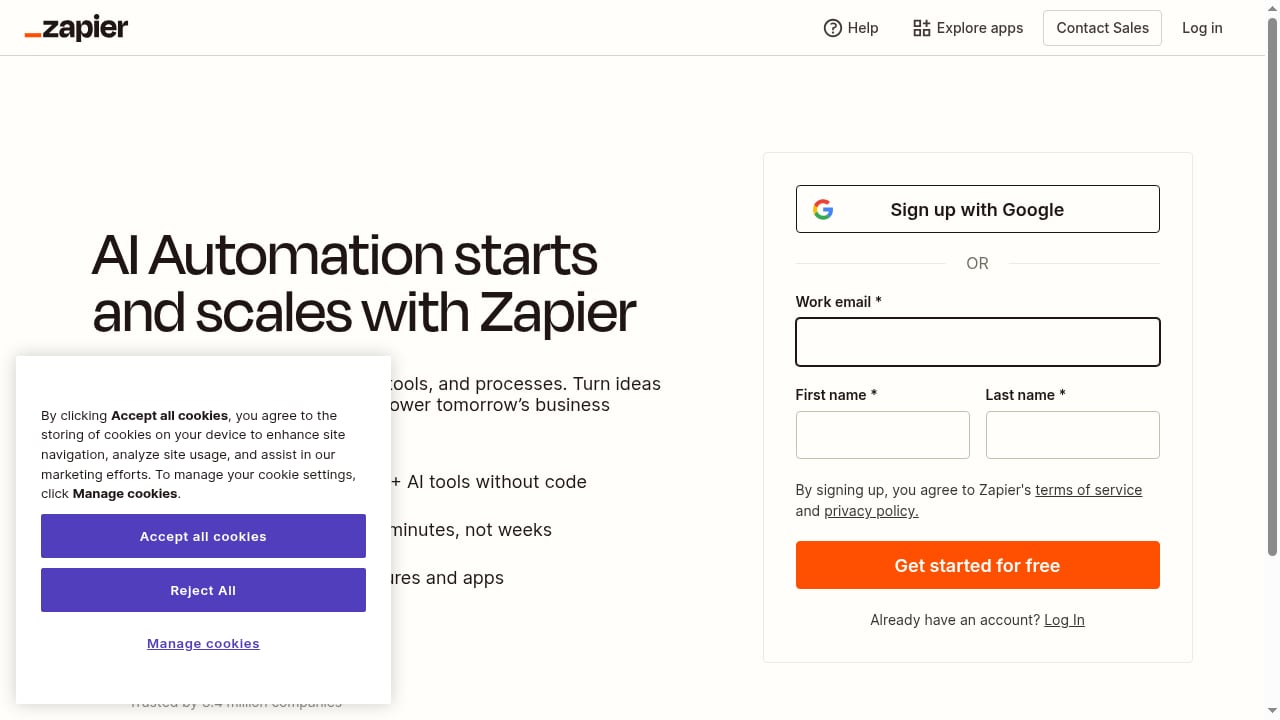
First viewport screenshot of zapier.com.
| Problem | AgentBooks + Zapier solution |
|---|---|
| Manual approval delays | Slack notifications and reaction-based approvals trigger publishing automatically. |
| Content sits in silos | Zapier pushes articles to your CMS, social schedulers, and project management tools. |
| No visibility into pipeline | Google Sheets or Airtable logs every article's status and publish date. |
| Repetitive distribution tasks | Zaps handle social sharing, email newsletters, and internal announcements. |
| Scaling content without scaling headcount | AgentBooks generates; Zapier routes and executes. |
Best practices
First viewport screenshot of zapier.com.
- Start with one Zap. Don't automate everything at once. Begin with a simple notification Zap, then add complexity.
- Use filters to avoid noise. Only trigger Zaps for articles that need action (e.g., status = "ready for review").
- Log everything. Add a Google Sheets or Airtable step to every Zap so you have an audit trail.
- Test with sample data. Use AgentBooks' test articles or manually trigger webhooks to validate your Zap before going live.
- Monitor Zap history. Zapier's task history shows failures; check it weekly to catch broken connections.
When to use AgentBooks with Zapier vs. standalone
- Use AgentBooks alone if you only need content generation and publishing on AgentBooks-hosted sites, and your team works entirely within the AgentBooks dashboard.
- Use AgentBooks + Zapier if you need to publish to external CMS platforms, route approvals through Slack or email, sync content to project management tools, or distribute to social channels automatically.
- Consider alternatives if you need native two-way sync with a specific CMS—some tools offer direct integrations that may be simpler than webhooks. For a broader comparison, see our top 10 AI content marketing and SEO platforms.
Related reading
- AgentBooks vs SEO Content Machine: 2026 Comparison - Compare AgentBooks and SEO Content Machine for AI content automation. See how brand intelligence, pricing, and workflows differ before you choose.
- auto-post.io Review 2026: Hands-Off AI Blog Automation Tested - Evidence-based auto-post.io review: AI blog automation, multi-CMS publishing, pricing, setup, strengths, limits, and who should use it in 2026.
Sources and further reading
- AgentsBooks — Run an AI-Native Agency or Service Firm - The operating system for AI-native agencies and service firms. Deploy autonomous agents that handle content, sales, support and client ops — fewer hires.
FAQ
Does AgentBooks have a native Zapier integration?
Not currently. You can connect them using webhooks or Zapier's Webhooks by Zapier app to call the AgentBooks API. This requires some technical setup but works reliably.
What AgentBooks plan do I need for Zapier automation?
The Business plan ($30/month) supports scheduled operations, which is essential for polling triggers. API access may require the Enterprise plan ($100/month) for higher capacity. Check AgentBooks' documentation for current limits.
Can I use Zapier to publish AgentBooks content directly to WordPress?
Yes. Use a Zap that triggers on new AgentBooks articles and creates a WordPress post. You can set the post status to "draft" for review or "publish" for immediate go-live.
How do I handle approvals in Zapier?
Use Slack reactions or email replies as triggers. For example, a Slack message with the article link can include a ✅ reaction; a second Zap triggers when that reaction is added and proceeds to publish.
What if my Zap fails?
Zapier will retry automatically and notify you of failures. Check the Zap history for error details. Common issues include expired API keys or changed field names—update your Zap's configuration accordingly.
Can I automate social media posting from AgentBooks?
Yes. Once an article is published (or approved), a Zap can share it to LinkedIn, X, Facebook, or scheduling tools like Buffer. You can also use Zapier's AI steps to generate social copy from the article.
Conclusion
AgentBooks and Zapier complement each other: AgentBooks does the creative and strategic work of content generation, while Zapier handles the operational work of moving that content through your workflow. By connecting them with webhooks or API polling, you can automate approvals, publishing, distribution, and reporting—turning a content engine into a fully automated pipeline.
Start with a single notification Zap, then expand as you see results. For more on how AgentBooks compares to other platforms, explore our AgentBooks vs AirOps vs contentmarketing.ai comparison or learn how free SEO tools fit into AI content automation.
External references:
- Agentic AI vs. generative AI: Key differences and use cases — Zapier's guide to how generative and agentic AI work together.
- AgentVoice Zapier integration — an example of how AI agents connect to Zapier for workflow automation.