
What Is an SEO Plugin? How to Choose the Right One (2026)
An SEO plugin is software that adds search optimization features to your website's CMS — usually WordPress. It handles the technical layer (meta tags, XML sitemaps, schema markup, canonical URLs) and gives you on-page guidance while you write (keyphrase checks, readability scores, link suggestions).
That definition matters because most "best SEO plugin" lists stop there. They rank tools but never explain where a plugin's job ends and where your content operation has to begin. This article covers both: what plugins actually do, how the leading options differ, and how to decide whether a plugin alone is enough for your publishing volume.
What an SEO plugin actually does
What Is an SEO Plugin? How to Choose the Right One (2026) - What an SEO plugin actually does.
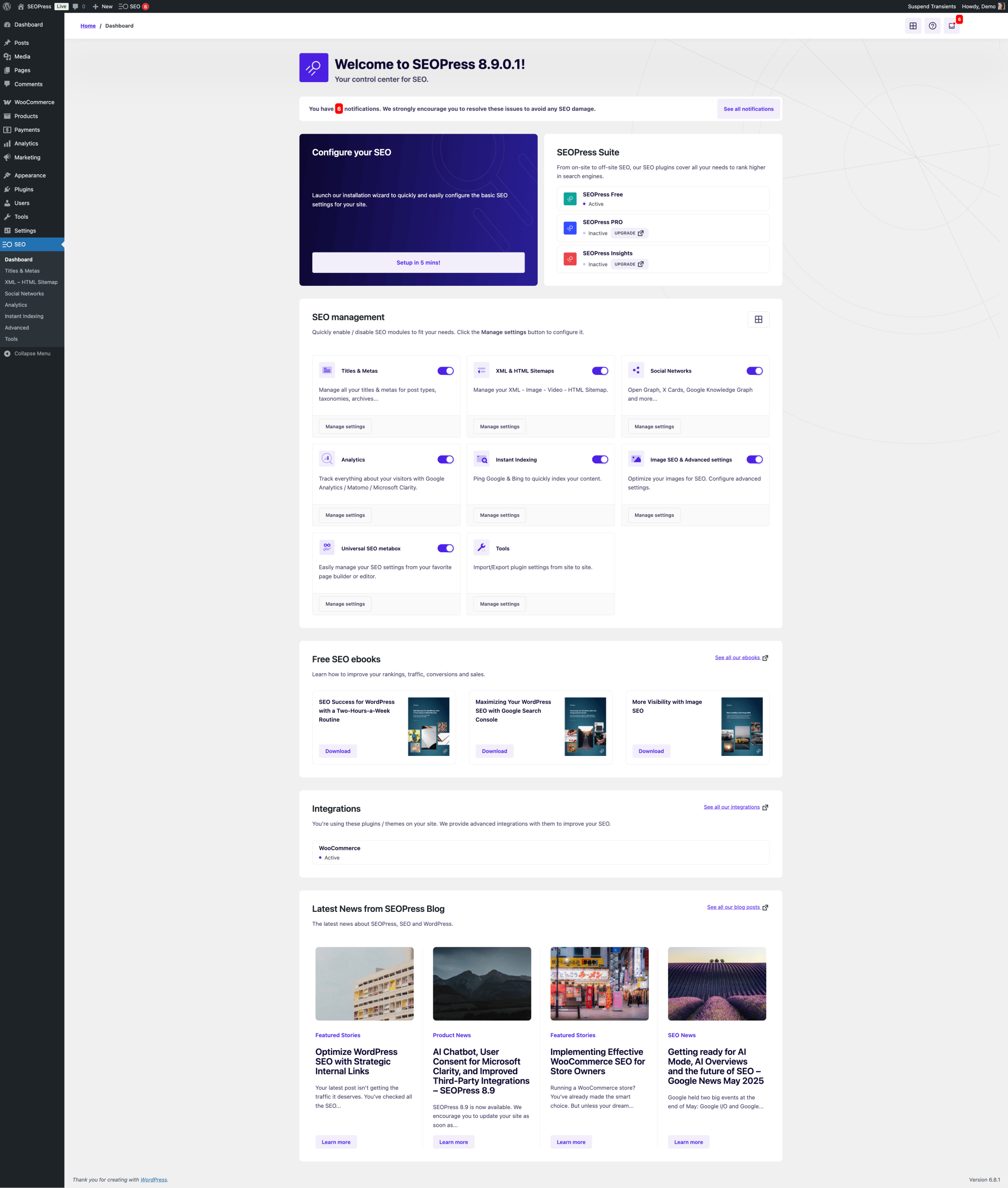
Strip away the marketing pages and an SEO plugin performs four jobs:
- Technical output. It generates meta titles and descriptions, XML sitemaps, canonical tags, Open Graph data, and structured data (schema.org) so search engines and AI systems can parse your pages correctly.
- On-page analysis. It scores your draft against a focus keyphrase: is the phrase in the title, introduction, and subheadings? Is the content long enough? Is the reading level appropriate?
- Workflow guardrails. It previews how your page will look in search results, flags missing alt text, and warns about duplicate content or thin pages before you publish.
- Site-level maintenance. Redirect management, broken link checks, breadcrumb control, and bulk editing of metadata across many pages at once.
What an SEO plugin does not do: decide what topics you should write about, research what already ranks for those topics, or produce the content itself. Those are strategy and production tasks, and they sit upstream of any plugin.
Does your site need an SEO plugin?
What Is an SEO Plugin? How to Choose the Right One (2026) - Does your site need an SEO plugin?.
Not always — but usually, yes.
WordPress already lets you write custom titles, meta descriptions, URLs, and alt text by hand. If you have one small site and strong SEO fundamentals, you can skip plugins entirely. The catch is consistency: plugins exist because humans forget steps, especially across hundreds of pages and multiple authors.
Use a plugin if any of these apply:
- You publish more than a few pages per month
- More than one person edits content
- You want schema markup without writing JSON-LD yourself
- You need redirects, sitemaps, or bulk metadata edits handled reliably
Skip it only if you are comfortable maintaining all of the above manually and never miss a step.
The main WordPress SEO plugins compared
What Is an SEO Plugin? How to Choose the Right One (2026) - The main WordPress SEO plugins compared.
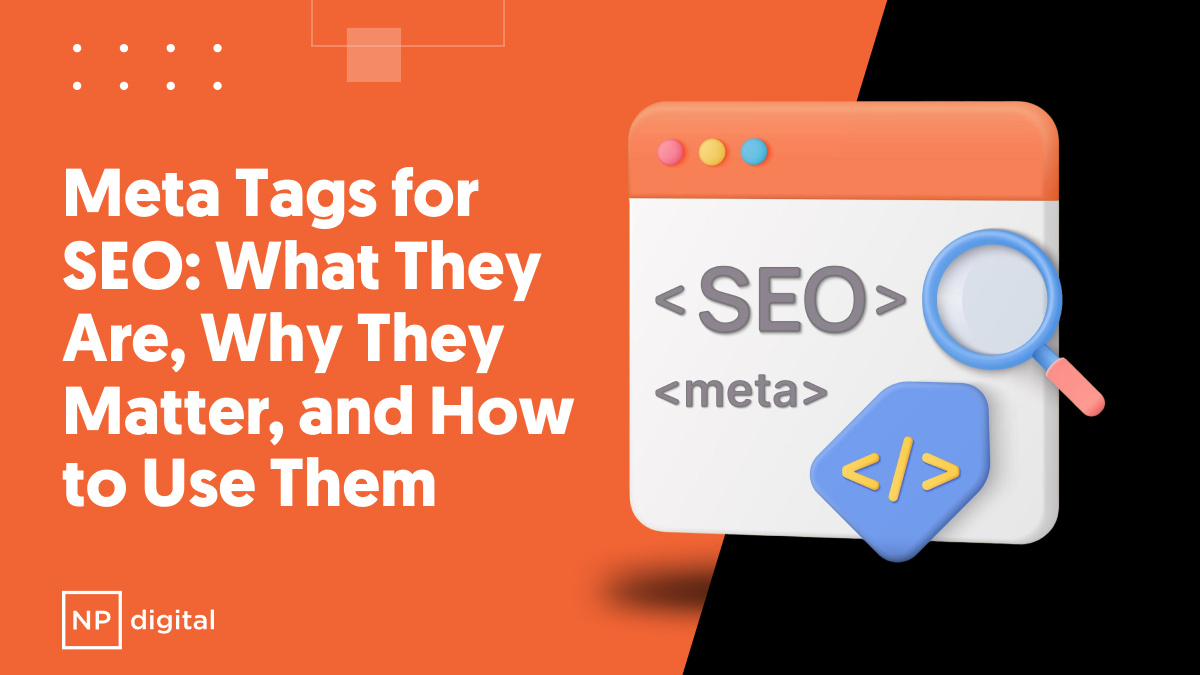
The WordPress ecosystem has consolidated around a handful of serious options. Here is how they differ in practice.
Yoast SEO
The most widely installed option, known for its traffic-light content analysis and a setup wizard that non-technical users can finish in minutes. The free version covers one focus keyphrase per page; Premium unlocks multiple keyphrases, internal linking suggestions, redirect automation, and AI-assisted title and meta description generation. It also ships specialist add-ons for WooCommerce, local businesses, video, and news. If you want a step-by-step walkthrough of first-time configuration, see this Yoast SEO setup guide, and for plan-by-plan costs, this Yoast SEO pricing breakdown is useful.
Best for: content teams that want guided, editor-friendly optimization and a large support ecosystem.
Rank Math
Rank Math's pitch is a generous free tier: schema types, redirects, rank tracking, and multiple focus keywords without paying. Its in-dashboard reporting is stronger than most competitors at the free level. The trade-off is a denser settings interface that can overwhelm first-time users.
Best for: site owners who want advanced features without an immediate subscription.
AIOSEO
All in One SEO leans toward all-around site management: SEO audits, webmaster tool integrations, social previews, and automation for internal links. It is capable but has more surface area to learn, and pricing scales quickly across multiple sites.
Best for: agencies managing several properties that want audit tooling built in.
The SEO Framework and Slim SEO
Both prioritize speed and minimal configuration over feature depth. The SEO Framework runs automated checks with almost no setup; Slim SEO takes a deliberately hands-off approach. Neither offers the deep content analysis of Yoast or Rank Math.
Best for: developers and performance-focused sites that want the technical layer handled quietly.
SEOPress and Squirrly SEO
SEOPress is a freemium option with no ads and white-label output, popular with agencies. Squirrly positions itself around AI-assisted keyword research and ranking projections inside WordPress.
Best for: niche needs — white-label client work or AI-flavored research workflows.
How to choose: a short decision path
What Is an SEO Plugin? How to Choose the Right One (2026) - How to choose: a short decision path.
Work through these questions in order:
- How many people touch your content? Solo writers can tolerate manual steps. Teams need workflow guardrails, which favors Yoast or Rank Math.
- Do you sell products? Ecommerce schema and product markup matter — check for a dedicated WooCommerce or Shopify add-on.
- Do you need multiple focus keyphrases per page? This is often the free-versus-paid dividing line. Rank Math includes it free; Yoast reserves it for Premium.
- How much do you value reporting inside the dashboard? Rank Math and AIOSEO surface more analytics natively.
- Is site speed non-negotiable? Lighter plugins like The SEO Framework or Slim SEO add less overhead.
If you are comparing full platforms rather than plugins — including AI content tools that publish on your behalf — a broader feature comparison of AgentBooks can help frame the decision.
Where plugins stop and content operations begin
Here is the gap most plugin roundups ignore.
An SEO plugin optimizes pages you have already decided to write. It cannot tell you that your competitor's comparison page outranks yours, that a cluster of long-tail questions around your product is uncovered, or that your publishing cadence has dropped to one post per quarter.
At low volume, that is fine — you handle strategy in your head. At scale, the bottleneck moves from optimization to production: topic selection, research, drafting, review, and publishing across many pages and languages.
This is the layer AgentBooks operates in. It crawls your website to build a reusable understanding of your product, maps the market, plans keyword categories, drafts articles with approval workflows, and publishes to a hosted content site with custom domain support. The overlap with an SEO plugin is real — both care about structured, findable content — but the job is different. A plugin checks the page in front of you. A content automation platform decides which pages should exist next and keeps producing them.
A practical division of labor for most teams:
- SEO plugin: technical output, on-page scoring, redirects, schema, metadata editing
- Content automation platform: topic planning, research, drafting, multilingual publishing, cadence
If you are weighing automated publishing tools specifically, this comparison of autoblogging AI alternatives covers how they differ on quality, pricing, and SEO features.
Common mistakes when using an SEO plugin
- Chasing green scores. A perfect traffic-light rating does not guarantee rankings. The score measures checklist compliance, not search demand or content quality.
- Ignoring the technical half. Many users obsess over keyphrase density while leaving sitemaps, canonicals, and schema at defaults — or misconfigured.
- Installing two plugins at once. Running Yoast and Rank Math together produces duplicate meta tags and conflicting schema. Pick one and migrate cleanly.
- Treating the plugin as a strategy. No plugin knows your market. It validates execution; it does not choose direction.
Related reading
- Webflow Integration: Connect Your Site to the Right Tools - Learn how Webflow integrations work, which native apps and automation tools to use, and how to connect your CMS, forms, and ecommerce to your marketing stack.
Sources and further reading
- Yoast SEO – Advanced SEO with real-time guidance and built-in AI - Real-time SEO guidance, schema, and AI built in. Help search engines and AI systems understand your content. All AI tools included, no hidden fees.
- 14 Best WordPress SEO Plugins (And Must-Have SEO Tools) - SEO needn't be complex. Explore our recommended WordPress SEO plugins and tools to boost your site's usability and search rankings.
- The 7 best WordPress SEO plugins in 2026 - We tested all the top WordPress SEO plugins, and these are the seven that will help you the most with your WordPress SEO.
Frequently asked questions
Do I really need an SEO plugin for WordPress?
No, but most sites benefit. WordPress supports manual titles, descriptions, and URLs, so a technically confident solo publisher can manage without one. Plugins earn their place through consistency: automated sitemaps, schema, redirects, and pre-publish checks across many pages and authors.
Which SEO plugin is best for beginners?
Yoast SEO is the most common starting point because its setup wizard and traffic-light feedback require no SEO background. Rank Math is a strong alternative if you want more features free, but its settings are denser. Both are reasonable first choices.
Can I use two SEO plugins at the same time?
You should not. Two plugins generating meta tags, canonical URLs, or schema for the same page will conflict, and search engines may see duplicated or contradictory signals. Choose one, then use its import tools to migrate settings from the other before deactivating it.
Do SEO plugins work for AI search and LLM visibility?
Increasingly, yes. Modern plugins output structured data that AI systems use to understand entities and authorship, and some offer controls over how AI crawlers access your content. Schema quality and clear site structure help both traditional search and AI-generated answers.
Will an SEO plugin make my content rank higher?
Not by itself. A plugin improves how your pages are presented to search engines and flags fixable issues, but rankings depend on topic selection, content quality, competition, and authority. The plugin is a tool for execution, not a substitute for strategy.
Conclusion
An SEO plugin is the technical and editorial safety net for your website: it handles metadata, schema, sitemaps, and on-page checks so you do not have to remember every detail. Yoast SEO, Rank Math, AIOSEO, The SEO Framework, and SEOPress each solve that problem with different trade-offs in features, pricing, and complexity.
Choose based on your team size, ecommerce needs, and how much guidance you want while writing. Then be honest about the ceiling: a plugin optimizes pages you have already planned. If your real constraint is deciding what to publish and producing it consistently, the plugin is one part of a larger content engine — not the engine itself.