
AI Workflow Builder: How to Choose and Use One in 2026
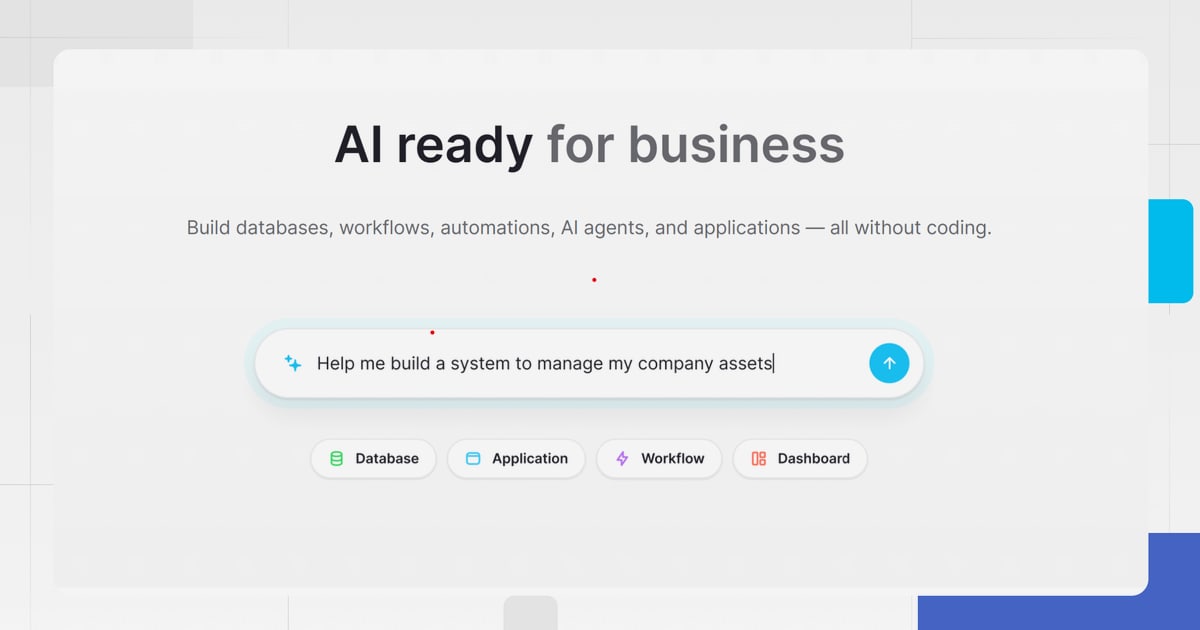
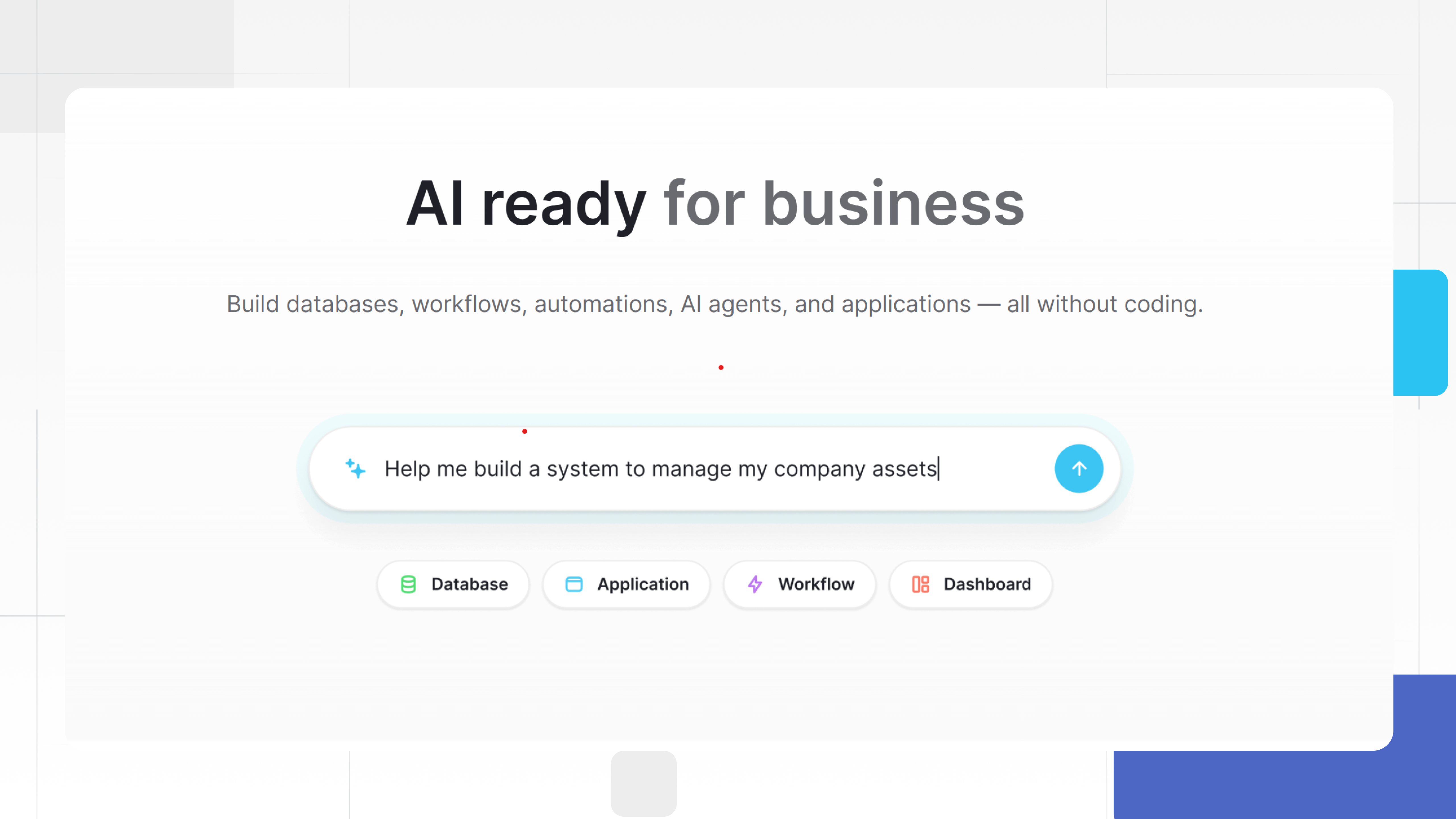
An AI workflow builder turns plain-English instructions into working automations. Instead of dragging nodes, configuring API credentials, and writing conditional logic by hand, you describe the outcome you want—"when a new lead comes in, enrich it, score it, and notify the right rep"—and the builder assembles the steps, selects the right integrations, and wires everything together.
This shift matters because the bottleneck in automation has never been the tools. It has been the translation layer between what a business person wants and what a workflow platform can execute. AI workflow builders collapse that layer. They are especially valuable now that LLMs can reliably process unstructured data—emails, support tickets, social mentions, documents—and turn it into structured actions.
This guide explains what AI workflow builders actually do, where they shine, where they struggle, and how to pick one without overpaying for features you will never use.
What Is an AI Workflow Builder?
AI Workflow Builder: How to Choose and Use One in 2026 - What Is an AI Workflow Builder?.
An AI workflow builder is a feature or platform that uses a large language model to create, refine, and debug automation workflows from natural language descriptions. Traditional workflow tools require you to understand triggers, actions, filters, and data mapping. An AI workflow builder handles node selection, placement, configuration, and often credential setup for you.
For example, in n8n's AI Workflow Builder, you type a goal like "Monitor my competitor's pricing page daily and send me a Slack alert when prices change." The builder selects the HTTP request node, the schedule trigger, the parsing logic, and the Slack integration. You then review the generated workflow, add any missing credentials, and refine it with follow-up prompts.
The key distinction from older template libraries is iteration. A template gives you a static starting point. An AI workflow builder gives you a conversational loop: build, review, refine, execute. If the first draft misses a step, you tell the builder what to change, and it reconfigures the workflow rather than requiring you to manually edit individual nodes.
How AI Workflow Builders Work Under the Hood
AI Workflow Builder: How to Choose and Use One in 2026 - How AI Workflow Builders Work Under the Hood.
Most AI workflow builders follow a similar technical pattern:
- Prompt interpretation. The builder sends your natural-language description to an LLM along with context about available integrations, node types, and workflow schemas.
- Workflow generation. The LLM produces a structured workflow definition—nodes, parameters, connections, and conditional logic.
- Validation. The platform checks the generated workflow against its schema, flags missing credentials or invalid configurations, and surfaces errors.
- Iterative refinement. You review the result, provide feedback in plain language, and the builder regenerates or patches the workflow.
- Execution. Once approved, the workflow runs on the platform's scheduler or trigger system.
This loop is why AI workflow builders feel different from AI chatbots bolted onto automation tools. The builder is not just generating text; it is producing a machine-readable artifact that must execute reliably. The best builders make that artifact visible—as a visual canvas, a flowchart, or an editable node graph—so you can inspect what the AI built and correct it when needed.
What AI Workflow Builders Are Good At

AI Workflow Builder: How to Choose and Use One in 2026 - What AI Workflow Builders Are Good At.
AI workflow builders excel in a few specific scenarios:
Rapid Prototyping
The fastest way to test whether an automation idea has legs is to describe it and see what the builder produces. If the workflow looks viable, you invest time in refining it. If it does not, you have spent two minutes instead of two hours.
Unstructured Data Processing
Traditional automation struggles with emails, documents, and free-form text because it requires rigid parsing rules. AI workflow builders can insert LLM steps that read, summarize, categorize, and extract structured data from unstructured inputs. A workflow that reads inbound support emails, classifies urgency, and routes them to the right queue is trivial to describe and difficult to build manually.
Reducing the Learning Curve
For teams without a dedicated automation engineer, AI workflow builders lower the barrier to entry significantly. A marketing manager who has never used Zapier or Make can describe a lead-nurturing sequence in plain language and get a working draft in minutes.
Where AI Workflow Builders Still Fall Short

AI Workflow Builder: How to Choose and Use One in 2026 - Where AI Workflow Builders Still Fall Short.
Despite the hype, these tools have real limitations:
Complex Branching Logic
Workflows with deeply nested conditions, error handling paths, and multi-step data transformations can confuse an LLM. The builder may produce a workflow that looks correct but fails at runtime because the logic does not account for edge cases.
Credential and Permission Management
AI builders can select the right integration, but they cannot grant API access. You still need to configure OAuth, API keys, and permissions manually. The builder will flag missing credentials, but the setup burden remains.
Cost Predictability
Some builders charge per interaction or per AI credit. Each refinement prompt consumes credits, and complex workflows may require many iterations. If you are not careful, the cost of building a workflow can exceed the cost of running it.
Debugging Opaque Outputs
When a generated workflow fails, diagnosing the problem can be harder than debugging a workflow you built yourself. You did not make the design decisions, so you may not understand why the builder chose a particular node or parameter.
Top AI Workflow Builders Compared
Based on real-world testing and current market positioning, here is how the leading platforms stack up:
| Tool | Best For | Starting Price | Key Strength |
|---|---|---|---|
| n8n | Technical teams wanting full control | $20/month (cloud) | Open-source, code-level customization, self-hosting |
| Zapier | Broad SaaS automation for non-technical users | $19.99/month | 8,000+ integrations, AI Copilot for quick setup |
| Make | Visual multi-step workflow design | $9/month | Powerful visual canvas with native AI modules |
| Gumloop | AI-native automation for marketing and ops teams | Free plan, then $37/month | Built-in LLM access without separate API keys |
| Stack AI | Enterprise AI agents over internal data | Custom pricing | SOC 2 and HIPAA compliance, enterprise governance |
n8n: Best for Technical Teams
n8n is the most flexible option if you have at least one team member comfortable with APIs and scripting. The AI Workflow Builder generates workflows from natural language, but you can drop into JavaScript or Python for custom logic, self-host for data control, and use per-execution pricing rather than per-task pricing. The tradeoff is complexity: reading error logs and debugging generated workflows requires technical skill.
Zapier: Best for Broad Integration Coverage
Zapier's AI Copilot drafts workflows from plain-language descriptions and guides you through connecting apps. With over 8,000 integrations, it is the safest choice when you need to connect niche SaaS tools. However, task-based pricing gets expensive at scale—every step in a multi-step workflow counts as a task—and complex branching logic is harder to manage than in visual-first tools like Make.
Make: Best for Visual Workflow Design
Make's scenario builder gives you a visual canvas where you can see every step, branch, and condition. Its native AI modules let you insert LLM steps directly into workflows. The learning curve is steeper than Zapier's, but the visual clarity pays off when workflows grow beyond a few steps.
Gumloop: Best for AI-Native Automation
Gumloop bundles LLM access into its subscription, so you do not need separate API keys from OpenAI or Anthropic. The Gummie AI assistant can build workflows for you, and the platform is used by teams at Shopify, Instacart, and Webflow. It is particularly strong for content and marketing workflows, such as turning YouTube videos into SEO blog posts or creating newsletter agents that pull from multiple sources.
How to Choose an AI Workflow Builder
Use this decision framework to narrow your options:
1. Assess Your Technical Capacity
If no one on your team can read an API error message, choose a no-code-first platform like Zapier or Gumloop. If you have a developer or a technically inclined ops person, n8n's flexibility and per-execution pricing become more attractive.
2. Map Your Integration Requirements
List every tool you need to connect. If your stack includes obscure or industry-specific SaaS, Zapier's 8,000+ integration library is hard to beat. If you primarily work with mainstream tools like Gmail, Slack, Google Sheets, and Notion, most platforms will cover you.
3. Estimate Workflow Complexity
Simple linear workflows—trigger, transform, send—work well on any platform. If you need branching logic, error handling, and multi-step data transformations, prioritize a visual builder like Make or a code-capable platform like n8n.
4. Calculate Total Cost of Ownership
Do not just compare starting prices. Factor in per-task or per-execution costs, AI credit consumption, seat limits, and the time required to maintain self-hosted infrastructure. A $9/month plan that requires 20 hours of debugging is more expensive than a $37/month plan that works out of the box.
5. Test with a Real Workflow
Most platforms offer free tiers or trials. Build the same workflow on two or three platforms and compare the experience. Pay attention to how well the AI builder understands your prompt, how much manual correction is required, and how transparent the generated workflow is.
AI Workflow Builders for Content and Marketing Teams
One of the most practical applications of AI workflow automation is content operations. Marketing teams are drowning in repetitive tasks: repurposing content, monitoring brand mentions, generating reports, and publishing across channels. AI workflow builders can automate much of this.
Common content workflows people are building today include:
- YouTube to blog repurposing: When a new video is published, the workflow extracts the transcript, runs it through an LLM to create a structured blog draft, and pushes it to your CMS.
- Social sentiment monitoring: The workflow monitors brand mentions across platforms, uses AI to classify sentiment, and creates tasks in your project management tool for negative feedback that needs attention.
- Newsletter assembly: A weekly workflow pulls content from multiple sources, summarizes and organizes it with AI, and drafts a newsletter ready for review.
- SEO content auditing: The workflow crawls your published content, runs it through an LLM to identify optimization opportunities, and generates a prioritized list of improvements.
For teams that want to go further, platforms like AgentBooks take a different approach: instead of building automation workflows around content tasks, the platform itself is an autonomous content engine. You share your website once, and it learns your product, maps your market, plans topics, researches organic search results, and continuously publishes useful content in your brand voice. This addresses a different pain point than workflow builders—not connecting tools, but eliminating the manual bottleneck of content production entirely. If your primary goal is scaling content output without building and maintaining a complex automation stack, an SEO article generator or autonomous content platform may be a better fit than a general-purpose workflow builder.
Common Mistakes to Avoid
Over-Automating Too Early
Do not automate a process you have not stabilized manually. If you do not fully understand the workflow's steps, edge cases, and failure modes, the AI builder will encode your confusion into the automation.
Ignoring the Visual Canvas
Even when the AI builds the workflow for you, inspect the result. The visual representation is your best tool for catching logic errors, missing steps, and incorrect data mappings before they cause runtime failures.
Underestimating Maintenance
Workflows break when APIs change, credentials expire, or data formats shift. Budget time for ongoing maintenance, and choose a platform that makes debugging and monitoring straightforward.
Treating AI Output as Final
AI workflow builders reduce the time to first draft, but they do not eliminate the need for review. Test generated workflows with sample data, check edge cases, and validate outputs before enabling them in production.
Related reading
- QuickCreator Login: Access Your AI Content Workspace - Step-by-step instructions for logging into QuickCreator, troubleshooting common sign-in issues, and getting started with your AI content workflow.
- Rank Tracking in 2026: Tools, Metrics & Workflow - Learn how rank tracking works in 2026, from Google and AI search visibility to choosing the right tracker and building a weekly monitoring workflow.
Sources and further reading
- 5 Best AI Workflow Builders for 2026 (Tested & Compared) - Compare the 5 best AI workflow builders for 2026 based on my real testing. Learn features, pricing, and which platform fits your business automation needs.
FAQ
What is the difference between an AI workflow builder and a traditional automation tool?
A traditional automation tool requires you to manually configure triggers, actions, and logic. An AI workflow builder uses natural language processing to generate the workflow structure automatically. You describe the outcome, and the builder selects nodes, configures parameters, and wires connections for you. Traditional tools give you more precise control; AI builders give you faster iteration.
Do I need coding skills to use an AI workflow builder?
No. Most AI workflow builders are designed for non-technical users. You describe what you want in plain English, and the builder handles the technical implementation. However, debugging complex workflows and handling edge cases may require some technical understanding, especially on platforms like n8n that expose code-level controls.
How much do AI workflow builders cost?
Pricing varies widely. Make starts at $9/month, Zapier at $19.99/month, n8n cloud at $20/month, and Gumloop at $37/month. Enterprise platforms like Stack AI use custom pricing. Most platforms offer free tiers with limited executions or AI credits, which are sufficient for testing.
Can AI workflow builders handle complex multi-step automations?
Yes, but with caveats. AI builders can generate workflows with branching logic, data transformations, and multiple integrations. However, very complex workflows may require manual refinement, and the AI may struggle with deeply nested conditions or unusual edge cases. Visual platforms like Make make it easier to inspect and correct complex logic.
What types of tasks are best suited for AI workflow automation?
AI workflow automation excels at tasks involving unstructured data: email processing, document classification, social media monitoring, content repurposing, and lead enrichment. It is also well-suited to repetitive multi-step processes that connect multiple tools. Simple data transfers between two apps may not justify the added complexity of AI.
How do AI workflow builders handle data privacy?
This varies by platform. Most cloud-based builders send your prompts, workflow definitions, and sometimes mock execution data to an LLM provider. Credentials and past execution data are typically not sent. If data privacy is critical, consider self-hosting options like n8n's Community Edition or platforms with enterprise compliance certifications like SOC 2.
Conclusion
AI workflow builders represent a genuine shift in how teams approach automation. By collapsing the gap between intent and implementation, they make it possible for non-technical users to build sophisticated automations in minutes rather than days. The best builders combine natural-language generation with transparent visual output, so you get the speed of AI without losing the ability to inspect and correct what was built.
The right choice depends on your technical capacity, integration needs, workflow complexity, and budget. n8n offers maximum control for technical teams. Zapier provides unmatched integration breadth for non-technical users. Make balances visual clarity with powerful logic. Gumloop delivers AI-native automation without separate API keys.
Whichever platform you choose, the key to success is the same: start with a real workflow you understand, test the AI-generated result carefully, and iterate. The builder accelerates the process, but you are still responsible for the outcome. For teams focused specifically on content growth rather than general automation, exploring an autonomous content platform or learning how to use AI content tools effectively may deliver faster results with less maintenance overhead.