
SEO Article Generator: How to Choose and Use One in 2026
An SEO article generator promises something every content team wants: publish-ready articles that target the right keywords, match search intent, and keep your brand voice intact—without spending hours in a blank document. But not all generators are built the same. Some are thin wrappers around a generic chatbot. Others combine keyword research, competitor analysis, optimization scoring, and direct publishing into one workflow.
This guide breaks down what an SEO article generator actually does, the features that separate useful tools from gimmicks, and a practical process for using one without wrecking your rankings.
What Is an SEO Article Generator?
SEO Article Generator: How to Choose and Use One in 2026 - What Is an SEO Article Generator?.
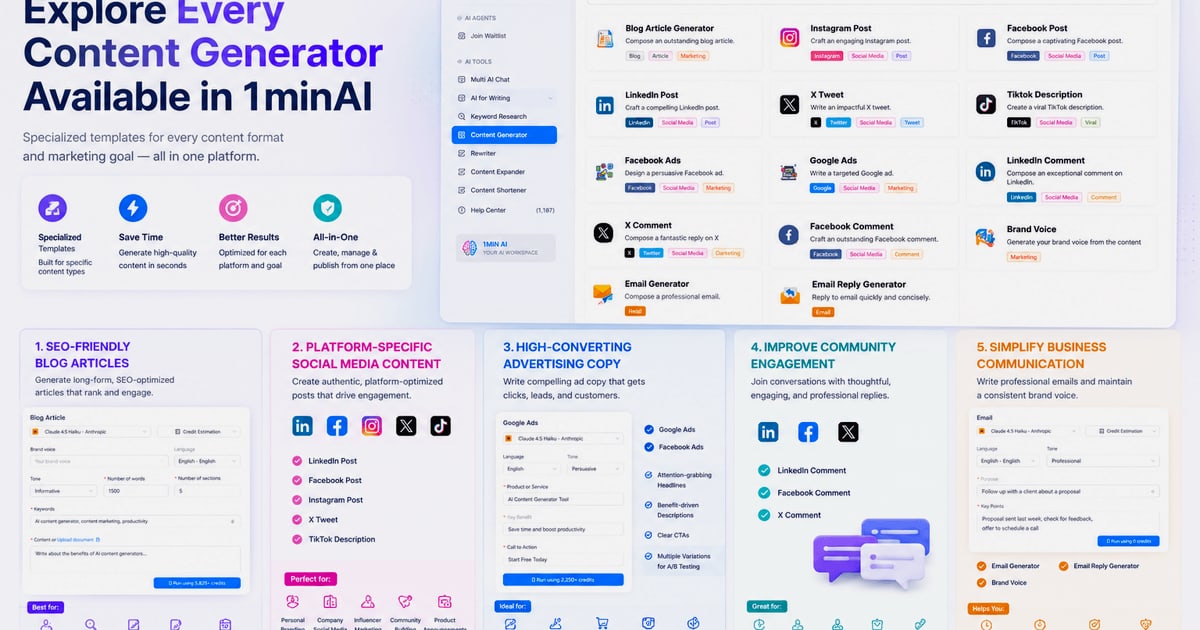
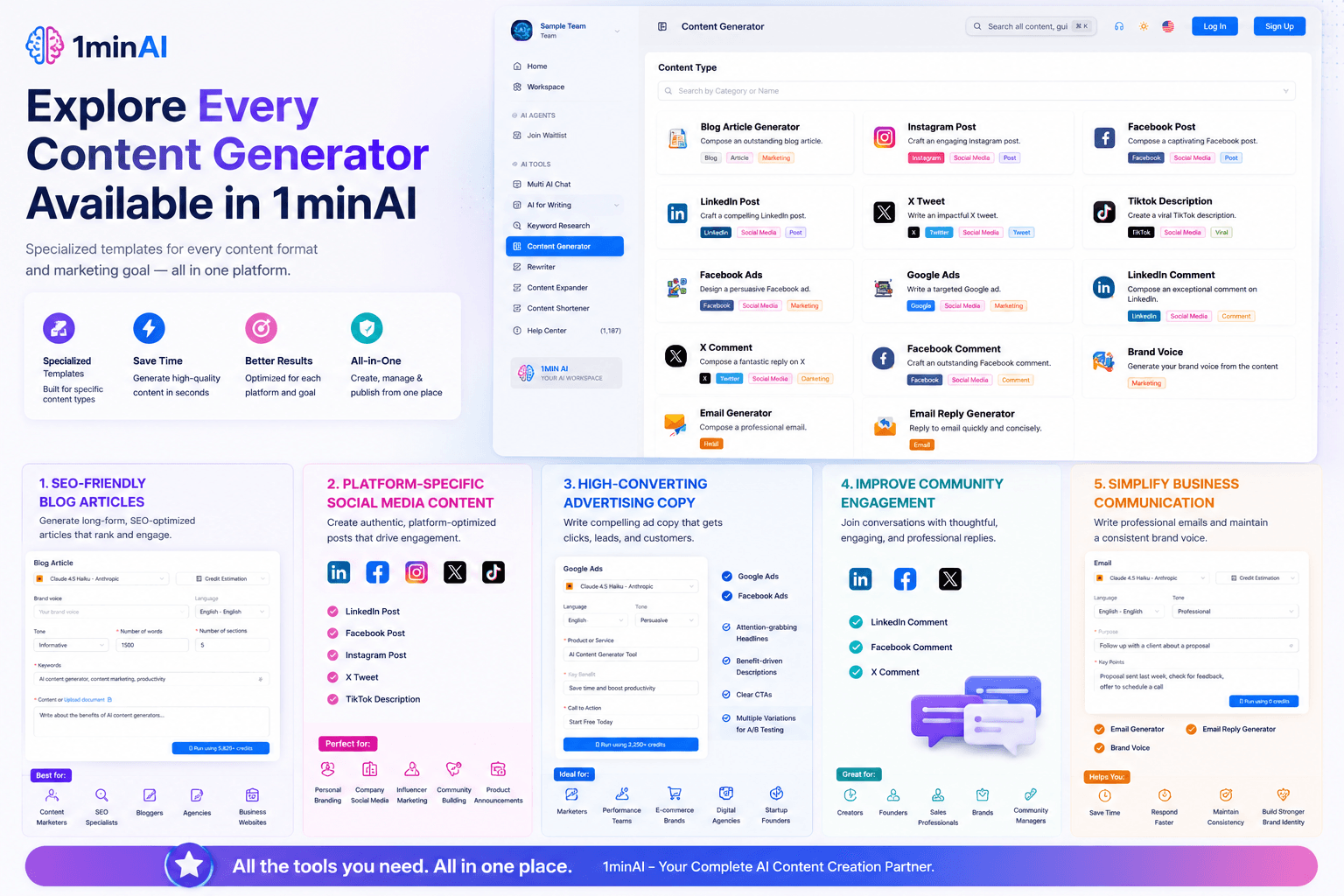
An SEO article generator is software that produces long-form content designed to rank in search engines. Unlike a general-purpose AI chatbot, a true SEO article generator typically includes:
- Keyword and SERP research to understand what searchers want
- Content briefs or outlines based on top-ranking pages
- AI drafting in your brand voice
- On-page optimization for titles, headings, and keyword placement
- Publishing integrations to send finished articles to your CMS
The goal is to compress the content production cycle from days to minutes while keeping the output useful enough to compete in organic search.
How SEO Article Generators Actually Work
SEO Article Generator: How to Choose and Use One in 2026 - How SEO Article Generators Actually Work.
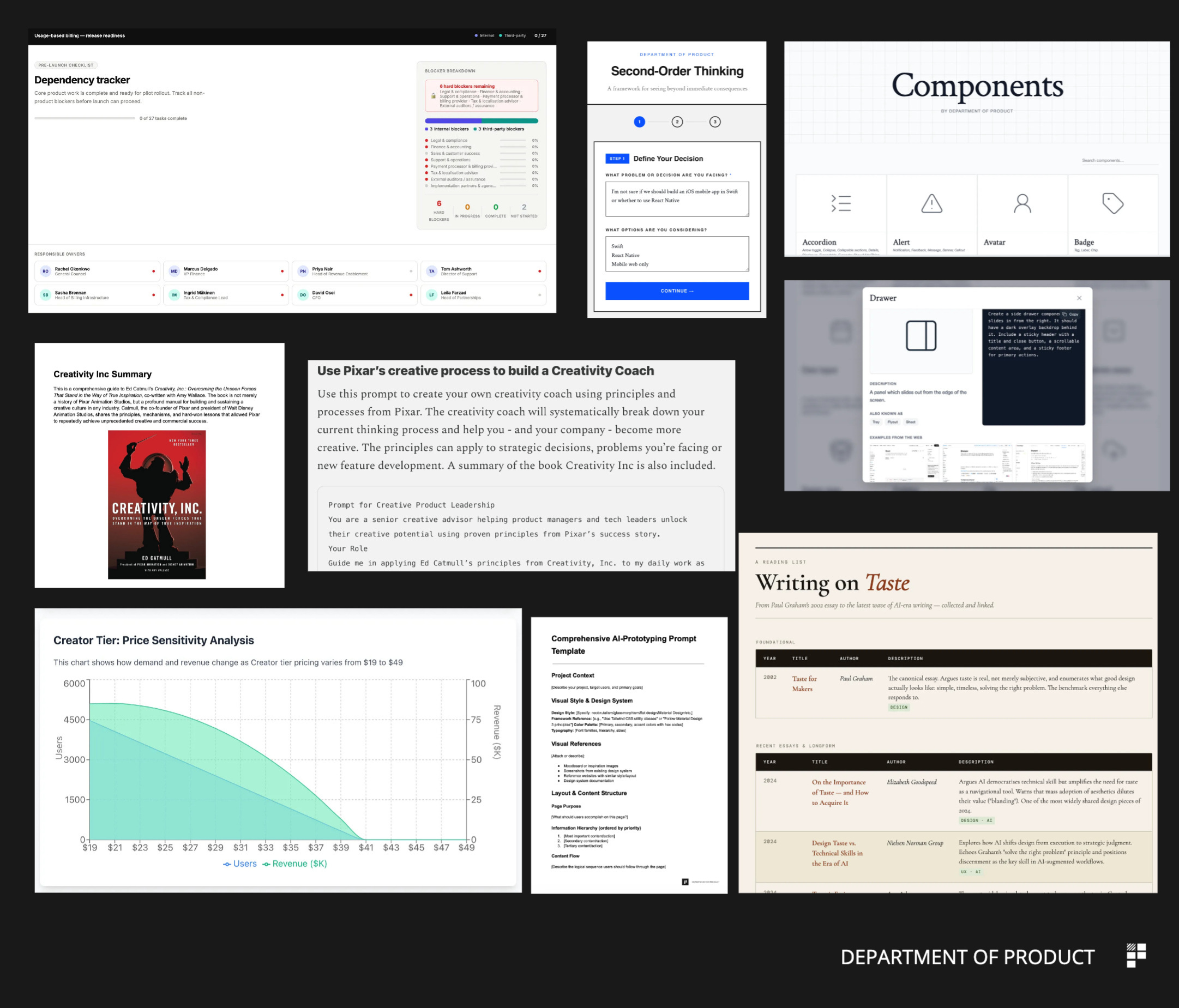
Most tools follow a similar pipeline, even if the interface looks different.
1. Research and Topic Selection
The generator starts with a keyword or topic. Some tools ask you to paste a keyword; others scan your site, analyze competitors, and suggest topics you should cover. The best ones look at search intent—informational, commercial, transactional—and shape the article structure accordingly.
2. Outline and Brief Creation
Based on the top-ranking pages, the tool builds an outline with H2s, H3s, and suggested word count. This step is where many generators fail: a generic outline produces a generic article. Tools that pull real SERP data tend to create outlines that mirror what Google already rewards.
3. AI Drafting
The generator writes the article using large language models. Quality depends on the model, the prompt, and how much context the tool has about your product, audience, and tone. A generator that only knows your keyword will produce fluff. One that learns your brand voice and product details produces content that sounds like you.
4. Optimization and Review
After drafting, the tool checks the article against SEO benchmarks: keyword density, heading structure, readability, internal link opportunities, and meta tags. Some platforms give you a real-time score and suggest fixes. Others simply hand you the draft and leave optimization to you.
5. Publishing
The final step is sending the article to your CMS. WordPress is the most common integration, but many tools also support Webflow, Shopify, Ghost, and others. Some offer bulk publishing for teams that need dozens of articles at once.
Key Features to Look For

SEO Article Generator: How to Choose and Use One in 2026 - Key Features to Look For.
Not every feature matters for every team. Here's how to prioritize.
Brand Voice and Context Retention
The biggest complaint about AI content is that it sounds generic. A good SEO article generator learns your tone, product details, and audience from existing content or a brand brief—then applies that context to every article. This is the difference between content that sounds like a robot and content that sounds like your company.
Real SERP Research
Tools that only generate text from a keyword are guessing. Tools that analyze the top 10 results, extract common subtopics, and identify content gaps produce articles that actually answer the questions searchers are asking. Look for a generator that incorporates organic research into the drafting process, not one that treats SEO as an afterthought.
Editorial Controls
Full automation sounds appealing until you publish an article with a factual error. The best generators offer an approval-first workflow: the AI drafts, a human reviews, and only then does the article go live. If you want autopilot, you should be able to turn it on selectively—not be forced into it.
Multilingual Output
If you serve multiple markets, multilingual generation saves enormous time. But translation is not localization. A good tool should adapt idioms, examples, and cultural references—not just swap words.
Publishing and Hosting
Some generators only export text. Others publish directly to your CMS or even host the content for you. If you're building a content site from scratch, hosted publishing can remove an entire layer of technical work.
SEO Article Generator vs. General AI Chatbot
SEO Article Generator: How to Choose and Use One in 2026 - SEO Article Generator vs. General AI Chatbot.
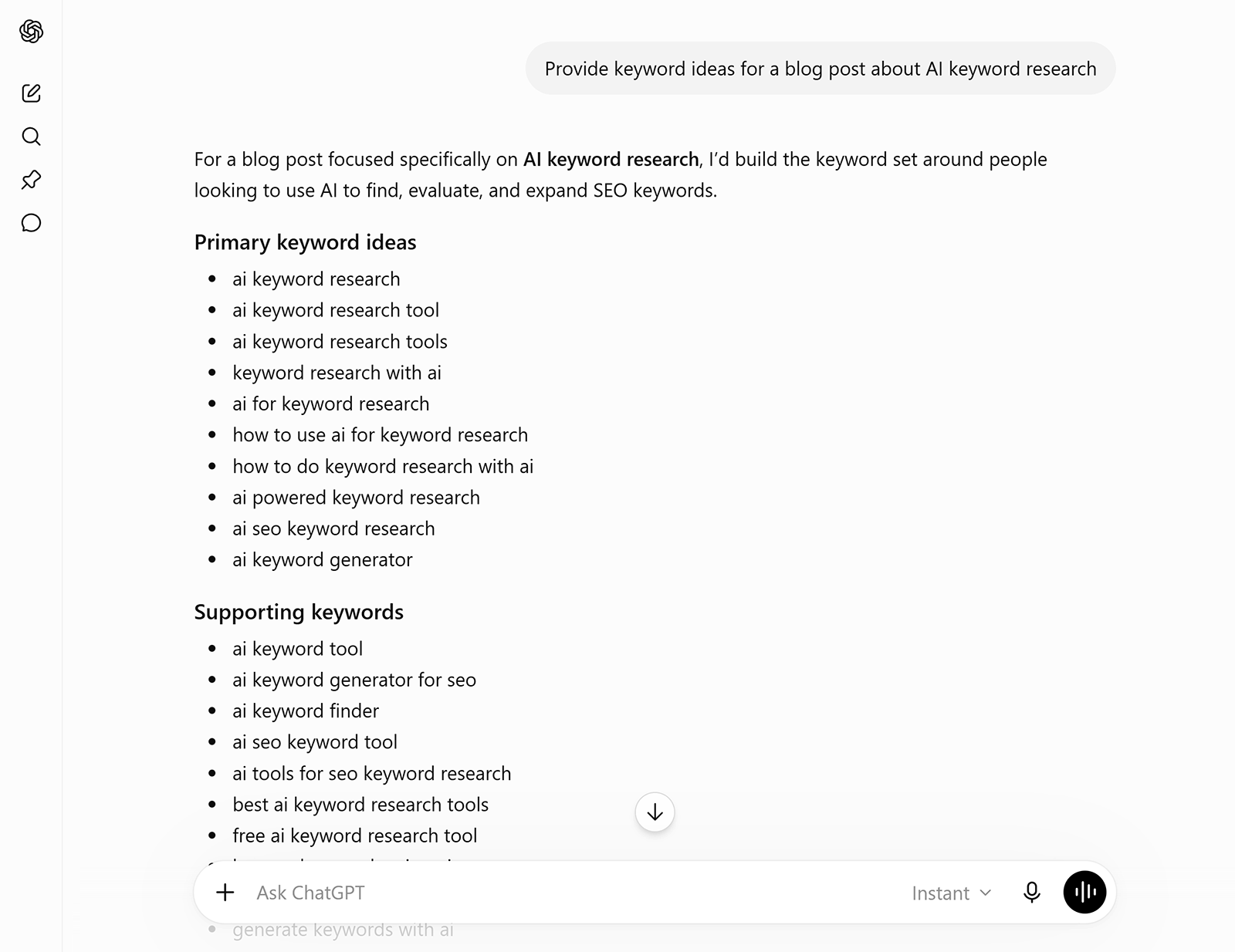
You can technically generate an article with any AI chatbot. The question is whether you should.
| Capability | General AI Chatbot | Purpose-Built SEO Article Generator |
|---|---|---|
| Keyword research | Manual, external tools needed | Built into the workflow |
| SERP analysis | None | Analyzes top-ranking pages |
| Brand voice retention | Re-explain every session | Learned once, applied consistently |
| On-page optimization | Manual | Automated scoring and suggestions |
| CMS publishing | Copy-paste | Direct integration |
| Content calendar and topic planning | Manual | Often included |
A chatbot is a drafting tool. An SEO article generator is a content production system. If you publish one article a month, the difference may not matter. If you publish ten or more, the system pays for itself quickly.
A Practical Workflow for Using an SEO Article Generator
Here's a process that balances speed with quality control.
Step 1: Feed the Tool Your Brand Context
Before generating anything, give the tool what it needs to sound like you. Upload existing articles, paste your product descriptions, or fill out a brand brief. The more context you provide upfront, the less editing you'll do later.
Step 2: Start with a Topic Cluster, Not a Single Keyword
Don't generate one article in isolation. Pick a cluster of related topics—for example, if you sell coffee equipment, cover grinders, brew methods, and maintenance guides together. This builds topical authority and gives you internal linking opportunities from day one.
Step 3: Review the Outline Before the Draft
Most generators let you approve or edit the outline before writing. Spend two minutes here. A bad outline produces a bad article, and it's much easier to fix structure before 2,000 words exist.
Step 4: Generate, Then Edit for Substance
AI drafts are a starting point, not a finished product. Add your own data, examples, screenshots, and opinions. Google's helpful content guidelines reward original insight—and so do readers. If you're using an on-page SEO checklist, apply it during this editing pass.
Step 5: Optimize, Then Publish
Run the tool's optimization check, fix the flagged issues, and publish. If your generator supports direct CMS integration, use it. If not, export and upload manually.
Step 6: Monitor and Refresh
An article that ranks today may decay in six months. Schedule quarterly reviews of your top pages, update stale statistics, and regenerate sections that no longer match search intent.
Common Mistakes to Avoid
Publishing Without Human Review
AI makes confident-sounding errors. A wrong statistic or outdated claim can destroy trust. Always review before publishing, even if your workflow is highly automated.
Ignoring Search Intent
A generator can write a beautiful article about the wrong thing. If the keyword is transactional and you write an informational guide, you won't rank no matter how well-optimized the text is. Check intent before you generate.
Generating Too Much, Too Fast
Publishing 50 thin articles in a week can trigger quality concerns and dilute your site's authority. Scale gradually, and prioritize depth over volume. If you're automating blog content, follow the principles in this autoblogging guide to avoid the common pitfalls.
Skipping Internal Links
Every article should link to related content on your site. Generators can suggest links, but you should verify they make sense contextually. Internal linking is one of the highest-impact on-page tactics available.
When Full Automation Makes Sense
Some teams genuinely benefit from an autonomous content engine. If you have:
- A well-defined product or niche
- Existing content that establishes your voice
- A tolerance for occasional edits
- A need for consistent publishing volume
...then a platform that plans topics, researches SERPs, drafts, and publishes continuously can replace a significant chunk of manual content operations. The key is that the system must understand your product deeply enough to write accurately—not just fluently.
AgentBooks takes this approach: you share your website once, and the platform learns your product, maps your market, plans topics, researches organic results, and publishes in your brand voice on an approval-first or autopilot workflow. That kind of setup works best for teams that have domain expertise but lack the time to turn it into a consistent publishing cadence.
How to Evaluate an SEO Article Generator
Before committing to a tool, run a simple test.
- Generate one article on a topic you know deeply.
- Check factual accuracy. Does it get the details right?
- Assess brand voice. Could a reader tell this came from your company?
- Review the outline. Does it cover what the top-ranking pages cover?
- Test the optimization. Does it flag real issues or just count keywords?
- Try publishing. How many steps between draft and live post?
A tool that passes all six checks is worth paying for. One that fails on accuracy or voice will cost you more in editing time than it saves in drafting time.
Related reading
- How to Use QuickCreator: A Practical Step-by-Step Guide - Learn how to use QuickCreator step by step: account setup, topic selection, AI drafting, SEO optimization, publishing, and common workflow mistakes to avoid.
- What Is a Content Editor? Role, Skills & Workflow - Learn what a content editor does, how content editing differs from copy editing and proofreading, the skills required, and when to hire or become one.
Sources and further reading
- AI Writing Tool for 1-Click SEO Articles - SEO WRITING is an AI writing tool for 1-click SEO-optimized articles, blog posts & affiliate content. Bulk generate & auto-publish on WordPress.
- Create SEO-Friendly Articles with Semrush AI Article Generator - Generate high-ranking blog articles in minutes with the AI Article Generator. Write in your unique voice and leverage real-time SEO data.
- AI Article Writer & SEO Content Generator | Byword - Generate SEO-optimized articles in under 2 minutes. Byword researches keywords, writes in your brand voice using GPT-5.4, Claude Opus 4.6, and Gemini 3.1 Pro, and publishes to WordPress, Webflow, and 4 more CMSs. Trusted by 85,000+ content teams. Start free with 5 articles.
Frequently Asked Questions
Can an SEO article generator replace human writers?
For some content types, yes—product descriptions, FAQs, comparison pages, and straightforward how-to guides can be largely automated. For thought leadership, original research, and deeply technical content, human expertise still matters. The most effective approach is usually a hybrid: AI drafts, humans refine and add unique insight.
How long does it take to generate an article?
Most tools produce a full draft in one to three minutes. Research-intensive pieces with competitor analysis may take slightly longer. The total time from topic to published article depends on your review process—expect 15 to 45 minutes per article with a human editing pass.
Will Google penalize AI-generated content?
Google's stated position is that it evaluates content quality, not how the content was produced. Low-quality, mass-produced AI content can perform poorly, but well-edited, useful AI-assisted content can rank. The risk comes from publishing unedited output at scale, not from using AI itself.
What's the difference between an SEO article generator and a content optimizer?
A generator creates new articles from scratch. An optimizer analyzes existing content and suggests improvements. Many platforms combine both functions, but they serve different purposes: generators fill the pipeline, optimizers improve what's already published.
Do I need technical skills to use one?
No. Most modern tools have simple interfaces: enter a topic, review an outline, generate, edit, and publish. Technical skills help with advanced features like API integrations or programmatic SEO, but they're not required for basic use.
How much does an SEO article generator cost?
Pricing varies widely. Some tools offer free tiers with limited articles, while paid plans range from roughly $29 to $999 per month depending on volume, features, and team size. Per-article costs typically fall between $2.50 and $4 on mid-tier plans.
Conclusion
An SEO article generator is not a magic button. It's a system that compresses the research, drafting, optimization, and publishing pipeline into a single workflow. The tools that work best are the ones that learn your brand, analyze real search results, and give you control over what gets published.
The right question isn't "Can AI write my articles?" It's "Can AI write my articles in a way that sounds like me, answers what searchers actually want, and publishes consistently?" If the answer is yes, you've found a tool worth keeping. If not, keep looking—the gap between a generic generator and a purpose-built SEO content platform is the gap between content that exists and content that ranks.