
Contentpen Content Analytics: Turn Search Data into Measurable Growth
Most content platforms stop at the publish button. They hand you a draft and leave you guessing whether it actually performed. Contentpen content analytics takes a different approach. It connects creation, publishing, and performance tracking inside a single dashboard, so you always know what to improve next—not just what happened last month.
This guide walks through every layer of the analytics suite, from core metrics and AI visibility tracking to the opportunity engine that flags quick wins before traffic slips. Whether you manage a single blog or dozens of client sites, you will find practical ways to turn raw search data into editorial decisions that move the needle.
What Contentpen Content Analytics Actually Tracks
Contentpen Content Analytics: A Complete Guide to SEO & AI Visibility Tracking - What Contentpen Content Analytics Actually Tracks.
Contentpen’s analytics dashboard is not a bolt-on reporting tab. It is the feedback loop that tells the platform’s AI agents what worked, what decayed, and where the next content dollar should go. The system pulls data directly from Google Search Console and layers on proprietary AI visibility signals, giving you a unified view of how your content performs across traditional search and AI answer engines.
Core SEO Metrics in One View
The main dashboard surfaces four foundational metrics at a glance:
- Clicks – How many users landed on your page from organic search.
- Impressions – How often your URL appeared in search results.
- CTR (Click-Through Rate) – The ratio of clicks to impressions, a direct signal of title and meta description effectiveness.
- Average Position – Where your page ranks on average for tracked queries.
These numbers update continuously, not on a delayed weekly sync. You can filter by region, device type, and time range to isolate exactly what drives traffic—or what is quietly losing ground.
Keyword and Page-Level Movement
Beyond aggregate numbers, Contentpen categorizes keyword and page changes into four actionable buckets:
- Winners – Keywords or pages that gained positions and clicks.
- Losers – Those that dropped, signaling content decay or competitor displacement.
- New – Freshly indexed pages or newly tracked queries entering the picture.
- Lost – Keywords that fell out of the top 100 entirely.
This classification removes the guesswork. Instead of scanning raw tables, you see a sorted list of what to celebrate, what to refresh, and what to investigate further.
AI Visibility Tracking
One feature that sets Contentpen apart from conventional SEO dashboards is its AI visibility layer. The platform monitors how often AI engines—ChatGPT, Gemini, Perplexity, Claude, and Copilot—mention or cite your brand. It tracks share of voice, sentiment, and position within AI-generated answers, giving you a direct read on whether your content is surfacing in the new search landscape.
This matters because AI citations do not follow the same rules as blue-link rankings. A page ranking #1 on Google might never appear in a ChatGPT response. Contentpen’s analytics lets you see both sides of that coin, so you can optimize for the channels that actually send traffic to your business.
How the Opportunity Engine Surfaces Actionable Insights
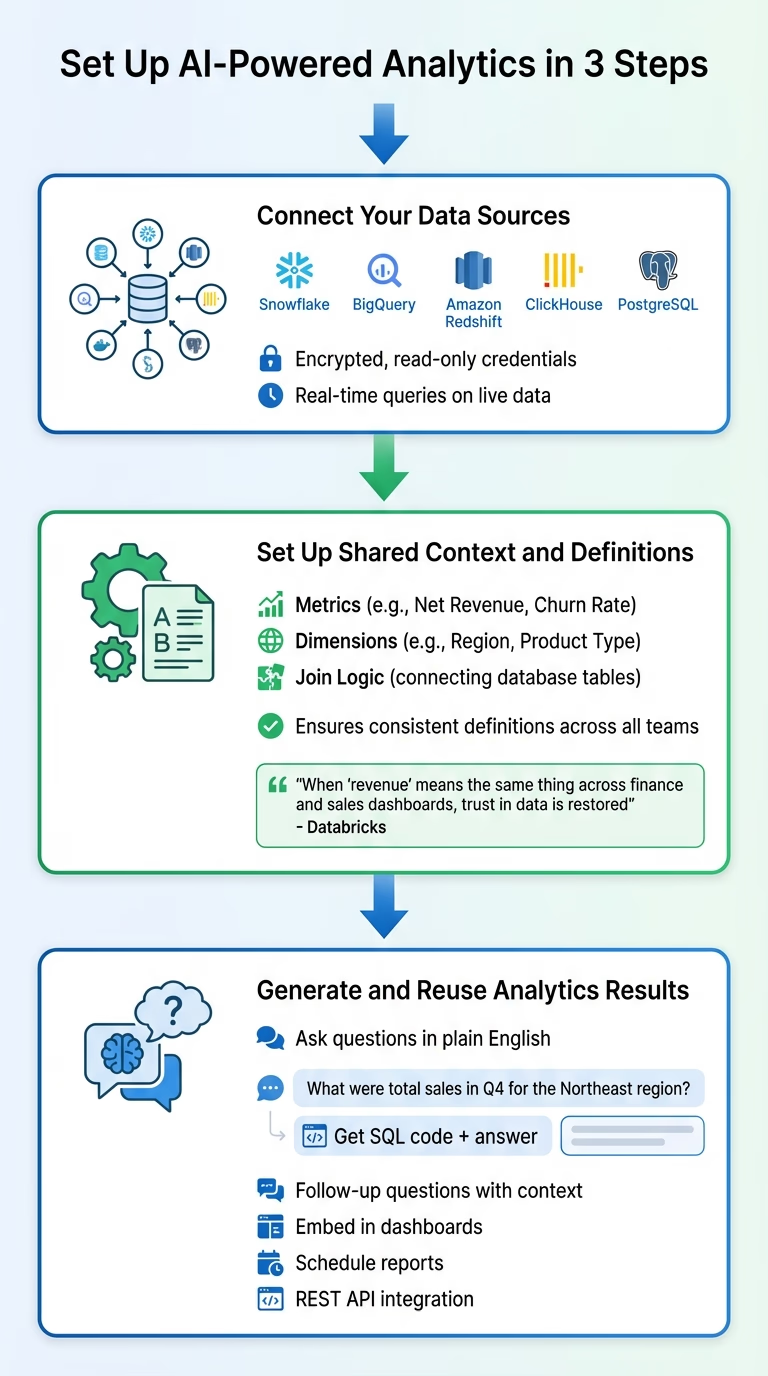
Contentpen Content Analytics: A Complete Guide to SEO & AI Visibility Tracking - How the Opportunity Engine Surfaces Actionable Insights.
Raw data is useful, but prioritized action is better. Contentpen’s analytics includes an opportunity detection system that scans your connected properties and flags specific pages with the highest potential return on effort.
Quick Wins and Decaying Content
The system identifies pages with high impressions but low CTR—often a sign that your title tag or meta description is underperforming. It also surfaces decaying content: pages that once ranked well but are sliding down the SERP. For each flagged page, Contentpen suggests concrete fixes, such as updating headings, refreshing outdated statistics, or tightening keyword focus.
Underperforming CTRs
When a page earns impressions but fails to convert them into clicks, the problem is usually the snippet. Contentpen highlights these pages and provides optimization suggestions directly in the dashboard. You can open the page, refine the title and meta description, and republish without leaving the platform.
Filtering for Hidden Patterns
Custom filters let you set minimum and maximum thresholds for clicks, impressions, CTR, and position. This is especially useful for large sites. You can isolate pages with, say, more than 500 impressions and a CTR below 2%, then batch-optimize them in a single workflow.
Connecting Analytics to the Full Content Workflow
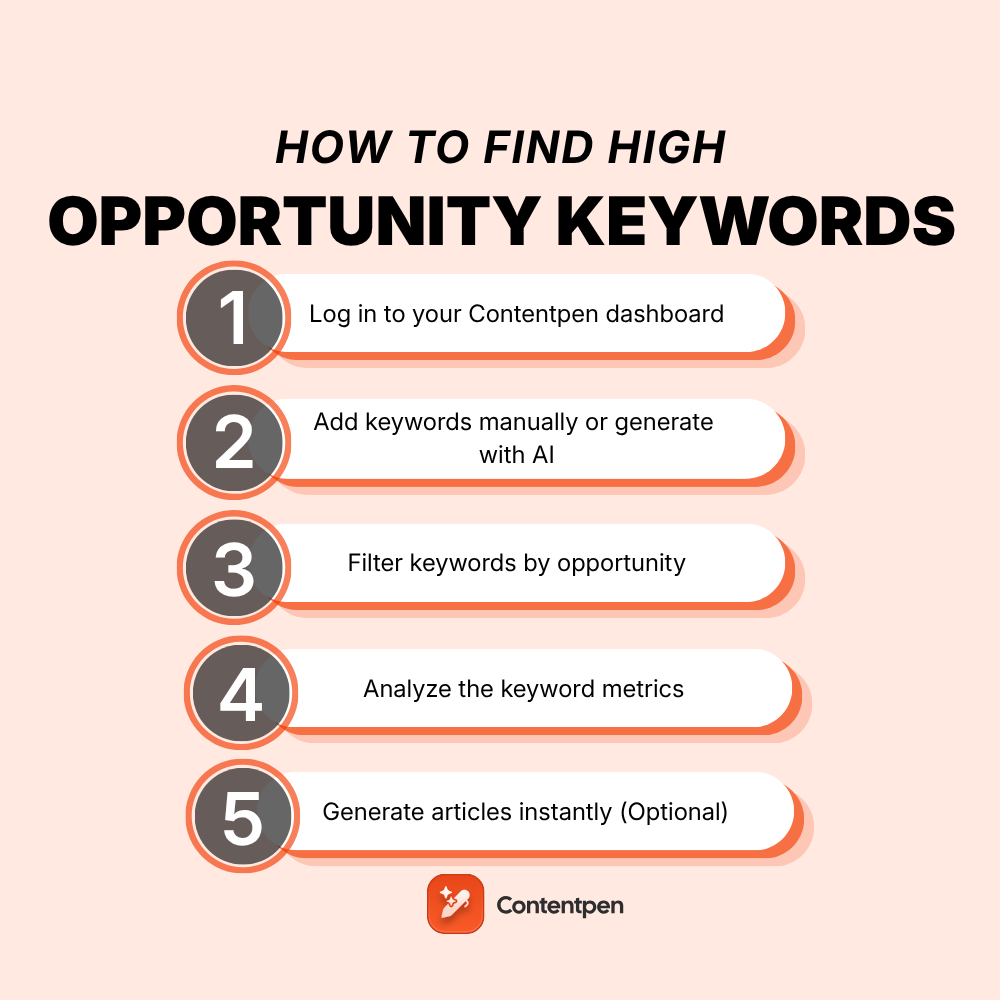
Contentpen Content Analytics: A Complete Guide to SEO & AI Visibility Tracking - Connecting Analytics to the Full Content Workflow.
What makes Contentpen content analytics genuinely useful is that it does not exist in isolation. The analytics tab is wired into the same platform that handles research, writing, optimization, and publishing.
From Insight to Republish in One Flow
When the opportunity engine flags a decaying post, you click into it, make edits in the live editor, and republish. The SEO and AEO score updates in real time as you adjust headings, internal links, or keyword placement. There is no export-edit-upload loop, no switching between five tools.
This tight integration is what separates a true content engine from a dashboard that merely reports problems. For teams running autonomous content operations—where the platform continuously researches, writes, and publishes—analytics becomes the steering mechanism. It tells the system which topics are gaining traction and which need a refresh.
Device and Source Segmentation
Contentpen breaks down traffic by device type (desktop, mobile, tablet) and source (web, image, video, news). This helps you spot whether a rankings drop is universal or isolated to mobile SERPs, where layout and page speed often play a larger role.
Practical Use Cases for Different Teams
Contentpen Content Analytics: A Complete Guide to SEO & AI Visibility Tracking - Practical Use Cases for Different Teams.
Solo Content Marketers
If you are the only person managing content, you cannot afford to spend hours cross-referencing Google Search Console, Ahrefs, and your CMS. Contentpen’s analytics gives you a single pane of glass. The opportunity engine tells you exactly which three posts to update this week, and the built-in editor lets you do it in minutes.
Agencies Managing Multiple Clients
Workspaces keep each client’s analytics, keywords, and content separate. You can toggle between clients, run filtered reports, and show each stakeholder a clean view of their organic growth. The AI visibility tracking is a particularly strong differentiator in client reporting, since most agencies are not yet measuring AI citations at all.
E-Commerce and SaaS Teams
For product-led businesses, content analytics needs to connect to revenue. While Contentpen does not replace a full-funnel attribution tool, its keyword and page-level tracking shows you which buying guides, comparison posts, and feature pages are driving clicks. Pair this with your CRM or analytics tool to map organic traffic to signups or purchases.
If you are evaluating broader platforms that combine intent data with content creation, our Top 10 B2B Buyer Intent Data & AI Content Platforms 2026 comparison covers tools that bridge that gap.
How Contentpen Analytics Compares to Standalone Tools
Many teams run a stack that includes Google Search Console, a rank tracker, and maybe an AI visibility tool. Contentpen replaces several of those subscriptions by embedding analytics directly into the content creation workflow.
| Capability | Standalone Stack | Contentpen Analytics |
|---|---|---|
| Click, impression, CTR data | Google Search Console | Built-in GSC integration |
| Rank tracking | Ahrefs, Semrush, or SERPWatcher | Keyword and page-level movement tracking |
| AI citation monitoring | Separate AI visibility tools | Native AI visibility layer |
| Content decay detection | Manual GSC analysis | Automated opportunity engine |
| Optimization workflow | Export data, edit in CMS, republish | Edit and republish inside the platform |
This does not mean Contentpen replaces every tool for every team. If you run advanced competitor research or backlink analysis, you may still want a dedicated SEO suite. For a deeper look at one of those tools, see our Semrush Review 2025: Features, Pricing & Honest Verdict. Many teams pair Contentpen with Semrush to handle research and analytics in tandem; we cover that exact workflow in How to Use AgentBooks with Semrush: A Complete Workflow.
Setting Up Contentpen Analytics
Getting started is straightforward:
- Sign up for a Contentpen account and create your first workspace.
- Connect Google Search Console through the integrations tab. The setup takes about a minute.
- Publish your first piece of content through Contentpen, or connect an existing site.
- Let data accumulate. Within days, the dashboard populates with clicks, impressions, and rankings.
- Review the opportunity feed weekly to catch quick wins and decaying content early.
Most teams review analytics weekly for tactical optimization and monthly for strategic reporting. Since data updates continuously, you can check in whenever a new piece goes live or a competitor makes a move.
Related reading
- AgentBooks vs SEO Writing: Which AI Tool Wins in 2025? - Compare AgentBooks autonomous content engine with SEO Writing's 1-click AI writer. See which platform fits long-term organic growth vs rapid article production.
Sources and further reading
- AI blog writer - Generate SEO & AEO optimized blogs - AI writer to generate high-quality blogs with SEO scoring, AEO scoring, one-click publishing, GSC analytics, and AI visibility data. Try free!
- Frequently asked questions about Contentpen - Find answers to common questions about Contentpen, the AI platform for SEO and AEO content. Covering features, pricing, publishing, security, and more.
- SEO analytics and performance tracking | In-built dashboard - Explore Contentpen’s analytics feature. Track clicks, impressions, rankings, and SEO opportunities to optimize blogs and scale with confidence.
Frequently Asked Questions
Does Contentpen content analytics require Google Search Console?
Yes, the core SEO metrics (clicks, impressions, CTR, average position) pull from GSC. Connecting it is a one-time step in the integrations tab. AI visibility tracking runs independently and does not require GSC.
How often does the analytics data refresh?
Data updates continuously. The system checks for changes automatically, and you can trigger a manual refresh whenever you want the latest snapshot.
Can I track multiple websites in one account?
Yes. Each website lives in its own workspace, keeping analytics, keywords, and content completely separate. The Agency plan includes unlimited workspaces, making it practical for teams managing many client sites.
What is AI visibility tracking, and why does it matter?
AI visibility tracking monitors how often AI engines like ChatGPT, Gemini, and Perplexity cite your brand in their answers. As more users turn to AI for search, appearing in those citations becomes a meaningful traffic channel. Contentpen tracks share of voice, sentiment, and position so you can optimize for AI answer engines alongside traditional search.
How does the opportunity engine decide what to flag?
It scans your connected properties for patterns like high impressions with low CTR, declining rankings over time, and pages that recently dropped out of the top results. Each flag comes with a suggested action, such as updating the title tag, refreshing the content, or improving internal linking.
Can I optimize content directly from the analytics dashboard?
Yes. You can open any flagged page, edit it in the live editor, and republish without leaving Contentpen. The SEO and AEO score updates in real time as you make changes.
Does Contentpen analytics replace Ahrefs or Semrush?
It replaces the rank-tracking and content-decay detection parts of those tools for many users. If you need deep backlink analysis, competitive research, or paid search data, a dedicated SEO suite may still be valuable. Contentpen is designed to reduce tool sprawl, not necessarily eliminate every specialized platform.
Conclusion: Analytics That Drive Action, Not Just Reports
Contentpen content analytics closes the loop between publishing and performance. Instead of a static dashboard that tells you what happened last quarter, it surfaces specific pages to fix, headlines to rewrite, and topics to expand—all inside the same platform where you create and publish.
For teams tired of juggling GSC, rank trackers, and AI visibility tools, the unified approach saves time and sharpens focus. For those running autonomous content operations, analytics becomes the steering wheel: it tells the engine where to go next.
If you are comparing platforms that unify creation, analytics, and AI visibility, our Top 10 SEO & AI Search Visibility Platforms 2026 roundup covers the leading options and how they stack up.