
How to Use AgentBooks with Browse AI
Content that ranks and converts rarely comes from guesswork. It comes from a steady flow of fresh, structured data about your market, your competitors, and your customers. AgentBooks already automates the research and publishing cycle, but pairing it with Browse AI's web scraping and monitoring capabilities can turn that cycle into a truly data-driven engine. This article explains how the two tools complement each other, walks through setup, and shows practical examples of what you can build.
Why combine AgentBooks and Browse AI?
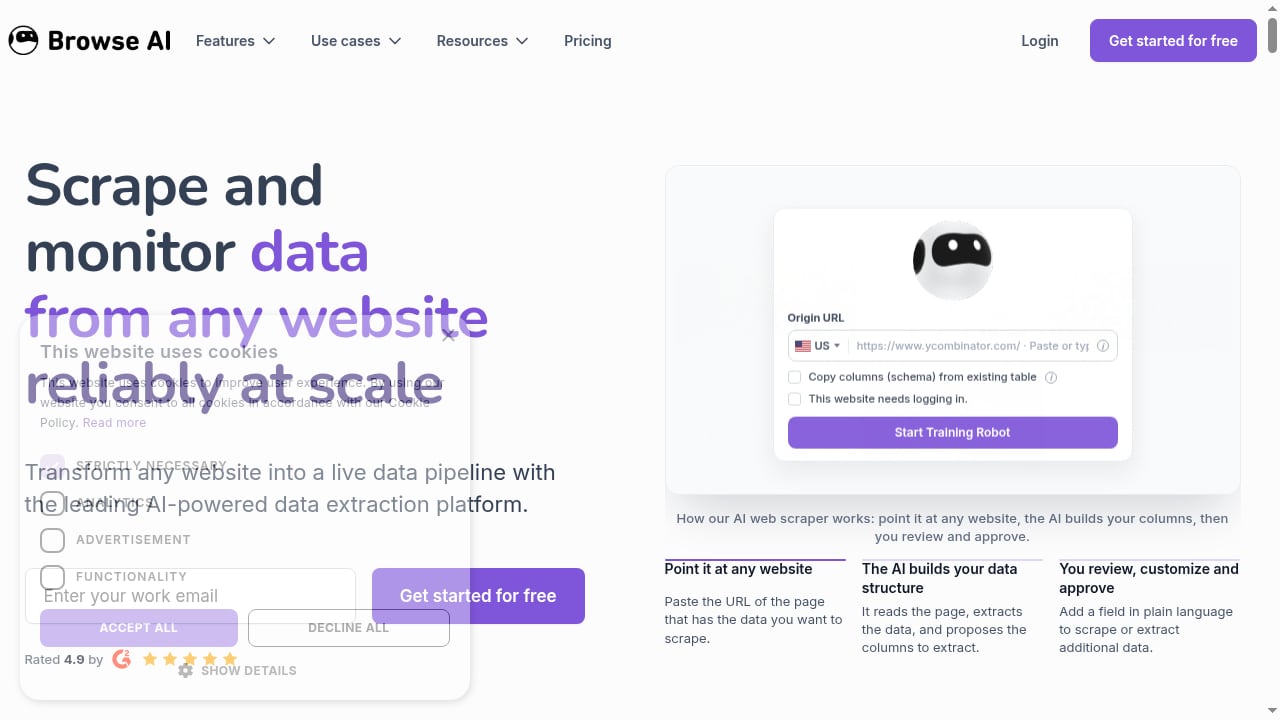
First viewport screenshot of www.browse.ai.
AgentBooks is an AI content automation platform that turns a website into an always-on content engine. It crawls your site to build a reusable brand dataset, maps the market, plans topics, researches organic search results, and publishes articles in your brand voice. Browse AI is a no-code web scraping and monitoring platform that turns any website into a live data pipeline. It can extract product details, prices, reviews, job listings, and more, and deliver that data via API, webhook, or scheduled runs.
On its own, AgentBooks relies on the information you provide and the public search results it can access. Browse AI fills the gap by giving you structured, up-to-date data from sources that are hard to monitor manually—competitor pricing pages, review sites, industry directories, or news feeds. Together, they let you:
- Ground content strategy in real market signals instead of assumptions.
- Keep keyword plans and topic ideas aligned with what competitors are actually doing.
- Automate the collection of data points that make articles more credible and useful.
- Respond quickly to changes in pricing, product features, or customer sentiment.
How the two tools fit together
First viewport screenshot of www.browse.ai.
Think of Browse AI as the data collector and AgentBooks as the content factory. Browse AI runs on a schedule, extracts the data you need, and pushes it to a destination you choose. AgentBooks consumes that data—either manually or through an integration—to inform its brand intelligence, keyword planning, and article generation.
A typical loop looks like this:
- Browse AI monitors a set of target websites (e.g., competitor blogs, pricing pages, review platforms).
- Extracted data is delivered to a Google Sheet, a database, or a webhook endpoint.
- You review the data and identify patterns, gaps, or opportunities.
- You feed relevant insights into AgentBooks—either by updating the brand brief, adding to the keyword plan, or providing custom research notes.
- AgentBooks generates articles that reference the fresh data, then publishes them on schedule.
This loop can run continuously, with Browse AI refreshing the data and AgentBooks producing content that stays current.
Step-by-step setup
First viewport screenshot of www.browse.ai.
Step 1: Define your data needs
Start by listing the questions your content needs to answer. For example:
- What are competitors charging for similar products?
- Which features are customers praising or complaining about in reviews?
- What topics are trending in industry news?
- Which keywords are competitors targeting in their latest articles?
Each question maps to a Browse AI robot (a scraping task). Create separate robots for each data source to keep things organized.
Step 2: Build and schedule Browse AI robots
In Browse AI, point a robot at the target URL. The AI will suggest data columns; review and customize them in plain language. Set a schedule that matches how often the data changes—daily for news, weekly for pricing, monthly for reviews. Configure delivery to a Google Sheet or a webhook. If you're using a webhook, you can route the data to an automation platform like Zapier, which can then trigger updates in AgentBooks.
Tip: Use Browse AI's formula columns to calculate derived metrics (e.g., price difference from your own product) before the data reaches AgentBooks.
Step 3: Prepare AgentBooks to receive insights
AgentBooks builds its brand dataset from your website. To incorporate Browse AI data, you can:
- Update your brand brief with factual details extracted from the data (e.g., "Our pricing is 15% lower than the industry average").
- Add new keyword categories based on competitor content gaps you discover.
- Include data points in article research notes when you review drafts.
If you're using Zapier, you can automate the creation of research notes or keyword ideas in AgentBooks whenever Browse AI delivers new data. For a detailed walkthrough, see How to Use AgentBooks with Zapier: Automate AI Workflows.
Step 4: Review and approve content
AgentBooks follows an approval-first workflow. Before publishing, review each article to ensure the data is accurately represented and the tone matches your brand. You can also schedule content generation to run after Browse AI data refreshes, so articles always reflect the latest numbers.
Step 5: Monitor and iterate
Track which articles perform best and correlate performance with the data sources that informed them. Over time, you'll learn which Browse AI robots deliver the most valuable insights and can adjust your scraping frequency or targets accordingly.
Practical examples
Example 1: Competitive pricing analysis for a SaaS blog
A SaaS company wants to publish a monthly article comparing its pricing to competitors. Browse AI monitors competitor pricing pages weekly and extracts plan names, prices, and features. The data lands in a Google Sheet. The content team reviews it, updates AgentBooks' brand brief with the latest comparison points, and schedules an article. AgentBooks generates a data-rich comparison post, which the team approves and publishes.
Example 2: E-commerce product trend roundup
An e-commerce store wants to capitalize on trending products. Browse AI scrapes bestseller lists from marketplaces daily. The team uses the data to identify rising categories, adds those as keyword categories in AgentBooks, and lets AgentBooks produce trend-focused buying guides. The result is a steady stream of timely content that aligns with what shoppers are actually buying.
Example 3: Agency monitoring multiple clients
A digital agency uses Browse AI to monitor industry news and competitor blogs for each client. Data is delivered to separate sheets. The agency then uses AgentBooks' multi-brand workspaces (available on the Enterprise plan) to generate content for each client, incorporating the relevant news hooks. This keeps every client's content fresh without multiplying manual research.
Problems the combination solves
- Stale content: Without fresh data, articles quickly become outdated. Browse AI's scheduled monitoring ensures AgentBooks always has current inputs.
- Manual research overhead: Teams spend hours copying data from websites. Browse AI automates extraction, freeing time for strategy and review.
- Guesswork in topic selection: Instead of relying on intuition, you can base keyword and topic decisions on real competitor activity and customer feedback.
- Scalability challenges: As you add more brands or markets, manual monitoring doesn't scale. Browse AI and AgentBooks both offer automation that grows with you.
When to use this combination (and when not to)
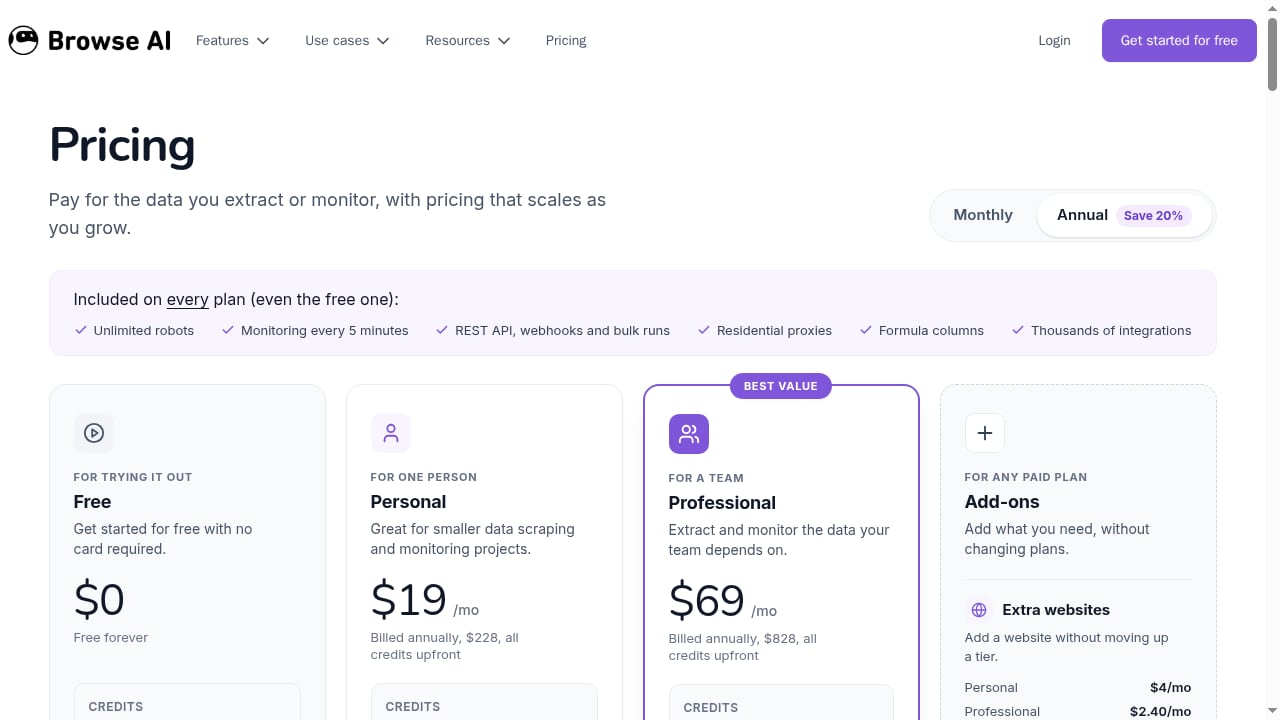
First viewport screenshot of www.browse.ai.
This workflow is ideal if you need to produce content that references live data—pricing, product availability, reviews, or news—and you want to reduce manual research. It's also a good fit for agencies managing multiple clients or websites with frequently changing information.
However, if your content strategy relies mostly on evergreen topics that don't require external data, you may not need Browse AI. AgentBooks alone can handle brand intelligence, keyword planning, and publishing. Similarly, if you already have a robust data pipeline, you might only need AgentBooks' content automation. For a broader comparison of content automation platforms, see AgentBooks vs Brafton vs Machined.ai: 2026 Comparison.
Related reading
- AgentBooks vs AI SEO Writer: Which AI Content Tool Wins? - Compare AgentBooks and AI SEO Writer for AI content automation. See how brand intelligence, workflows, and pricing differ before you choose.
- SEO Content Machine Review 2026: Agentic SEO Workspace - Evidence-based SEO Content Machine review: features, pricing, ideal users, limits, and how its agentic workspace compares for content automation.
- Account-Based Marketing Tools: What They Do & Content Gaps - Compare ABM tools, see where personalization breaks down, and learn how AI content automation closes the content gap for target accounts.
Sources and further reading
- AgentsBooks — Run an AI-Native Agency or Service Firm - The operating system for AI-native agencies and service firms. Deploy autonomous agents that handle content, sales, support and client ops — fewer hires.
- AgentBooks — Autonomous Content Growth for Search and AI - Share your website once. AgentBooks learns your product, maps the market, plans topics, researches organic results, and keeps publishing useful content in your brand voice.
- AgentBook.cloud — Human × AI Collaboration - Create intelligent rooms, connect multiple AI models, and work with real human helpers. AgentBook lets every topic evolve into solutions.
FAQ
Do I need coding skills to use Browse AI with AgentBooks?
No. Browse AI is no-code, and AgentBooks is designed for marketers and founders. You can set up scraping robots and content workflows without writing code, though using webhooks may require basic familiarity with automation tools like Zapier.
Can Browse AI send data directly to AgentBooks?
There is no native integration, but you can use webhooks and automation platforms to pass data. Alternatively, you can manually export data and update AgentBooks' brand brief or keyword plan.
How often should I run Browse AI robots?
It depends on how often the data changes. For pricing pages, weekly is often enough; for news, daily or even hourly. Browse AI supports schedules as frequent as every 5 minutes, but choose a frequency that balances freshness with cost.
Will this combination guarantee better rankings?
No tool can guarantee rankings. However, using fresh data can make your content more useful and differentiated, which may improve performance over time. AgentBooks focuses on scaling content production; SEO results depend on many factors.
What about data privacy and compliance?
Ensure you have the right to scrape target websites and that you comply with their terms of service and relevant regulations. Browse AI provides tools for responsible scraping, but you are responsible for how you use the data.
Conclusion
Combining AgentBooks with Browse AI gives you a content engine that learns from live market data. Browse AI handles the collection, AgentBooks handles the creation, and your team stays in control with approval workflows. Start with one or two data sources, measure the impact, and expand as you see results. To explore more ways to automate your content operations, read Top 10 Content Operations & Localisation Platforms 2026.