

How to Use AgentBooks with Surfer for AI-Optimized Content Growth
Two forces shape modern content marketing: the ability to produce useful, brand-aligned articles at scale, and the ability to make every piece visible on both traditional search engines and AI answer engines. AgentBooks and Surfer attack these challenges from different angles—AgentBooks provides an autonomous content engine that researches, plans, and publishes in your brand voice; Surfer is an AI visibility platform that optimizes content for Google and AI search tools like ChatGPT, Gemini, and Perplexity. When you use them together, you get a reliable pipeline that turns your website into an always‑on growth engine while ensuring each article competes where it matters. This guide walks through the complete workflow, setup, and the problems the pair solves.
Why Combine AgentBooks and Surfer?

How to Use AgentBooks with Surfer: AI Content + Visibility product interface and feature overview.
AgentBooks acts as your content operating system. It learns your product, maps your market, discovers topics, researches organic search results, and continuously publishes content—all in a transparent, approval‑first workflow. You no longer need a large editorial team to maintain a steady publishing cadence.
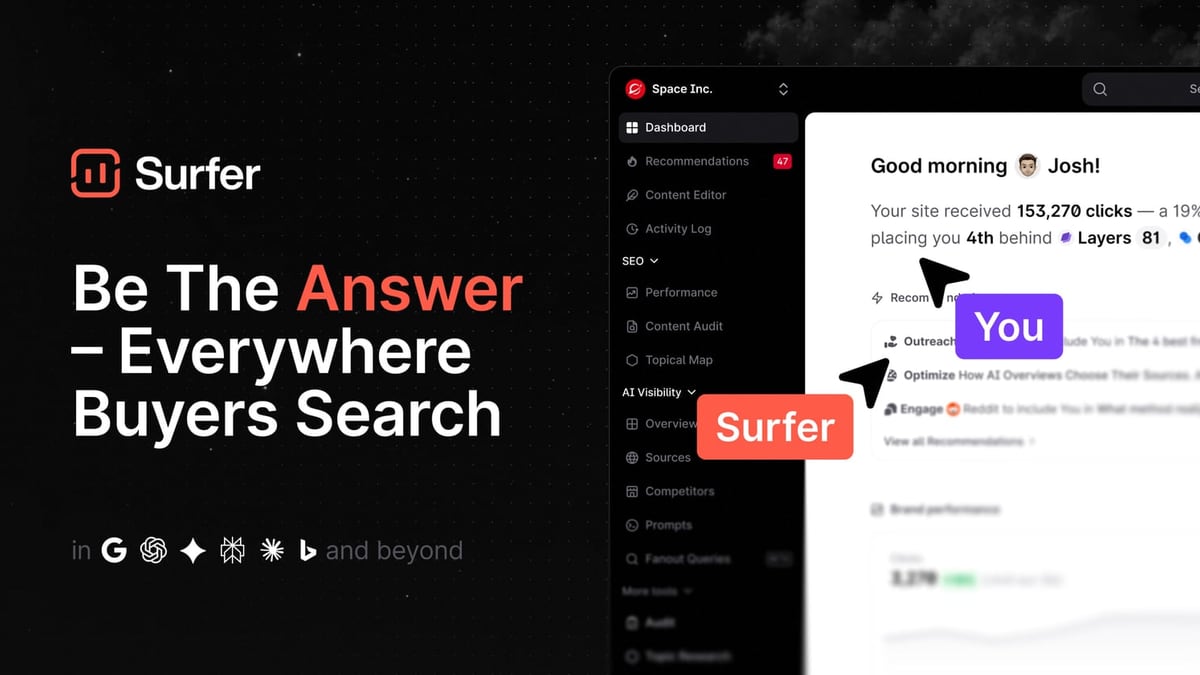
Surfer adds the optimization layer that bridges autonomous creation with competitive visibility. Its Content Editor scores your text against the top-ranking pages, suggests NLP terms, structures headings, and now includes AI Search Guidelines to ensure your content is also cited by AI chat platforms. Without this step, even well‑written articles risk falling short of what search algorithms and LLMs reward.
Together, the two solve a common bottleneck: you can publish often, but still must manually optimize each piece for on‑page SEO and AI search. The workflow below turns that manual handoff into a repeatable, efficient process.
What You Need Before Starting
How to Use AgentBooks with Surfer: AI Content + Visibility product interface and feature overview.
- An AgentBooks account (Pro or Team plan recommended for full keyword planning and publishing). The free Starter plan works for testing but volume and domain publishing are limited.
- A Surfer subscription (any plan that includes the Content Editor).
- A clear understanding of your target audience and core topics (AgentBooks helps map these, but having a strategic direction accelerates the process).
No native integration exists between the two platforms, so you’ll work with a simple copy‑paste and review rhythm—the steps are straightforward and don’t require developer resources.
The Workflow: Step by Step

How to Use AgentBooks with Surfer: AI Content + Visibility product interface and feature overview.
1. Let AgentBooks Map Your Market and Plan Keywords
Start inside AgentBooks. Connect your site, and the platform automatically learns your brand voice and product facts. It then identifies related products, competitive landscape, and a categorized keyword plan. You don’t need to upload spreadsheets or manually research; the engine surface topics your audience cares about and that you can realistically win.
2. Review and Prioritize Content Ideas
From AgentBooks’ planning dashboard, pick the topics that align with your roadmap. You can filter by category, search volume, or business relevance. At this stage, you might export a shortlist of target keywords to test in Surfer’s Keyword Research tool if you want to gauge difficulty before committing, though it’s optional.
3. Generate a Brand‑Aligned Draft in AgentBooks
With a topic selected, trigger the article generator. AgentBooks produces a full draft—title, description, meta keywords (TDK), headings, body text, and even relevant images—all grounded in your product and written in your brand voice. Because the research is automatic, the draft already mirrors what the top organic results cover, but in a style that’s uniquely yours.
4. Optimize the Draft with Surfer’s Content Editor
Open a new document in Surfer’s Content Editor, paste the target keyword, and choose your location/device. Then copy the AgentBooks draft (headings and body) into Surfer. The editor instantly:
- Calculates a Content Score comparing your text to the live top 20 results.
- Recommends missing NLP phrases, questions, and semantic terms.
- Checks heading hierarchy, word count, images, and paragraph structure.
- Applies AI Search Guidelines—a set of rules that make your content more likely to appear in ChatGPT, Gemini, or Perplexity answers.
5. Manual Refinement and Auto‑Optimize
Now refine the draft inside Surfer. Use Auto‑Optimize to apply one‑click improvements for terms and structure, but always keep a human eye on readability and brand tone. Adjust the outline if needed, add internal links, and ensure the piece still reads like your brand. Once the Content Score hits your target (typically 70+), export the optimized version.
6. Publish via AgentBooks with Optimization Data
Return to AgentBooks and replace the original draft with the Surfer‑optimized text. You can update the meta data and images if necessary. Then, using AgentBooks’ custom‑domain publishing infrastructure, schedule or publish the article directly. The approval‑first workflow means you can still review and block if something doesn’t feel right. If you prefer programmatic control, use the AgentBooks API to push the optimized content into your existing CMS.
Repeat this cycle for every topic. One person can manage dozens of articles per month without writing from scratch or spending hours per page in a separate SEO tool.
Practical Example: SaaS Comparison Article

How to Use AgentBooks with Surfer: AI Content + Visibility product interface and feature overview.
Imagine a bootstrapped SaaS company that wants to rank for “best project management software for remote teams.” Here’s how the combo operates:
- AgentBooks learns the company’s product, the market for project management tools, and the remote‑work niche. It surfaces the topic automatically and drafts a 2,500‑word comparison post. The draft references real competitors and features, keeping the tone helpful—not overtly salesy.
- The marketing manager copies the draft into Surfer, enters the target keyword, and immediately sees that the top‑ranking pages use terms like “async collaboration,” “time zone overlap,” and “resource planning.” The AI Search Guidelines also flag that the article should concisely answer “What is the best project management tool for remote teams?” in the first 100 words to be picked up by AI search engines.
- After implementing Surfer’s suggestions, the Content Score jumps from 42 to 78. The manager pastes the revised text back into AgentBooks and publishes it under the company’s blog subdomain.
Within weeks, the article starts attracting organic traffic and occasionally appears in AI‑generated responses when users ask about remote project tools—all without hiring a dedicated SEO writer.
Problems This Combination Solves
1. “We publish a lot but nothing ranks.”
Autonomous content engines can produce bulk content, but without on‑page optimization, articles often miss the mark. Surfer ensures every piece meets the topical depth and structure search engines expect, turning volume into visibility.
2. “SEO takes too much time and kills our cadence.”
The traditional cycle of researching, writing, and optimizing in separate tools consumes hours. By pairing AgentBooks’ rapid drafting with Surfer’s guided optimization, you shrink the per‑article production time significantly.
3. “We don’t know what to write about.”
AgentBooks’ market‑mapping function uncovers topic gaps and related product searches that even manual keyword research might miss. You always have a backlog of high‑intent topics.
4. “Our brand voice gets lost at scale.”
Because AgentBooks grounds every article in your actual product and brand personality, and you refine in Surfer without replacing the core message, the final output still sounds like you. The optimization layer doesn’t genericize the writing.
Related reading
- AgentBooks vs Contentpen vs Autoblogging.ai Compared (2026) - Compare AgentBooks, Contentpen, and Autoblogging.ai side by side. Discover which AI content platform suits your team for autonomous workflows, SEO scaling, and brand voice.
- AgentBooks vs Contentpen: Which AI Content Engine Wins? - Compare AgentBooks and Contentpen on brand intelligence, research, publishing, and pricing. See why AgentBooks' autonomous product-led engine fits teams that need consistent, research‑backed content.
- QuickCreator Review: Does Its AI Content Engine Pay Off? - Evidence-based QuickCreator review: how the 6-AI-agent platform creates brand-aligned SEO content, real pricing, user feedback gaps, and how it compares to AgentBooks.
Sources and further reading
- AgentBook | Real Estate Association Management System ... - Supercharge your association by eliminating friction for your team allowing them to build meaningful relationships with members
- Surfer User Guide - Surfer User GuideGolden Softwarehttps://downloads.goldensoftware.com › guidesGolden Softwarehttps://downloads.goldensoftware.com › guidesPDF1. Log into Windows under the account for the individual who will be licensed to use Surfer. 2. Download Surfer according to the emailed directions you ...1,806
- 1. Introduction to Surf Accounts - Tutorial Part 1 - Enjoy the videos and music you love, upload original content, and share it all with friends, family, and the world on YouTube.
FAQ
Does AgentBooks have a direct integration with Surfer? Not as a native plugin. The workflow outlined here relies on copy‑pasting content between platforms. It’s simple, but for high‑volume teams, you could use the AgentBooks API to export drafts and re‑import optimized versions programmatically.
Can I use AgentBooks’ free plan with Surfer? Technically yes, but the Starter plan limits publishing and keyword planning. For a serious content growth strategy, the Pro ($29/mo) or Team ($99/mo) plans unlock full topic planning and custom‑domain publishing—making the Surfer optimization step far more valuable.
Do I really need both tools? If you aim for a consistent publishing rhythm while maintaining competitive SEO and AI‑search readiness, then yes. AgentBooks handles the heavy lifting of research, drafting, and publishing; Surfer handles the fine‑tuning that turns a good article into one that outperforms. You could use one without the other, but you’d either sacrifice scale or optimization quality.
Is Surfer worth it if I already write AI‑assisted content? Yes—because LLM‑generated text rarely optimizes itself for specific SERP features or AI answer engines. Surfer’s Content Score and AI Search Guidelines give you a data‑driven way to validate and improve even the best AI draft.
Conclusion
AgentBooks and Surfer are a natural pair for growth teams that refuse to choose between quantity and quality. AgentBooks ensures you never run out of brand‑grounded, publish‑ready content; Surfer ensures that content actually gets seen—whether on Google’s page one or inside an AI chat answer. By following this simple workflow, you build a true engine: one that researches, writes, optimizes, and publishes without constant human intervention, while still reflecting your unique brand at every step. If you already integrate AgentBooks with digital asset management tools like Bynder, adding Surfer creates a complete content supply chain from idea to optimized live page.