
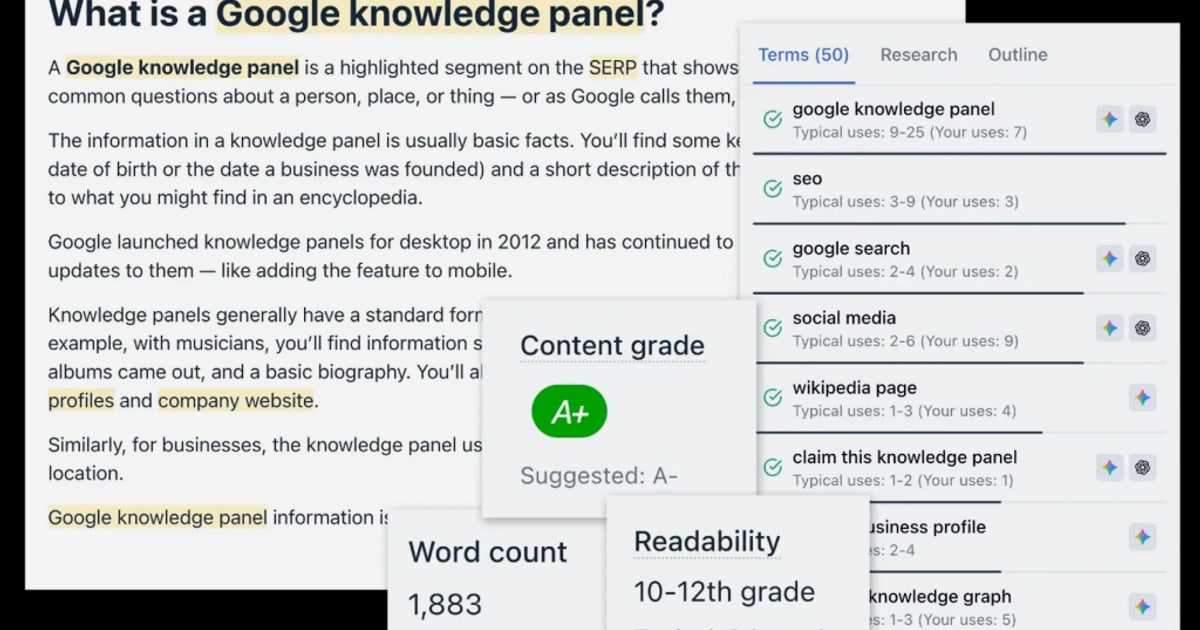
QuickCreator Tutorial: From First Login to a Published SEO Article
QuickCreator is an AI writing platform built for search-optimized content. Instead of prompting a generic chatbot, you choose a writing mode, feed it a keyword, topic, or URL, and let the tool produce a structured draft with SEO elements baked in. This tutorial walks through the entire workflow: accessing the workspace, picking the right writing mode, refining the draft, and publishing.
If you have not created an account yet, start with the QuickCreator login guide for step-by-step access instructions and troubleshooting. Once you are inside the workspace, the workflow below applies.
How QuickCreator Works at a High Level

QuickCreator Tutorial: From First Login to Published SEO Article - How QuickCreator Works at a High Level.
QuickCreator organizes content creation around writing modes and article types. The mode determines what input you give the AI. The article type determines the output format.
Writing modes:
- Keyword-driven writing — enter a target keyword and the AI generates an SEO-optimized article around it.
- Topic expansion writing — start with a rough idea and the AI explores angles, then drafts content.
- Product promotion — paste a product page URL and the AI extracts details to write promotional copy.
- Article fusion — provide multiple article URLs and the AI merges their ideas into one improved piece.
Article types:
- Listicle article
- How-to article
- Comparison article
- Explanatory article
- Analytical article
Combining a mode with a type gives you a lot of control. For example, keyword-driven writing plus a how-to article type produces a tutorial-style post optimized for a specific search term.
Step 1: Choose the Right Writing Mode
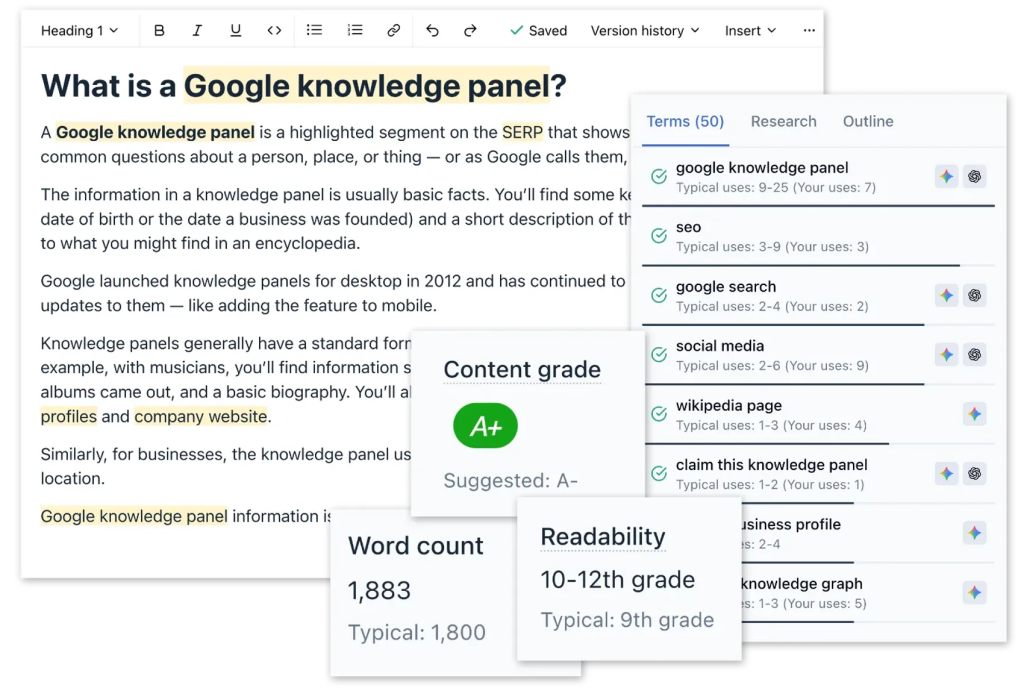
QuickCreator Tutorial: From First Login to Published SEO Article - Step 1: Choose the Right Writing Mode.
Your first decision is which mode matches your goal.
Keyword-Driven Writing
Use this when you already know the search term you want to rank for. Enter the keyword, and QuickCreator analyzes search intent and drafts content around it.
Best for: targeting a specific query, filling content gaps, building topical clusters.
Example: You run a project management SaaS and want to rank for "asynchronous standup meetings." Enter that keyword, select a how-to article type, and let the AI draft a tutorial that matches the intent.
Topic Expansion Writing
Use this when you have a broad idea but no specific keyword. The AI explores facets of the topic and generates creative angles while keeping the output SEO-friendly.
Best for: brainstorming, thought leadership, covering a subject from multiple perspectives.
Example: You want to write about "remote team culture" but do not have a specific query in mind. Topic expansion generates angles like onboarding rituals, communication norms, or burnout prevention.
Product Promotion
Use this when you want content that drives sales for an existing product page. Paste the URL and the AI extracts product details, key features, and benefits, then writes compelling descriptions.
Best for: e-commerce product descriptions, SaaS feature pages, landing page copy.
Example: You sell an ergonomic chair. Paste the product URL and QuickCreator pulls materials, dimensions, and selling points into a persuasive description.
Article Fusion
Use this when you have several source articles and want one consolidated piece. The AI identifies common themes and valuable information, then blends them into a cohesive article with better structure.
Best for: updating outdated posts, merging thin content, creating pillar pages from related articles.
Example: You have three blog posts about email marketing tips. Fusion combines them into one comprehensive guide without duplicate content.
Step 2: Select the Article Type

QuickCreator Tutorial: From First Login to Published SEO Article - Step 2: Select the Article Type.
After choosing a mode, pick the output format. The article type shapes the structure of the draft.
| Article Type | Best For | Typical Structure |
|---|---|---|
| Listicle | Guides, recommendations, roundups | Numbered list with keyword-rich headings |
| How-to | Tutorials, problem-solving | Step-by-step instructions with clear hierarchy |
| Comparison | Product reviews, tool evaluations | Pros and cons, similarities, differences |
| Explanatory | Complex concepts, definitions | In-depth explanation with examples |
| Analytical | "Why" questions, reasoning | Cause-and-effect analysis, supporting evidence |
Decision tip: Match the article type to search intent. Someone searching "best project management tools" wants a comparison or listicle. Someone searching "how to set up a kanban board" wants a how-to article.
Step 3: Generate and Review the Draft
QuickCreator Tutorial: From First Login to Published SEO Article - Step 3: Generate and Review the Draft.
Once you select the mode and type, QuickCreator generates a structured draft. The AI handles the initial writing, but the draft is a starting point, not a finished product.
What to review in every draft:
- Factual accuracy — verify statistics, product claims, and technical details.
- Brand voice — adjust phrasing so the content sounds like your team, not a generic AI. If you have not documented your voice yet, a brand voice guide helps you define and scale it consistently.
- Structure — check that headings follow a logical flow and match the article type.
- Examples — replace generic examples with real ones from your business or customers.
- Internal links — add links to related pages on your site.
A common mistake is publishing the first draft without editing. The AI saves time on research and structure, but human review is what makes the content trustworthy and unique.
Step 4: Optimize SEO Settings
Before publishing, check the SEO elements QuickCreator generates and adjust them where needed.
Key settings to review:
- Title tag — keep it under roughly 60 characters and include the primary keyword near the beginning.
- Meta description — write a compelling summary under 155 characters that encourages clicks.
- URL slug — short, keyword-focused, and readable.
- Headings — ensure the H1 contains the primary keyword and H2s/H3s use natural variations.
- Image alt text — describe images accurately and include keywords only where relevant.
If you want to monitor how your published articles perform, a rank tracking workflow helps you see which keywords are moving and where to adjust.
Step 5: Publish and Monitor
After editing and SEO review, publish the article directly from QuickCreator or export it to your CMS. Then set up a monitoring routine:
- Check rankings for the target keyword after 2–4 weeks.
- Review engagement metrics like time on page and scroll depth.
- Update the article if rankings stall or intent shifts.
- Use performance data to plan the next topic.
QuickCreator Tutorial: A Complete Example
Here is a realistic end-to-end scenario to make the workflow concrete.
Goal: Rank for "best standing desks for small apartments."
- Mode: Keyword-driven writing.
- Article type: Listicle.
- Input: Enter the keyword and any product URLs you want to feature.
- Draft: QuickCreator generates a listicle with an intro, product entries, and a conclusion.
- Edit: You replace generic product descriptions with hands-on details, add real measurements, and adjust the brand voice.
- SEO: You refine the title to "7 Best Standing Desks for Small Apartments (2026)" and write a meta description that mentions space-saving features.
- Publish: You publish the article and track the keyword over the next month.
Common Workflow Mistakes to Avoid
- Skipping the article type selection — the default format may not match search intent.
- Publishing without fact-checking — AI drafts can contain outdated or incorrect claims.
- Ignoring brand voice — generic AI phrasing erodes trust with repeat readers.
- Not adding internal links — every article should connect to related content on your site.
- Forgetting to monitor — publishing is the start, not the end, of the SEO process.
For a deeper walkthrough of the platform, see the how to use QuickCreator guide, which covers account setup, topic selection, and workflow mistakes in more detail.
When to Consider a More Autonomous Approach
QuickCreator works well when you want hands-on control over each article: you pick the mode, review the draft, and publish manually. But if your content operation needs to scale beyond what a manual review cycle can handle, an autonomous content platform like AgentBooks takes a different approach. Instead of generating one article at a time, AgentBooks learns your product, maps your market, plans topics, researches organic search results, and continuously publishes brand-consistent content. It is designed for teams that have stalled on content because of topic exhaustion, draft bottlenecks, or inconsistent publishing. QuickCreator is a strong drafting tool; AgentBooks is closer to an always-on content engine that runs the entire process from research to publishing.
Related reading
- AI Workflow Builder: How to Choose and Use One in 2026 - Compare the best AI workflow builders for 2026, learn how natural-language automation works, and get a practical framework for choosing the right tool.
Sources and further reading
- Quick Creator Review, Demo + Tutorial I Generate high-quality SEO articles with images in minutes - 👉 Get Quick Creator lifetime deal: https://appsumo.8odi.net/GmvyRmUse the link above to purchase the deal for yourself if you like what you see!✔️ Join Apps...
- AI Writing | QuickCreator Help Center - QuickCreator's AI writing modes empower you to create high-quality, SEO-optimized content with ease. Whether you need keyword-driven articles, topic expansion, product promotion, or article fusion, QuickCreator's AI handles the initial writing, freeing you to focus on refining and editing. This, combined with specific article types like listicles, how-to guides, and comparison articles, makes it a powerful tool for bloggers looking to improve their content strategy and attract a wider audience.
- AI Blog Writing | QuickCreator Help Center - QuickCreator's AI writing modes empower you to create high-quality, SEO-optimized content with ease. Whether you need keyword-driven articles, topic expansion, product promotion, or article fusion, QuickCreator's AI handles the initial writing, freeing you to focus on refining and editing. This, combined with specific article types like listicles, how-to guides, and comparison articles, makes it a powerful tool for bloggers looking to improve their content strategy and attract a wider audience.
FAQ
What is QuickCreator used for?
QuickCreator is an AI writing platform for creating SEO-optimized articles. It supports keyword-driven writing, topic expansion, product promotion, and article fusion, with article types like listicles, how-to guides, comparisons, explanatory pieces, and analytical articles.
How do I start using QuickCreator?
Create an account, log in, choose a writing mode, select an article type, enter your input, and generate a draft. Then edit, review SEO settings, and publish. See the login guide for access details.
What is the difference between writing modes and article types?
Writing modes determine the input: a keyword, a topic, a product URL, or multiple article URLs. Article types determine the output format: listicle, how-to, comparison, explanatory, or analytical. You combine one mode with one type.
Can QuickCreator write product descriptions?
Yes. The product promotion mode accepts a product page URL, extracts product details, and generates compelling promotional copy highlighting key features and benefits.
Is QuickCreator good for SEO?
QuickCreator is designed for SEO content. Keyword-driven writing analyzes search intent, and the platform generates SEO elements like titles, meta descriptions, and structured headings. You should still review and refine these elements before publishing.
How does QuickCreator compare to fully autonomous content platforms?
QuickCreator is a drafting and optimization tool that requires manual input and review for each article. Autonomous platforms like AgentBooks handle research, topic planning, drafting, and publishing continuously, which suits teams that need content at scale without a manual bottleneck.
Conclusion
QuickCreator simplifies SEO article creation by combining writing modes with structured article types. The workflow is straightforward: choose a mode, select a format, generate a draft, edit for accuracy and brand voice, optimize SEO settings, and publish. The tool handles the heavy lifting of research and structure, but the best results come from human review and consistent monitoring. If you need more automation as your content operation grows, an autonomous platform like AgentBooks can take over the full research-to-publishing cycle while keeping your brand voice intact.