
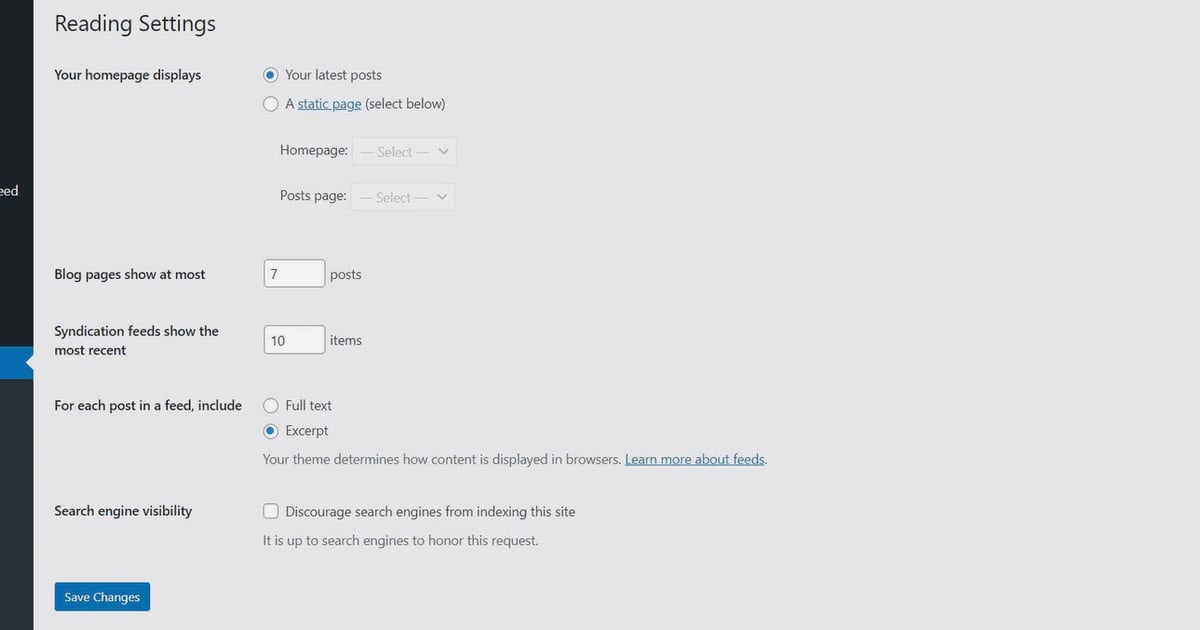
WordPress SEO: A Practical Guide to Rank Higher
WordPress powers a huge share of the web, but simply publishing content does not guarantee visibility in search results. WordPress SEO is the practice of configuring your site, structuring your content, and using the right tools so search engines can find, understand, and rank your pages. This guide walks through the essential settings, plugin choices, and content workflows that make a measurable difference.
Why WordPress SEO Matters
Search engines need clear signals to decide which pages deserve to appear for a query. WordPress gives you a strong foundation, but default settings often leave opportunities on the table. By taking control of indexing, metadata, site structure, and content quality, you improve the odds that your pages appear for the terms your audience actually searches.
Step 1: Make Sure Your Site Is Visible to Search Engines
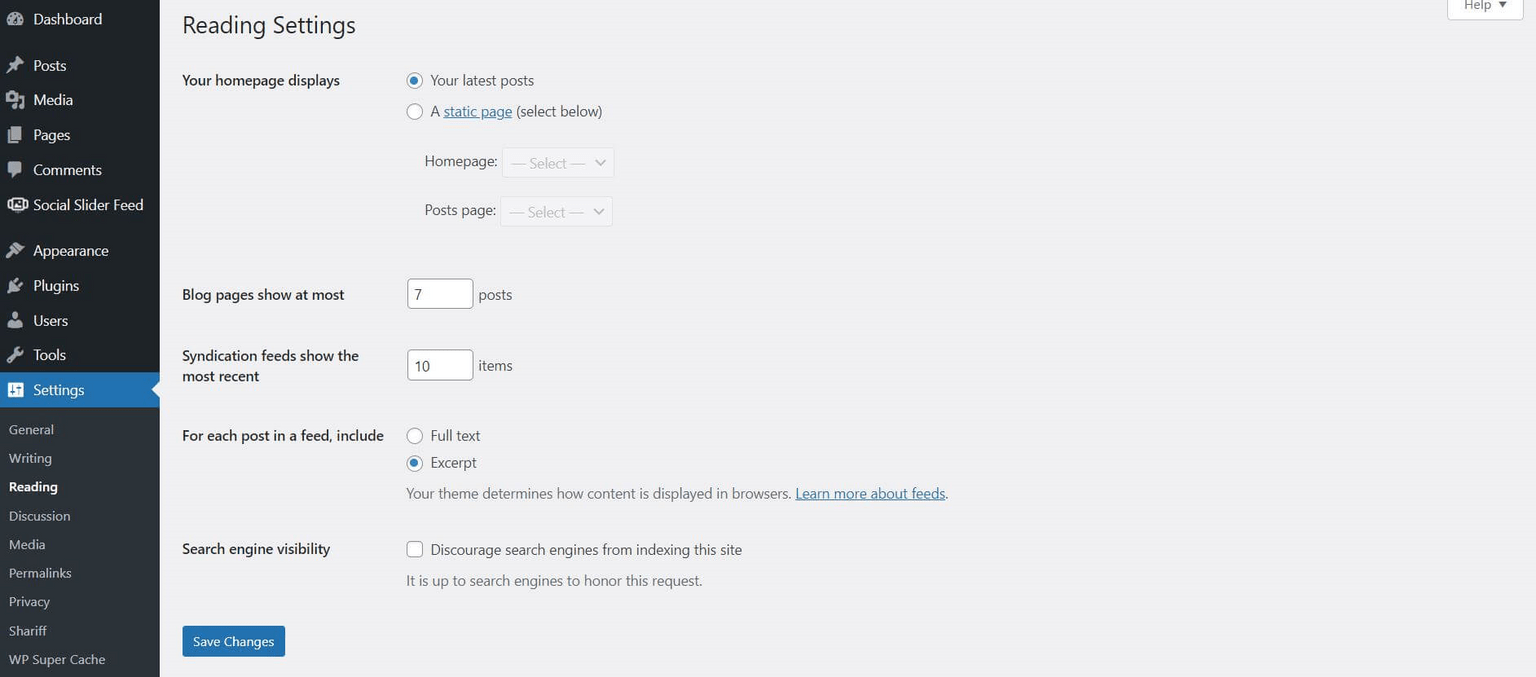
WordPress SEO: A Practical Guide to Rank Higher - Step 1: Make Sure Your Site Is Visible to Search Engines.
Before any optimization, confirm that search engines are allowed to index your site. In WordPress, go to Settings → Reading and ensure the checkbox labeled “Discourage search engines from indexing this site” is unchecked. If you are using a staging environment or a temporary domain, search engines will not index it by default, so you will need to either connect a custom domain or adjust your robots.txt file.
After making your site public, verify it with Google Search Console. This free tool shows you how Google sees your site, reports indexing issues, and provides performance data. Verification is not strictly required for indexing, but it accelerates discovery and gives you actionable insights.
Step 2: Choose and Configure an SEO Plugin
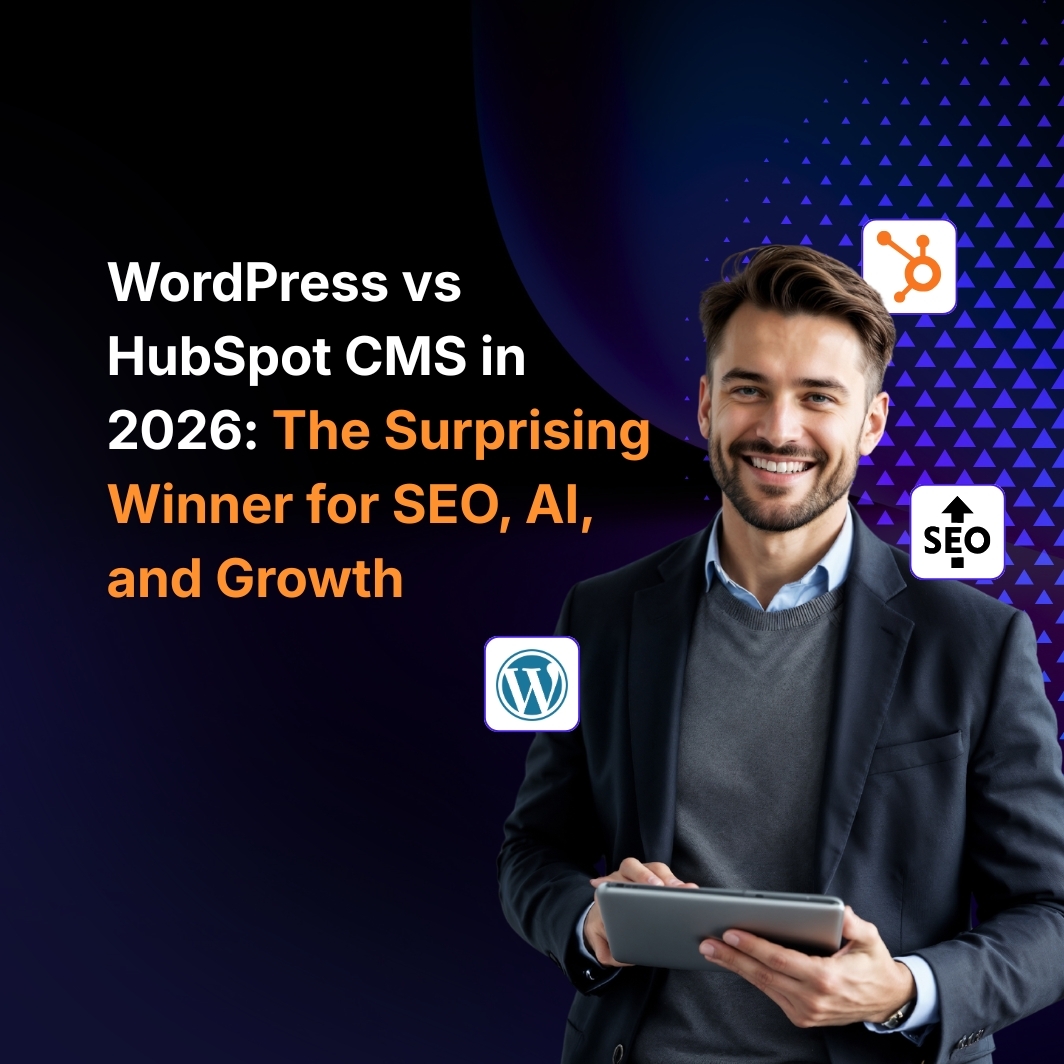
WordPress SEO: A Practical Guide to Rank Higher - Step 2: Choose and Configure an SEO Plugin.
While WordPress handles many SEO basics automatically, a dedicated plugin gives you granular control. Yoast SEO is one of the most widely used options, offering real-time content analysis, schema markup, and AI-assisted suggestions. Other popular choices include Rank Math and All in One SEO.
When setting up a plugin, run its configuration wizard. This ensures correct meta tags, canonical URLs, and XML sitemaps. Avoid installing multiple SEO plugins simultaneously, as they can conflict and cause errors.
If you want a step-by-step walkthrough for Yoast, see our Yoast SEO tutorial covering installation, settings, and on-page optimization.
Step 3: Optimize Your Content Structure
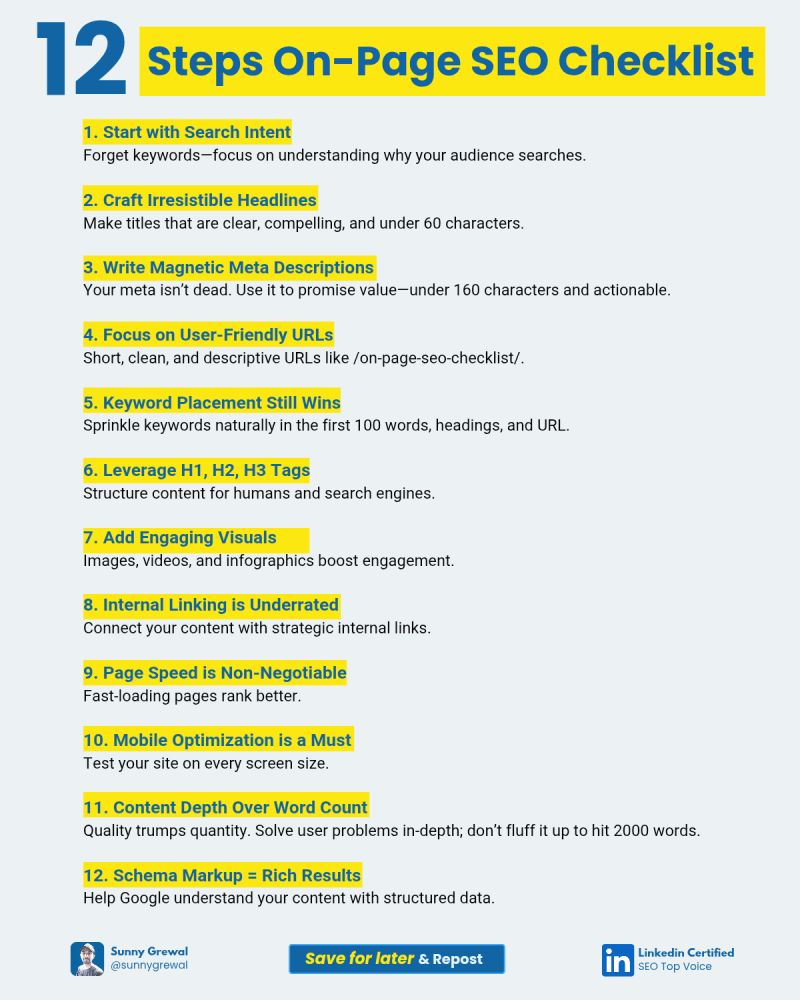
WordPress SEO: A Practical Guide to Rank Higher - Step 3: Optimize Your Content Structure.
Search engines rely on headings, URLs, and internal links to understand what a page is about.
- Headings: Use one H1 per page, then organize sections with H2 and H3 subheadings. This improves readability and helps crawlers grasp the hierarchy.
- URLs: Keep slugs short and descriptive. Remove stop words when possible, but prioritize clarity.
- Internal links: Link between related posts and pages. This distributes authority and helps search engines discover new content. For a deeper look at building authority through linking, read Topical Authority: How to Build It and Rank Higher.
Step 4: Write Compelling Meta Titles and Descriptions
Meta titles and descriptions influence click-through rates from search results. Include your target keyword naturally, describe what the page offers, and keep the description between 150–160 characters. Each page should have a unique meta description. While search engines may rewrite snippets, a well-crafted description still guides users.
Step 5: Describe Your Images
Search engines cannot see images, but they read alt text. Add descriptive alt text to every image, especially those that convey important information. This improves accessibility and can drive traffic from image search.
Step 6: Publish Consistently and Promote Your Content
Regular publishing signals to search engines that your site is active. You do not need to post daily, but a consistent schedule helps. Share new content on social media and build backlinks through outreach or guest posting. The more organic traffic you earn, the more search engines trust your site.
Scaling WordPress SEO with Automation
As your site grows, manual optimization becomes time-consuming. This is where automation can help. Tools like AgentBooks connect product understanding, keyword planning, and content creation in one workspace. It crawls your website to build a source of truth, generates a categorized keyword plan, and publishes articles with approval workflows. For teams managing multiple sites or large content libraries, this approach reduces repetitive tasks while maintaining quality. You can explore how it works with a free trial.
Common WordPress SEO Mistakes to Avoid
- Leaving the site in “discourage indexing” mode.
- Using the same meta description across multiple pages.
- Ignoring mobile responsiveness.
- Keyword stuffing instead of natural language.
- Forgetting to update plugins and WordPress core.
Related reading
- How to Use Machined: A Practical Beginner's Guide - Learn how to use machined tools and parts safely: setup, operation, maintenance, and troubleshooting, with practical examples for workshops and digital workflows.
Sources and further reading
- Optimize your website for search engines (SEO) - Learn how to optimize your WordPress.com site for search engines like Google, from privacy settings and keywords to meta descriptions and SEO tools.
- How do you incorporate SEO into your Wordpress site? - Reddit - Mar 15, 2024 ... Comments Section · Optimize Your WordPress Settings: · Choose an SEO-Friendly Theme · Use SEO Plugins · Create High-Quality Content · Optimize ...
FAQ
How long does it take for WordPress SEO to show results?
It can take several weeks to months. New sites may need 2–6 weeks just to be indexed, and ranking improvements depend on competition and content quality.
Do I need an SEO plugin for WordPress?
Not strictly, but plugins simplify technical tasks like sitemaps, schema, and meta tags. They also provide content analysis that helps you optimize as you write.
What is the most important WordPress SEO factor?
High-quality, relevant content that satisfies search intent is the foundation. Technical setup ensures that content can be found, but content quality drives rankings.
Can I use multiple SEO plugins?
No, using more than one SEO plugin is not recommended because they can conflict and cause errors.
Conclusion
WordPress SEO is not about a single trick; it is a combination of proper configuration, consistent content creation, and smart use of tools. Start with the basics: make your site indexable, configure an SEO plugin, and structure your content for both users and search engines. As you grow, consider workflows that scale your efforts without sacrificing quality. For a broader view of scaling content operations, see our guide on enterprise content automation.