Surfer Content Editor: A Practical Guide to Smarter On-Page Optimization
Surfer Content Editor is one of the most widely recognized on-page SEO tools for writers, agencies, and in-house marketing teams. It turns the guesswork of "Is this article optimized enough?" into a live, data-backed checklist. Instead of writing first and optimizing later, you write and optimize at the same time.
The tool analyzes top-ranking pages for a target keyword and distills hundreds of signals into actionable guidelines: suggested word count, terms to include, heading structure, image count, and more. This article explains how Surfer Content Editor works, what it does well, where it fits in a content workflow, and how newer autonomous platforms compare when you need to scale beyond manual optimization.
What Is Surfer Content Editor?

Surfer Content Editor: How It Works and Smarter Alternatives - What Is Surfer Content Editor?.
Surfer Content Editor is a cloud-based writing and optimization environment. You enter a target keyword and location, and Surfer analyzes the current top results on Google. It then builds a live brief that updates as you write.
The core output is the Content Score, a real-time metric that reflects how closely your draft matches the structural and topical patterns of competing pages. Surfer says it analyzes more than 500 ranking factors, including keyword usage, entity extraction, link equity, content relevance, topic coverage, and topical authority.
In practice, that means you see:
- A recommended word count range based on ranking competitors
- Terms and phrases to include, often grouped by importance
- Questions to answer and headings to consider
- Suggested image count and structure
- Real-time feedback as your score moves up or down
The goal is not to copy competitors. It is to understand what Google currently rewards for that query and close the gap between your draft and the best-performing pages.
How Surfer Content Editor Works
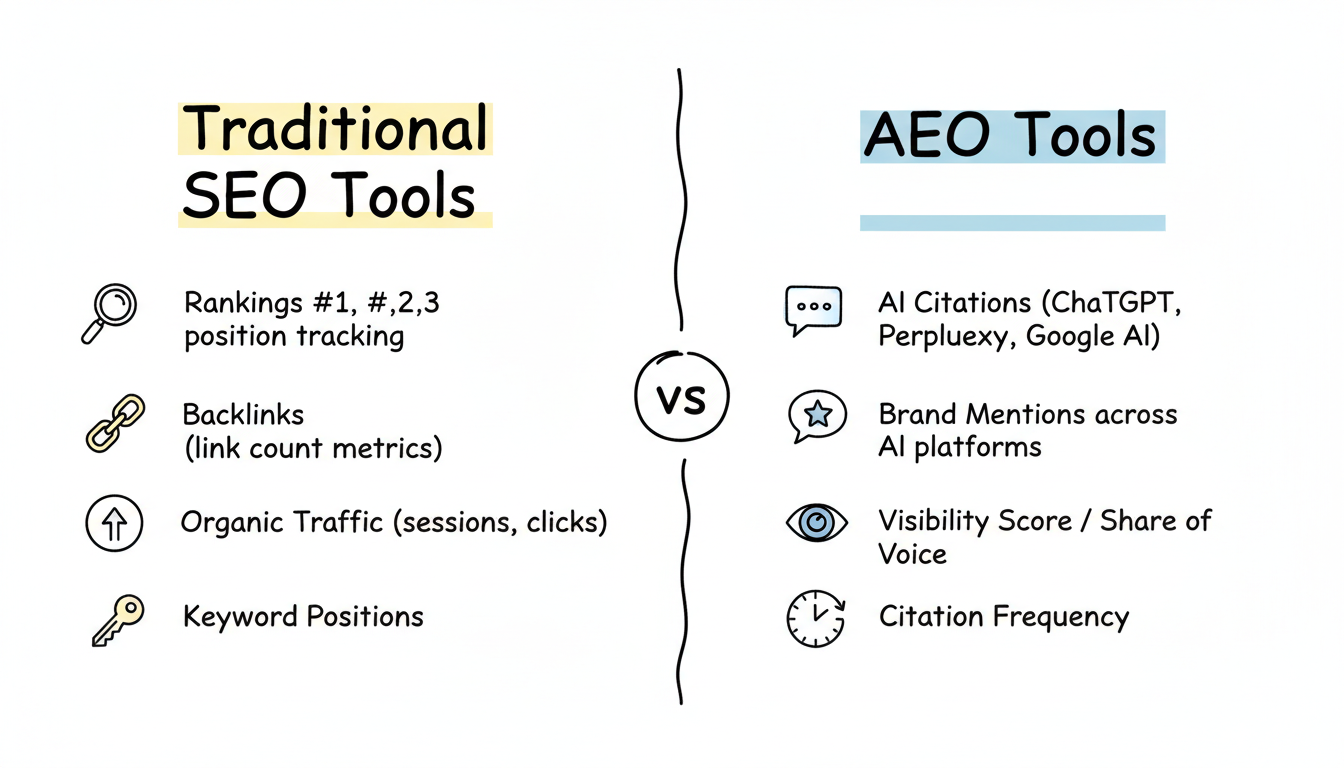
Surfer Content Editor: How It Works and Smarter Alternatives - How Surfer Content Editor Works.
The workflow follows a simple loop: research, write, optimize, publish.
1. Create a Content Brief
You start by entering a primary keyword and choosing a target location. Surfer scans the SERP and builds a brief. The built-in Outline Builder can generate a detailed outline with potential headings and questions pulled from competing pages. This is useful when you need a starting structure quickly, especially for writers who are new to a topic.
2. Write with Real-Time Feedback
As you type, the Content Score updates. The terms panel shows which relevant words and phrases you have used and which are still missing. This live loop keeps you from finishing a draft only to discover it needs major restructuring.
The editor also includes Surfy, Surfer's AI writing assistant. You can ask it to rewrite a paragraph in active voice, add an example, back up a claim with a statistic, or expand on a point. The newer Custom Voice feature attempts to match your brand tone while keeping the copy SEO-friendly.
3. Optimize with Automation
Auto-Optimize analyzes your draft against competitors and suggests or applies changes to boost the Content Score. It can add relevant terms, rewrite sections, or expand thin areas while aiming to preserve a human tone.
Auto Internal Links scans your domain, finds relevant anchor text, and inserts internal links automatically. For teams managing large sites, this removes one of the most tedious parts of publishing.
4. Publish and Collaborate
Surfer includes a plagiarism checker, version history, comments, and mentions for team collaboration. There is also a WordPress plugin that brings real-time guidelines into WordPress and supports one-click export. If you work with external writers, you can share an editable Content Editor link without giving them access to your full Surfer account.
Key Features at a Glance
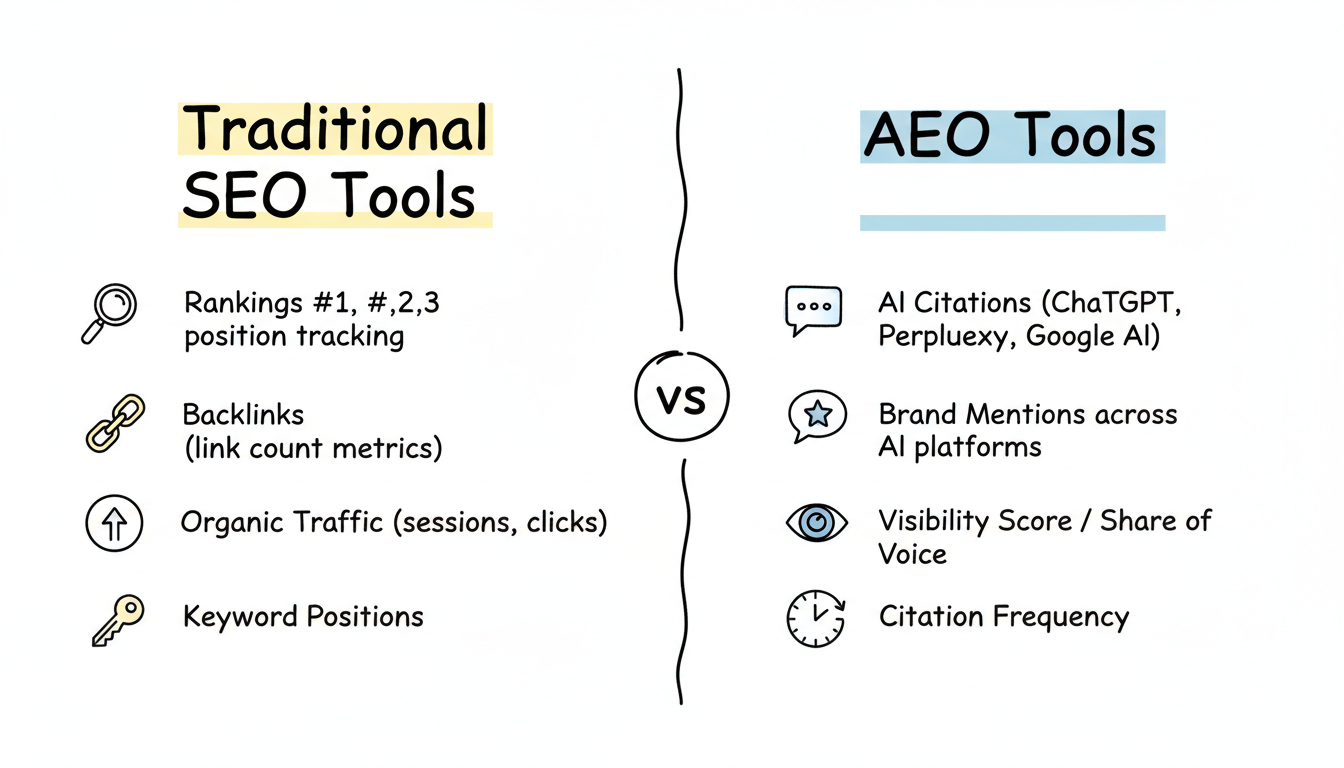
Surfer Content Editor: How It Works and Smarter Alternatives - Key Features at a Glance.
| Feature | What It Does |
|---|---|
| Content Score | Real-time metric comparing your draft to top-ranking pages |
| Outline Builder | Generates headings and questions from competitor analysis |
| Terms panel | Lists relevant keywords and entities to include |
| Surfy AI assistant | Rewrites, edits, and expands text inside the editor |
| Auto-Optimize | Automatically improves score by adding or rewriting sections |
| Auto Internal Links | Finds and inserts internal links across your domain |
| Plagiarism checker | Pre-publish originality check |
| WordPress plugin | Live guidelines and export inside WordPress |
| Shareable editor links | Collaborate with external writers without sharing account access |
Where Surfer Content Editor Fits Best

Surfer Content Editor: How It Works and Smarter Alternatives - Where Surfer Content Editor Fits Best.
Surfer Content Editor is strongest when you have a defined keyword, a writer who understands the topic, and a need for structured optimization. It works well for:
- Agencies managing multiple client sites with consistent quality standards
- In-house teams that want a repeatable optimization checklist
- Freelance writers who need clear briefs without back-and-forth edits
- Existing content refreshes where you paste a URL and get updated guidelines
It is less ideal if you need the research, topic planning, and publishing to happen without manual oversight. Surfer still requires a person to pick keywords, review briefs, write or approve drafts, and manage the publishing workflow.
Surfer Content Editor vs. Autonomous Content Platforms
Surfer Content Editor is an optimization layer. It assumes you already know what to write about and have someone to write it. That is a meaningful distinction when you compare it to autonomous content growth platforms like AgentBooks.
AgentBooks approaches the problem from the other direction. Instead of optimizing a single draft, it treats the entire content operation as a system. You share your website once, and the platform learns your product, maps your market, plans topics, researches organic results, and continuously publishes useful content in your brand voice.
The practical difference:
- Surfer Content Editor helps a writer make one article better against one SERP.
- AgentBooks removes the manual bottleneck of deciding what to write next, researching it, drafting it, and publishing it consistently.
These are not mutually exclusive. A team could use Surfer for high-touch, high-value pages while an autonomous platform handles the long tail of educational content, FAQs, and comparison pages that need to exist but do not justify hours of manual optimization.
For a deeper look at how AI agents are changing marketing workflows, see this practical guide to agentic marketing.
Common Workflow Challenges
Running Out of Topics
Surfer helps you optimize a topic you already have. It does not tell you which topics to pursue next. Teams often stall because the keyword research phase becomes a separate, manual process. Autonomous platforms address this by continuously mapping the market and planning topics from your product knowledge.
Manual Draft Bottlenecks
Even with Surfy and Auto-Optimize, someone still has to write the first draft or review an AI-generated one. For sites that need dozens of pages per month, this becomes the limiting factor. An approval-first or autopilot workflow, like the one AgentBooks offers, shifts the bottleneck from creation to review.
Losing Brand Context
A common complaint with AI writing tools is that the output sounds generic. Surfer addresses this with Custom Voice, but brand context still lives mostly in prompts and style guides. Platforms that extract product knowledge directly from your website and use it in every piece of content reduce the risk of off-brand drafts.
Inconsistent Publishing
Optimization tools do not solve consistency. You still need a calendar, a process, and someone to execute it. The value of an always-on content engine is that publishing happens on a schedule without a human remembering to push the button.
How to Choose the Right Tool
Ask yourself three questions:
Do you have a clear keyword strategy already? If yes, Surfer Content Editor is a strong optimization companion. If no, you need a topic planning layer first.
Do you have writers who can execute? If yes, Surfer makes them faster and more consistent. If no, an autonomous platform that drafts and publishes for you may be a better fit.
What is your publishing volume goal? For a few high-value pages per month, manual optimization is fine. For 20, 50, or 100+ pages, automation becomes necessary.
If you are already using WordPress and want to tighten your on-page workflow, a complete Yoast SEO setup guide can complement your optimization stack. Yoast handles technical and readability checks, while Surfer focuses on SERP-driven content guidelines.
Related reading
- Yoast SEO Setup: Complete First-Time Configuration Guide - Learn how to set up Yoast SEO step by step: first-time configuration, site representation, content types, advanced settings, and post-level optimization.
- QuickCreator CRM: Turn Content Into a Lead Pipeline - Learn how QuickCreator's CRM integration and Conversion Agent turn blog traffic into tracked, synced leads—and how AgentBooks compares for autonomous content growth.
- ContentBot.ai Tutorial: Automate Content Workflows Step by Step - Learn how to use ContentBot.ai in this practical tutorial: setup, AI workflows, keyword research, long-form content, and automation tips.
Sources and further reading
- Positive Surfer - Content Editor - Uncover the optimal text length, keyword density, structured data and much more based on what's happening on the first page in Google with Surfer. Start writing and optimizing at the same time!
- Surfer SEO App - Contentful - Scale up your content to a whole new level with the Surfer App. With the built-in Content Editor, effortlessly optimize articles with on-screen SEO guidelines ...
- How to Use Surfer's Content Editor: A Complete Guide - See Live demo of Surfer + How you can use Surfy to improve how you write & optimize content on November 7th, 6 PM CET: https://surferseo.com/events/surfer-de...
Frequently Asked Questions
What is the Surfer Content Score?
The Content Score is a real-time metric that measures how closely your draft matches the structural and topical patterns of top-ranking pages for your target keyword. It is based on Surfer's analysis of hundreds of ranking factors.
Can Surfer Content Editor optimize existing content?
Yes. You can paste content from an existing URL, import it from another writing tool, or write directly in the editor. Surfer generates updated guidelines for the target keyword, and Auto-Optimize can suggest improvements for existing pages.
Does Surfer Content Editor work in languages other than English?
Surfer supports all languages. The guidelines are generated from the SERP for your chosen location, so you can optimize content for any market where Google has enough ranking data.
Is Surfer Content Editor suitable for teams?
Yes. It includes comments, mentions, version history, shareable editor links for external writers, and a WordPress plugin. These features are designed to reduce bottlenecks in team publishing workflows.
How does Surfer Content Editor compare to autonomous content platforms?
Surfer is an optimization tool that requires a writer and a defined keyword. Autonomous platforms like AgentBooks handle the full pipeline: topic planning, research, drafting, and publishing. They solve different problems and can work together in a larger content operation.
Does Surfer help with AI search visibility?
Surfer positions its toolkit as supporting both Google rankings and AI citations. The Content Editor's topical coverage guidelines are designed to improve the likelihood of being cited in AI-generated answers, and Surfer offers separate tools like AI Tracker for measuring AI visibility.
Conclusion
Surfer Content Editor remains one of the most practical tools for writers who want real-time, SERP-driven optimization. Its Content Score, terms panel, Outline Builder, and automation features remove much of the guesswork from on-page SEO.
But optimization is only one part of content growth. If your bottleneck is topic planning, drafting, or consistent publishing, a tool that optimizes a single article will not solve it. The most effective content operations combine strong optimization for high-value pages with automation for the long tail of content that keeps a site growing.
Whether you choose Surfer, an autonomous platform like AgentBooks, or both, the goal is the same: publish useful content that earns organic traffic without turning your team into a manual publishing machine.